4-73
PDW-700/V1 (E)
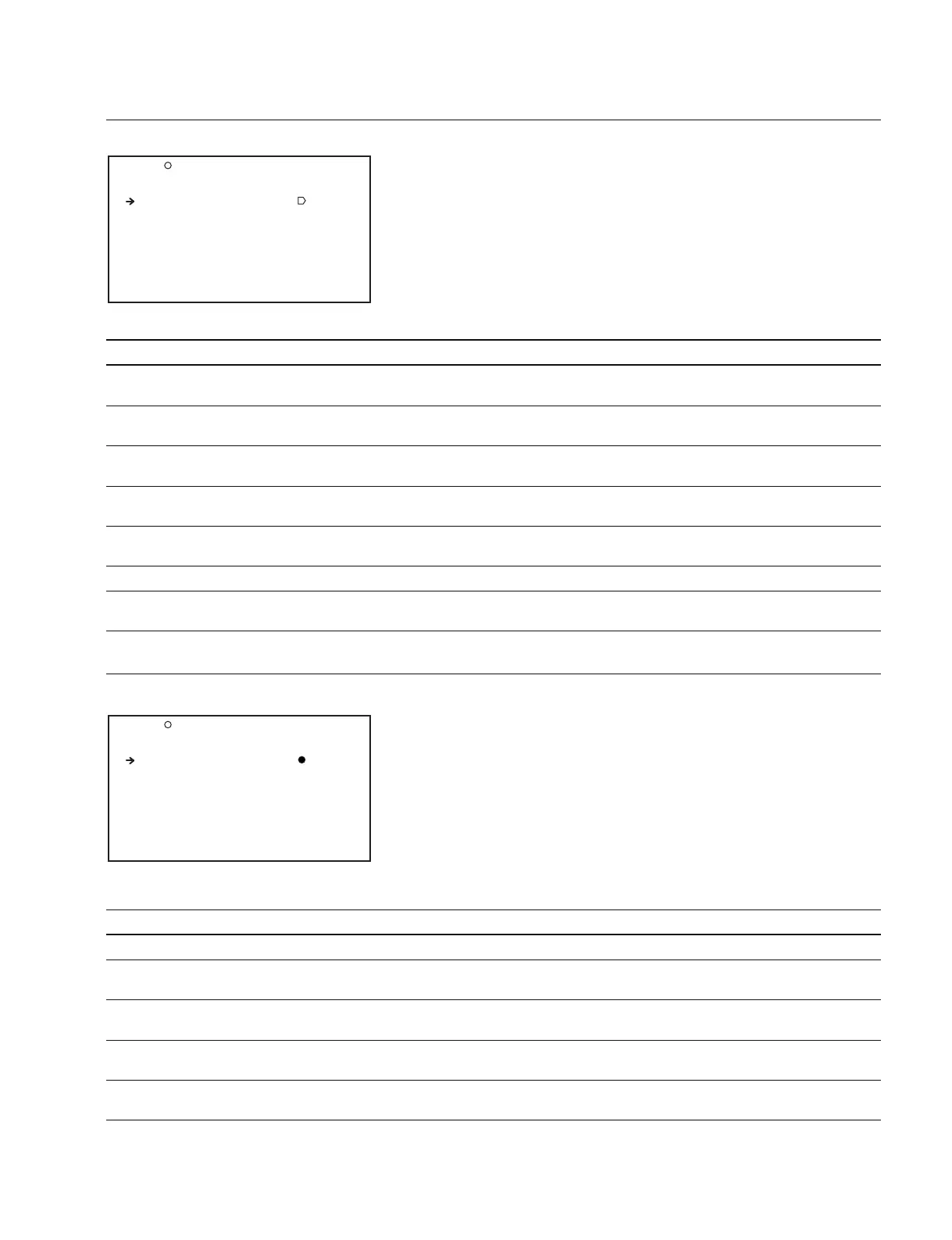
S05 SHADING TOP
AUTO WHT SHADING: EXEC
RESET WHT SHD : EXEC
AUTO BLK SHADING: EXEC
RESET BLK SHD : EXEC
2D BLACK SHADING: OFF
TEST OUT SELECT : VBS
MASTER GAIN(TMP): 0dB
SHADING
Item Setting Function
AUTO WHT SHADING Press the MENU knob Starts to the auto white shading adjustment
to execute this menu item
RESET WHT SHD Press the MENU knob Returns the white shading value to the default value when shipped from
to execute this menu item the factory (SAW/PARA)
AUTO BLK SHADING Press the MENU knob Starts to the auto black shading adjustment
to execute this menu item
RESET BLK SHD Press the MENU knob Returns the black shading value to the default value when shipped from
to execute this menu item the factory (SAW/PARA or 2D)
2D BLACK SHADING OFF/ON Turns ON/OFF the function that sets whether to apply 2D black shading
(area shading)
TEST OUT SELECT VBS/Y/R/G/B/LCD Selects the video signal of the TEST OUT connector
MASTER GAIN (TMP) -6/-3/0/3/6/9/12/ Temporarily adjusts the master gain value
18/24/30/36/42 dB
VCO ADJUST
Item Setting Function
TEST OUT SELECT VBS/Y/R/G/B/LCD Selects the video signal of the TEST OUT connector
CLK OUT SELECT OFF/HDCK (N)/HDCK (P)/ Outputs the clock from the TEST OUT connector
SDCK
HDCK (NTSC AREA) -99 to 99 Adjusts the transmitting frequency of HD
Adjusts the HDCK (N) output to be 37.0879 MHz
HDCK (PAL AREA) -99 to 99 Adjusts the transmitting frequency of HD
Adjusts the HDCK (P) output to be 37.125 MHz
SDCK -99 to 99 Adjusts the transmitting frequency of SD
Adjusts the SDCK output to be 27 MHz
S06 VCO ADJUST TOP
TEST OUT SELECT : VBS
CLK OUT SELECT : OFF
HDCK(NTSC AREA) : 0
HDCK(PAL AREA) : 0
SDCK : 0



 To Next Page