11.7 Project configuration
Project your drives using our SERVOsoft designing software. Download SERVOsoft for free at https://
www.stoeber.de/en/ServoSoft.
It is the most convenient and reliable method of drive selection, as the entire torque/speed curve of the ap-
plication is displayed and evaluated here in the curve of the geared motor.
In this chapter, only limit values for specific operating points can be taken into consideration for manual
drive selection.
An explanation of the formula symbols can be found in Chapter Symbols in formulas.
The formula symbols for values actually present in the application are marked with *.
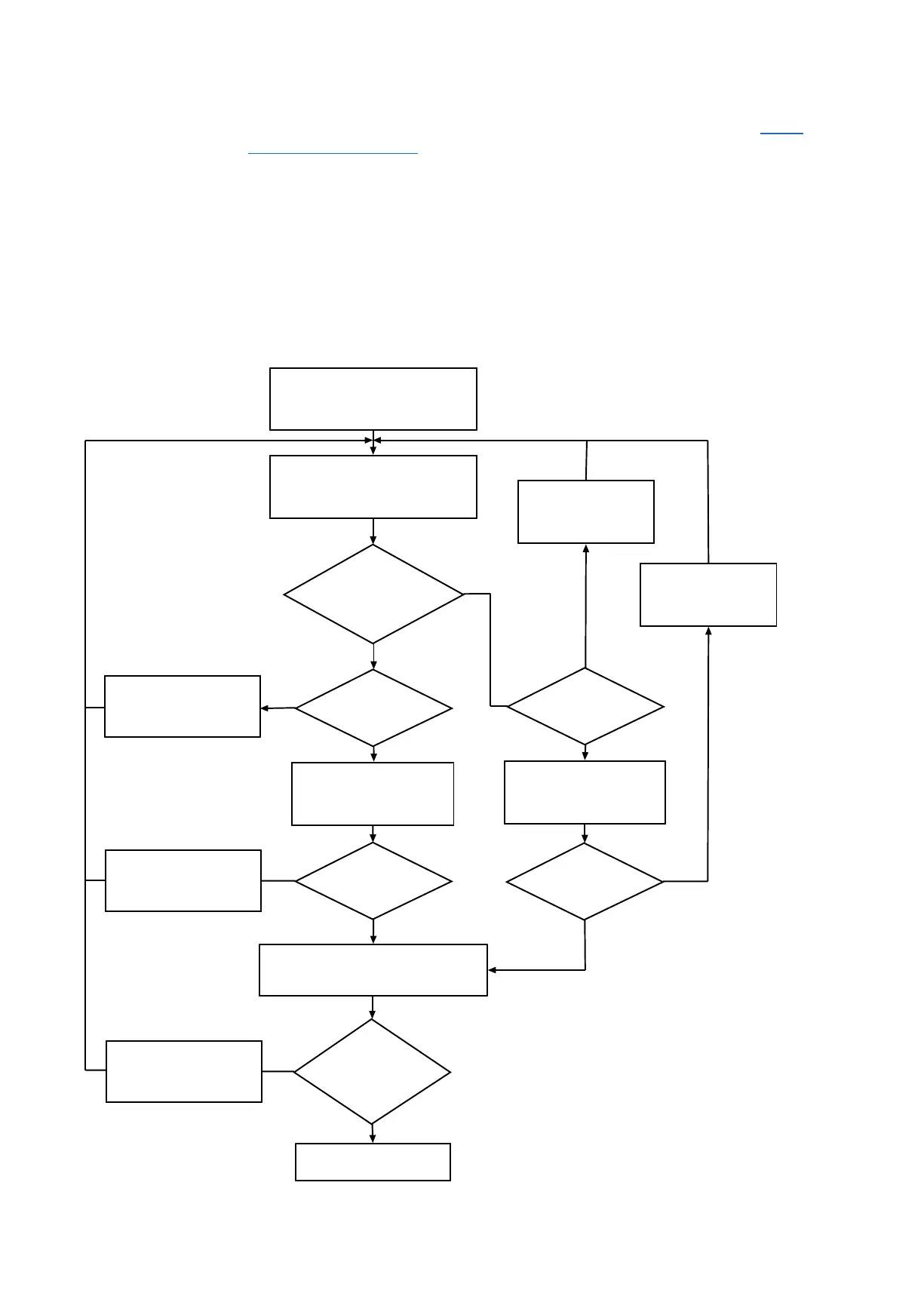
11.7.1 Drive selection
Determine the motor size
Motor selection finished
Determine the actual torques
Yes
Select a larger motor
No
No
Yes
Motor with convection
cooling?
Yes
Select a larger motor
No
Determine the actual
motor speeds
Determine the actual
motor speeds
Yes
Yes
No
No
Select a
motor with a
higher
nominal speed nN
Select a
motor with a
higher
nominal speed nN
Yes
No
Fax* ≤ Fax100
Frad* ≤ Frad100
Frad,eq* ≤ Frad
Mk* ≤ Mk100
Mk,eq* ≤ Mk
Determine the actual
shaft load
Select a larger motor
The value for M
lim
, M
limK
, M
limF
, M
max
, n
1limK
and n
1limF
can be found in the motor characteristic curve in the
chapter [}11.3]. Note the size, nominal speed n
N
and cooling type of the motor.
11 EZsynchronous servo motors 11.7 Project configuration
411


 To Next Page