5.4 INITIALIZE
Use to initialize the settings, stored data file, etc. and to check the memory.
(1) From the Main menu, press [Special Operate]
Æ [Service] Æ [Initial] keys.
Initial
Ready
Replace Rack? YES!
Sysmex
Return
IP
Init. QC Data
Init. Stored Data
Init. Settings-1
Init. Entire Memory
Init. Settings-2
Verify Control Tbl
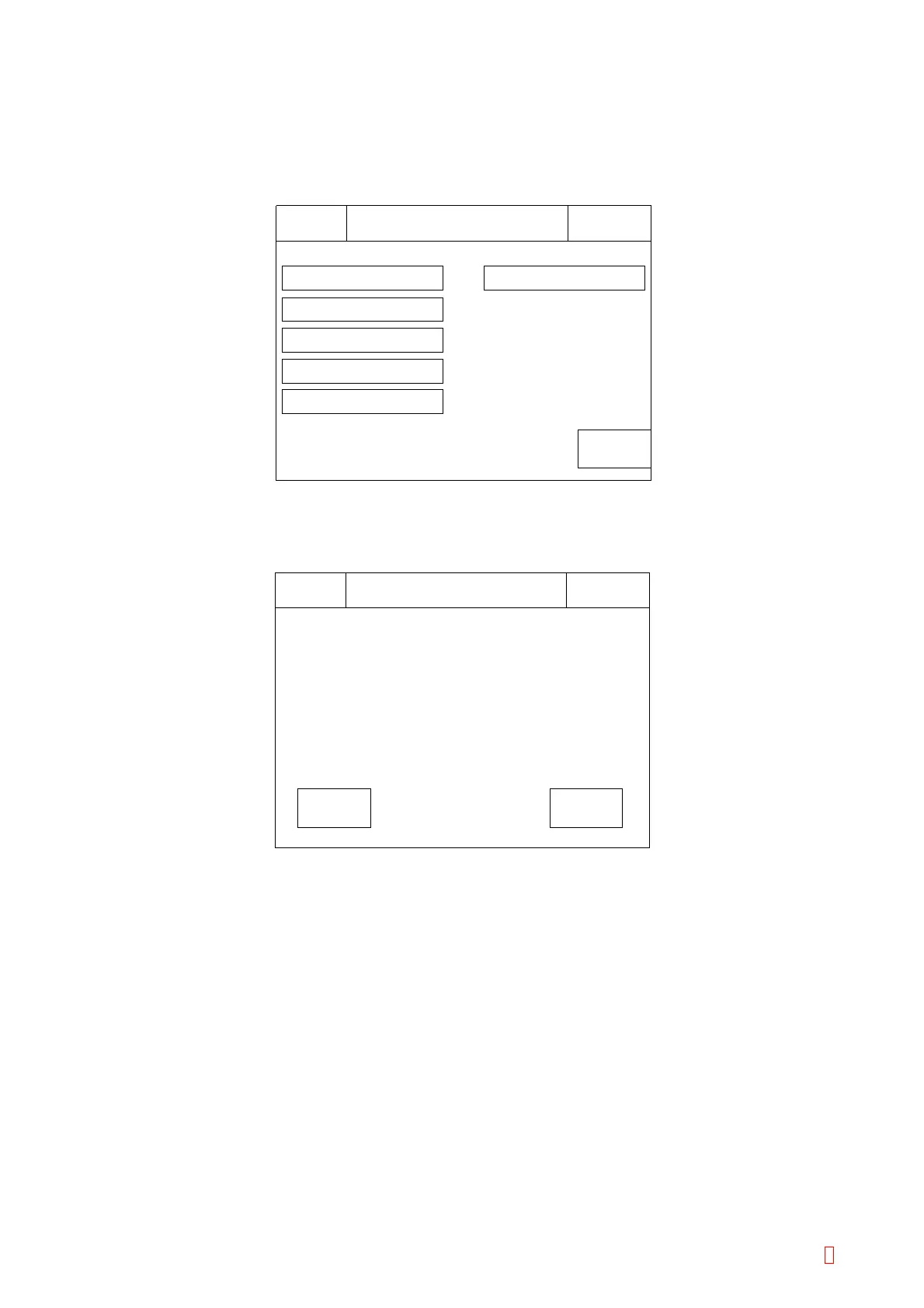
Figure 5-4-1: Initial Menu Screen
(2) Press a desired menu key, then the confirmation screen will appear.
Set
Initialize XXXXXX?
Sysmex
Ready
Replace Rack? YES!
IP
Cancel
Figure 5-4-2: Initializing Confirmation Screen
(3) Press the appropriate key.
[Set]: To start initializing.
[Cancel]: To cancel initializing.
5.4.1 Initializing Stored Data
Initialize all stored data (300 samples) and all coagulation curve data (600 tests).
(1) Press [Int. Stored Data] key, then the confirmation screen will appear.
(2) Press the appropriate key.
[Set]: To start stored data initializing. When completing, the “Initial” screen will appear.
[Cancel]: To cancel stored data initializing, and return to the “Initial” screen.
CA-500 Series S/M 5-5 Revised December 2001 8



 To Next Page