CA-500 Series S/M 5-1 Revised May 2003
13 ECR 303C012
SECTION 5 SERVICE PROGRAM
5.1 SERVICE MODE
5.1.1 Starting and quitting the Service Mode
To start the service mode.
(1) Press [ID No. Entry] key on the “Ready” screen, then the ID No. entry screen will be displayed.
(2) Press "C", "9", "-", "0", [Enter] and [Quit] keys.
To quit the service mode.
(1) Press [ID No. Entry] key on the “Ready” screen, then the ID No. entry screen will be displayed.
(2) Press "C", "0", [Enter] and [Quit] keys.
NOTE: “Light Shield Open “ error is skipped during entering Service Mode.
When entered Service mode, [Special Calibration] key is added in Analysis settings
screen. However do not change parameters in Special Calibration screen. (New main
board (PCB NO.6373) only) 13
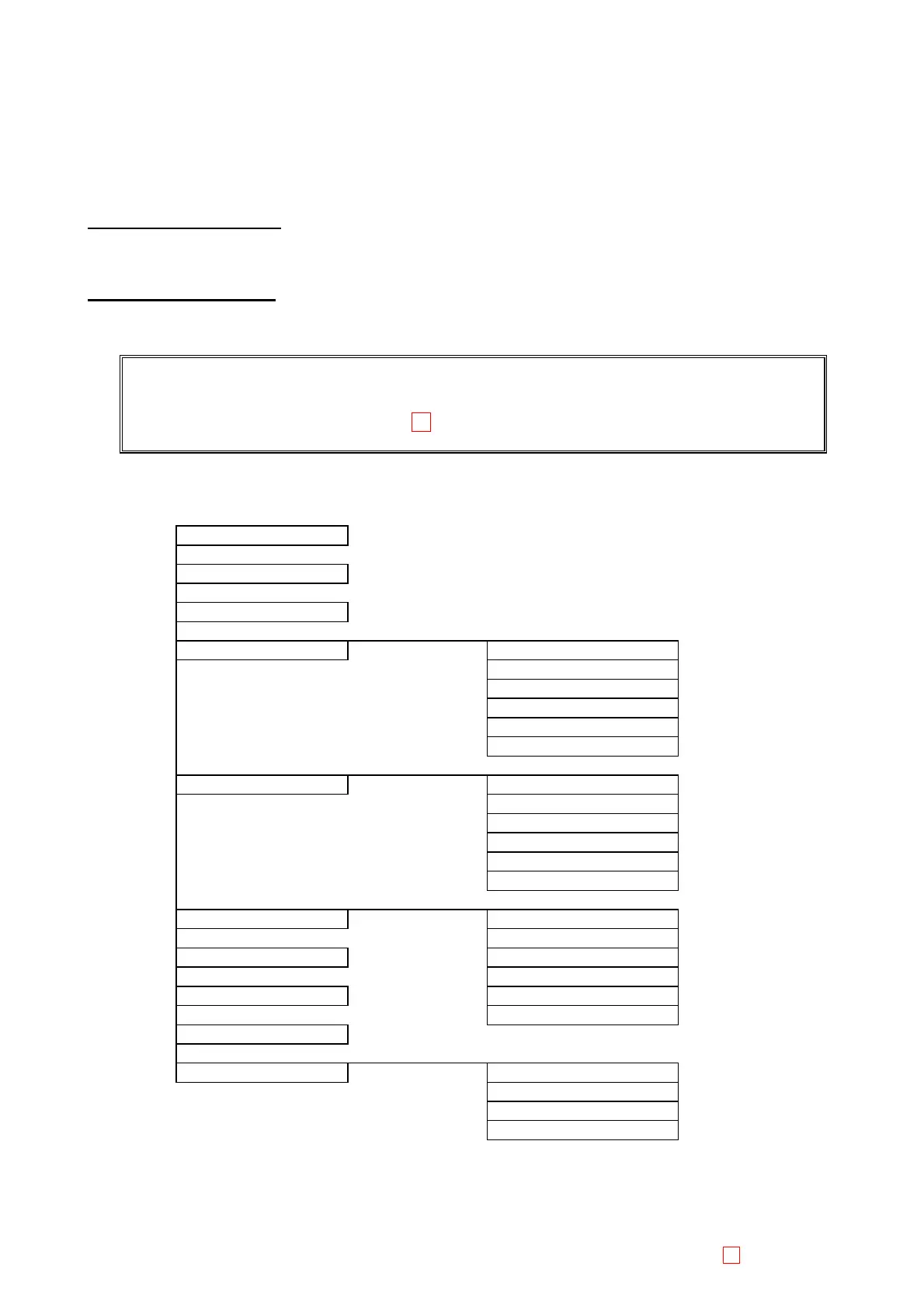
5.1.2 Menu Structure
Special Operate
Service
Service Setting
Adjust Mecha Position
Detector Gain
Temp. Control
Adjust. Of Pump
Trans. Light Calib
Adjust Data Print
Initial Init. Stored Data
Init. QC Data
Init. Settings-1
Init. Entire Memory
Init. Settings-2
Verify Control Tbl
Test Menu Drain Liquid
Dispense Volume
Flag Threshold Full Power
Reagent Temp.
Test Mode Tube Transfer Test
Catcher Test
Reag. Vial Settings
Print Service Set. Service Setting
Flag Threshold
Test Mode
Reag. Vial Settings



 To Next Page