5.10 LED CALIBRATION SETTING
When entering the Service Mode, the setting of Calibration is added in customer setting menu.
(1) Enter the service mode. (See Section 5.1.1)
(2) From the main menu, press [Special Menu]
Æ [Special Operate] Æ [LED Calibration] keys, then the LED
Calibration Menu screen will be displayed.
㪪㫐㫊㫄㪼㫏 㪩㪼㪸㪻㫐 㪟㪚㩷㩷㪠㪧
㪩㪼㫇㫃㪸㪺㪼㩷㪩㪸㪺㫂㪖㩷㩷㩷㪰㪜㪪㩸
㪣㪜㪛㩷㪚㪸㫃㫀㪹㫉㪸㫋㫀㫆㫅
㪚㪸㫃㫀㪹㫉㪸㫋㫀㫆㫅
㪛㪼㫋㪼㪺㫋㫆㫉㩷㪪㫋㪸㫋㪼
㪚㪸㫃㫀㪹㫉㪸㫋㫀㫆㫅㩷㪪㪼㫋㫋㫀㫅
㪤㪸㫀㫅㩷㪤㪼㫅㫌
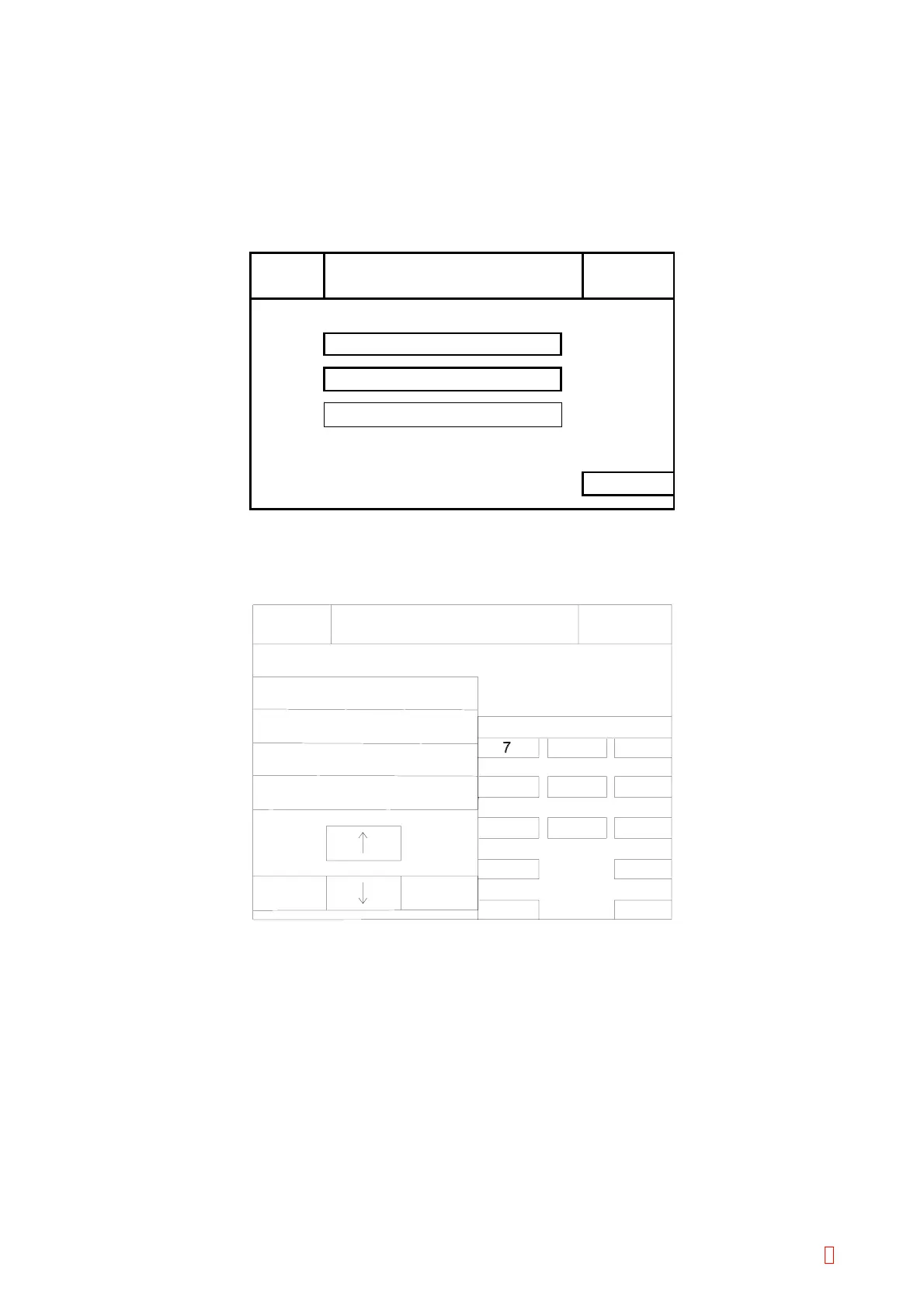
Figure 5-10-1: LED Calibration Menu Screen
(3) Press [Calibration Setting] key, then the LED Calibration Setting screen will be displayed.
Warning Limit (DA)
Error Limit (DA)
Adjustment Cycle
LED Calibration
50
70
31
ON
3
Quit
Enter
6
9
LED Calibration Setting
Next
C
4
1
0
5
2
8
Ready
Replace Rack? YES!
Sysmex
IP
Next
Option
Figure 5-10-2: LED Calibration Setting Screen
[n] and [p] Keys
Use to move cursor. The selected item is displayed in reversed.
CA-500 Series S/M 5-22 Revised December 2001 8



 To Next Page