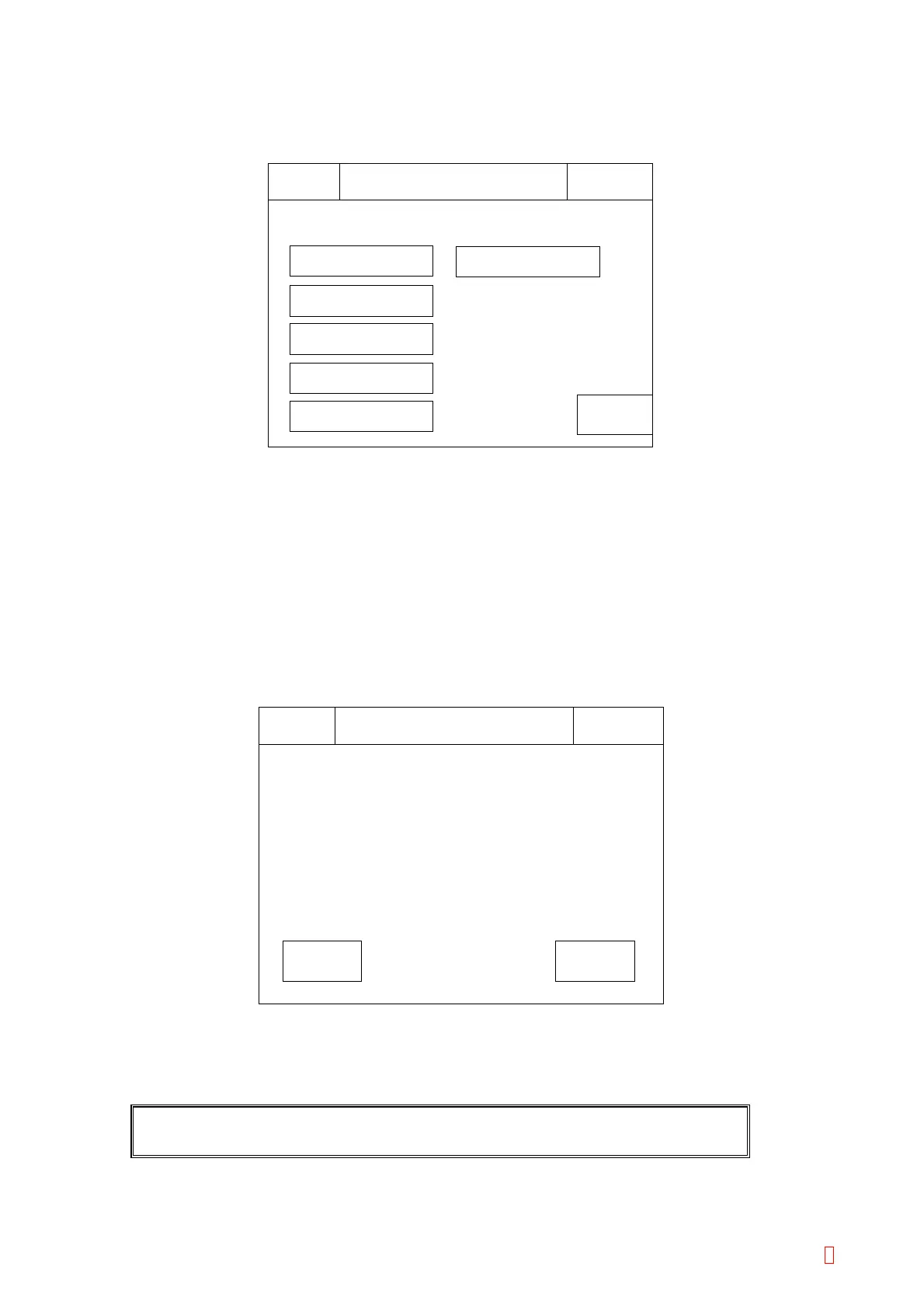
5.5 TEST MENU
(1) From the Main menu, press [Special Operate]
Æ [Service] Æ [Test Menu] keys.
Return
Test Menu
IPReady
Replace Rack? YES!
Sysmex
Drain Liquid
Dispense Volume
Full Power
Reagent Temp.
Tube Trans Test
Catcher Test
Figure 5-5-1: Test Menu Screen
(2) Press a desired key to start test.
(3) Press [Return] key to return to the service menu screen.
5.5.1 Drain Liquid
For shipment, draining the liquid from the instrument, use two operations.
(1) Press [Special Operate]
Æ [Service] Æ [Test Menu] Æ [Drain Liquid] keys to start, then the following
screen will be displayed.
CancelSet
IPReady
Replace Rack? YES!
Sysmex
Water Drain Process 1?
Drain Liquid
Figure 5-5-2: Drain Liquid Confirmation Screen
Water Drain Process 1
This process discards the liquid in the Rinsing bottle, then select the appropriate key.
CAUTION: Be careful when opening the rinsing bottle as it is pressurized.
CA-500 Series S/M 5-9 Revised December 2001 8



 To Next Page