5.7 TEST MODE
(1) Press [Special Operate]
Æ [Service] Æ [Test Mode] keys to start, then the following screen will be
displayed.
Ready
Replace Rack? YES!
Next
Option
OFF
120 Sec.
OFF
OFF
Test Mode
Anl. Check Mode
Rinse Wait Time
Barcode Mod. 7
Wash Test Mode
Sysmex
Return
IP
OFF
ADC BUFF
OFF
VLin interim
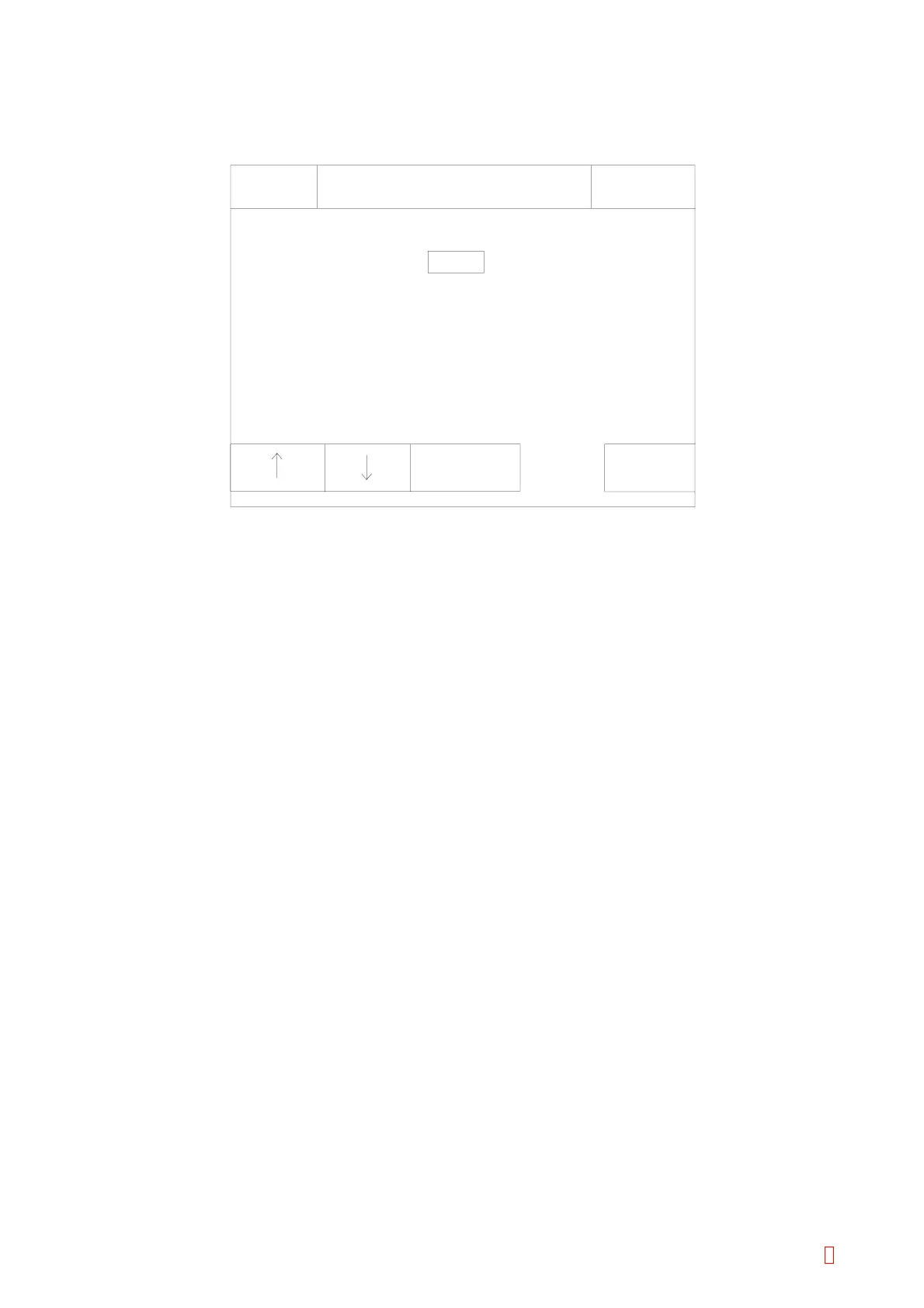
Figure 5-8-1: Test Mode Screen
[n] and [p] Keys
Use to move cursor. The selected item is displayed in reversed.
[Next Option] Key
Press this key to set the analysis check mode, barcode mode 7, and rinse reagent volume check selection,
[ON] or [OFF].
Numeric Keys
When the cursor is moved to “Rinse Wait Time”, numeric keys appear for the setting. Refer to Section
5.9.2 below.
[Return] Key
Press this key to quit the Test Mode. Then the renew setting confirmation display will appear.
Press the appropriate key.
[Cancel]: Cancels the renewed setting and returns to the Service Menu screen.
[FIX]: Changes to the renewed setting and returns to the Service Menu screen.
[Continue]: Returns to the Test Mode screen and allows continuous operation.
5.7.1 Analysis Check Mode
This setting is used to switch the minimum reportable time.
ON: All data will be displayed and output.
OFF: No data will be displayed and output on following condition.
PT: Below 7 sec.
APTT: Below 15 sec.
5.7.2 Rinse Wait Time
Set the time period to leave the rinse solution within pipette during manual pipette rinsing.
Time between 1 and 600 seconds can be set.
CA-500 Series S/M 5-17 Revised December 2001 8



 To Next Page