5.5.3 Full Power
Verify the maximum power consumption.
(1) Press [Special Operate]
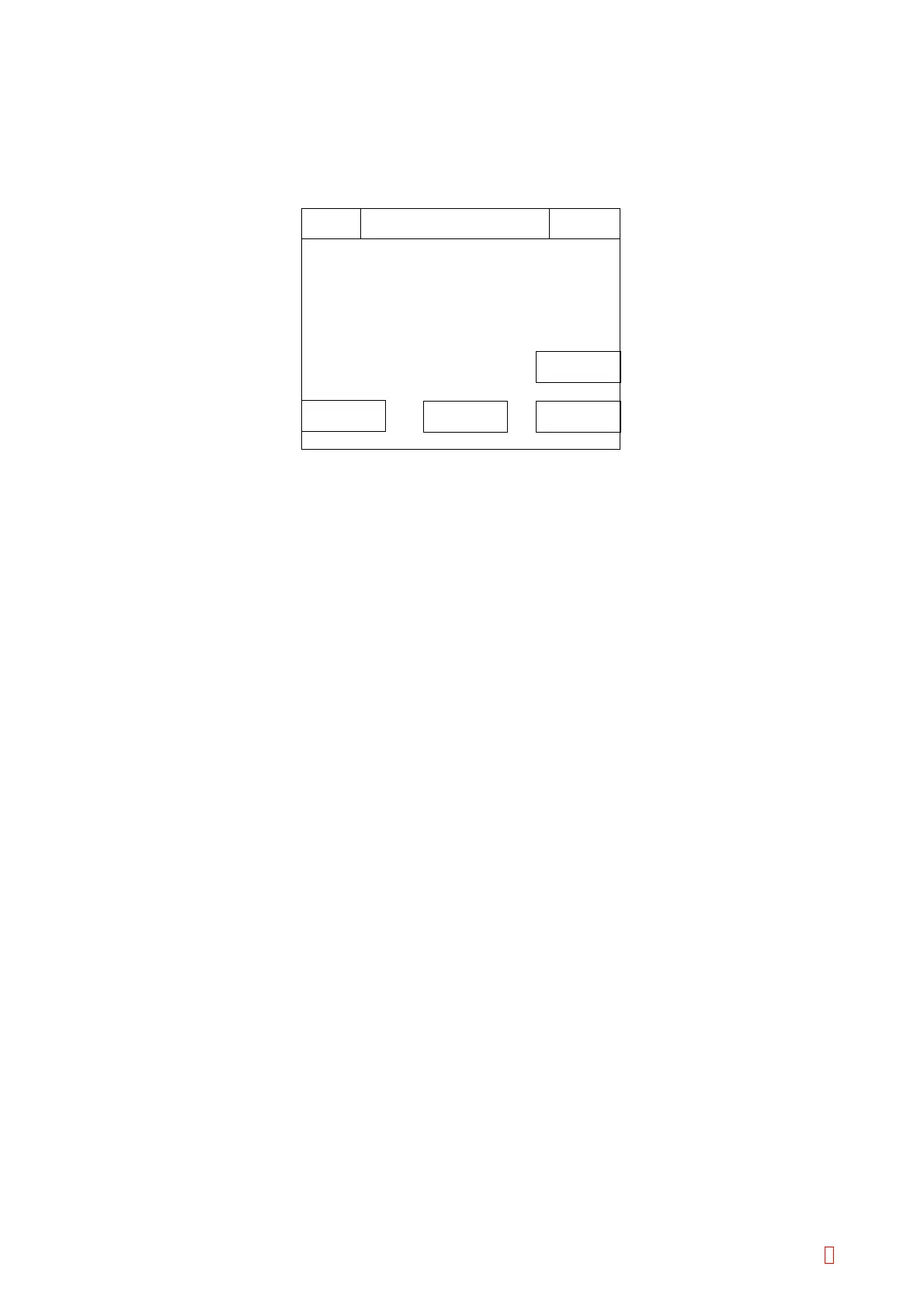
Æ [Service] Æ [Test Menu] Æ [Full Power] keys to start, then the following screen
will be displayed.
Full Power
IPReady
Replace Rack? YES!
Sysmex
0 / 0
MODE
Return
RESET
Set
Eminty
Tube No. = 5
Warm No. = 1
Detect No. = 1
Test Stop
Figure 5-5-4: Full Power Screen
(2) In this test program, pipette shifting, syringe operation and valve opening are performed at once.
Before performing this operation, drain water operation as described in Section 5.6.1 because there is a
possibility the pipette discharges water to the incubation detector block.
NOTES:
• Avoid performing this test operation for a long time.
• Set reaction tubes to the “1”, “5”, “21”, “25”, “31”, “35”, “56” and “60” positions. DO NOT set tubes to the
other positions.
[MODE] key: Use to alternate the mode, “Full Power” or “Eminty”.
[RESET] key: Use to clear the operation counts.
[Set] key: Press to perform the test.
[Return] key: Press to quit the test operation, and to return to the Test Menu screen.
(3) To cancel power consumption test operation
Press [Return] key to stop the operation, then the power consumption test setting screen will appear. (This
program does not stop automatically. You must press [Return] key when you stop this program.)
CA-500 Series S/M 5-11 Revised December 2001 8



 To Next Page