B.9 Replenish Rinse Solution
(1) Press [Special Menu] key on the Root Menu screen.
The contents of the Root Menu will changeover.
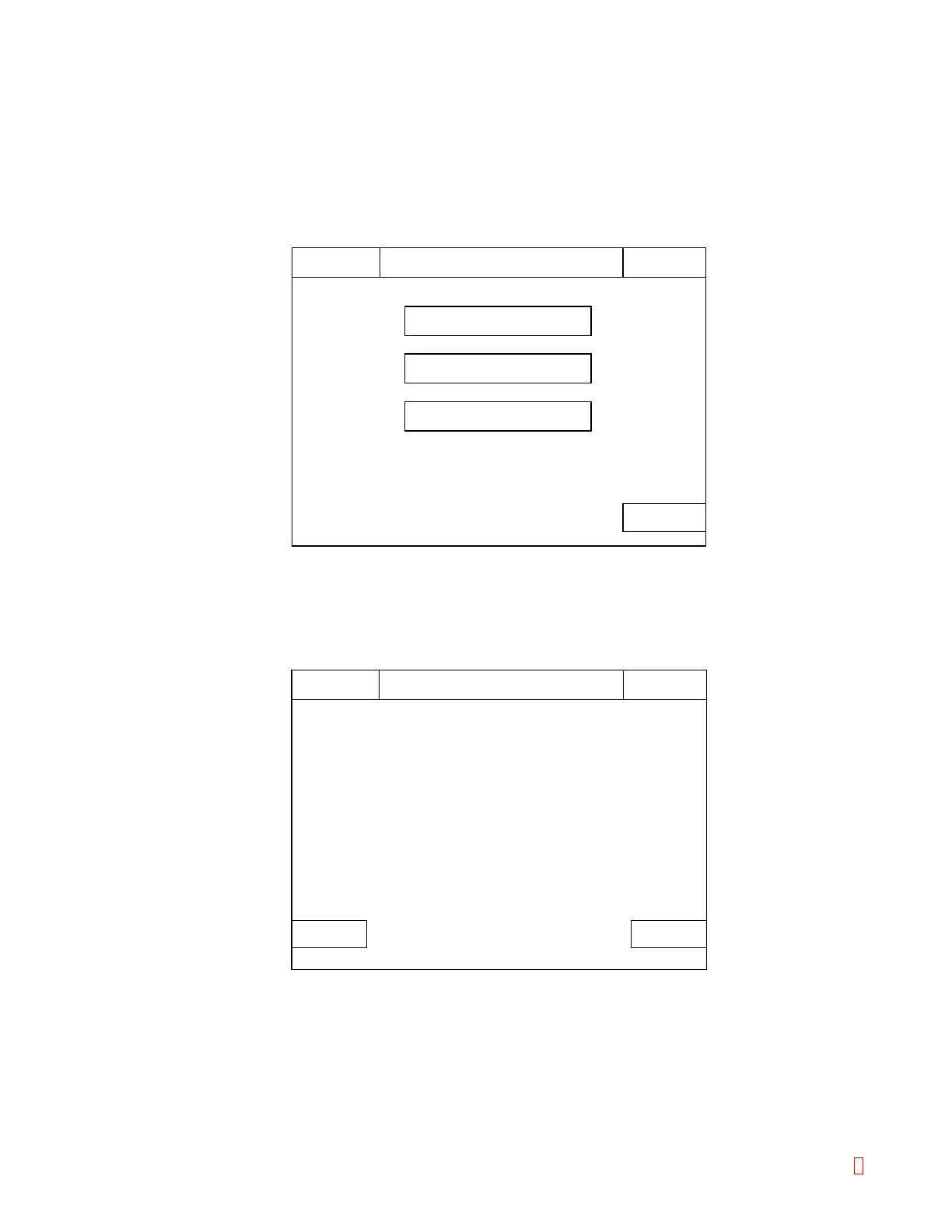
(2) Press [Special Operate] key on the Root Menu screen.
The Special Operation Menu screen will appear.
Rinse & Prepare
System Tests
Cycle Counter
HC IP
Main
Menu
Special Operation
Ready
Replace Rack? YES!
Sysmex
CancelSet
Water supply ?
HC IP
Supply Liquid
Ready
Replace Rack? YES!
Sysmex
Figure B-15: Special Operation Menu Screen
(3) Press [Rinse & Prepare] key on the Special Operation Menu screen.
The Supply Liquid Confirmation screen will display the message "Water supply?"
Figure B-16: Supply Liquid Confirmation Screen
(4) Press [Set] key or [Cancel] key on the Supply Liquid Confirmation screen.
[Set] key: Executes water supply.
[Cancel]: Cancels water supply and returns the screen to the Root Menu.
CA-500 Series S/M B-11 Revised December 2001 8



 To Next Page