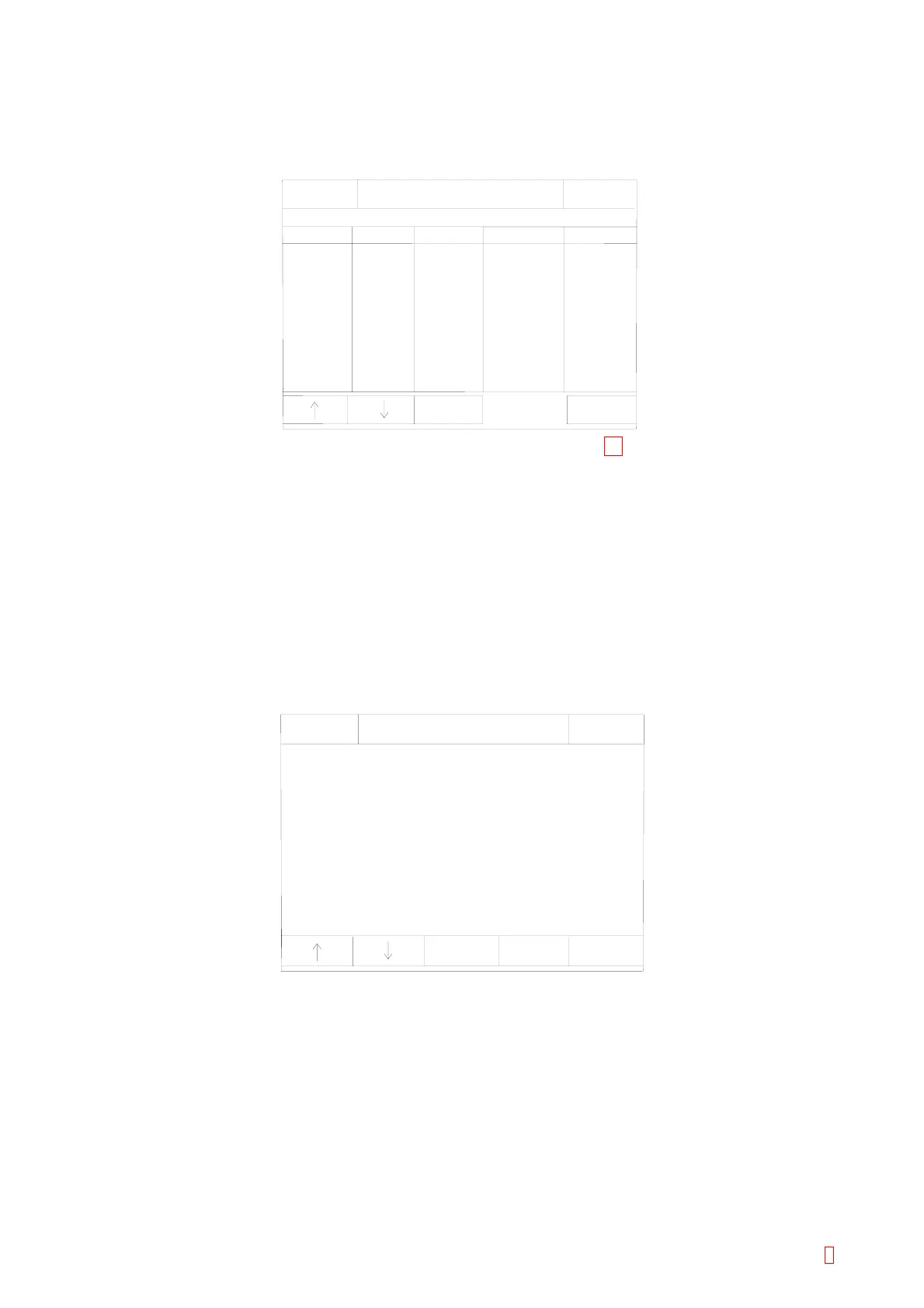
5.8 REAGENT VIAL SETTING
(1) Press [Special Operate] Æ [Service] Æ [Reag.Vial Settings] keys to start, then the following screen will
be displayed.
-60
-42
-
䎃䎃7
-23
-23
-31
䎃28
䎃28
䎃28
䎃28
105.683
286.521
201.062
292.553
291.039
45.357
314.159
314.159
314.159
314.159
0.30
1.00
0.40
0.90
1.00
0.40
0.50
0.50
0.50
0.50
4.00
4.00
3.00
10.00
5.00
5.00
5.00
5.00
5.00
5.00
Cup
4 mL Vial
3 mL Vial
PV-10
GW5
SLDVial
Offset
Area [mm ]
Dead
Std
Vial Name
Return
IP
Ready
Replace Rack? YES!
Sysmex
Reag. Vial Settings
Set
2
Figure 5-7-1: Reagent Vial Setting Screen 11
[n] [p] Key
Use to move cursor to the desired reagent vial.
[Set] Key
Use to set the selected reagent vial and returns to Reagent Vial Setting screen.
[Return] Key
Press this key to quit the reagent vial settings. Then the setting renew confirmation display will appear.
Select the appropriate key.
[Cancel]: Cancels the renewed setting and returns to the Service Menu screen.
[FIX]: Changes to the renewed setting and returns to the Service Menu screen.
[Continue]: Returns to the Service Setting screen and allows continuous operation.
Ready
Replace Rack? YES!
Vial Name
Dead
Sysmex
105.683
0
0.10 mL
4.00 mL
Cup
IP
Reag. Vial Settings
Std
Area [mm ]
Offset
2
Para.
Change
Z Pulse
Down
Return
Figure 5-7-2: Reagent Vial Setting Screen
[n] [p] Key
Use to move cursor to the desired item.
[Para. Change] Key
Use to change the selected item by displaying [Next Option] key or numeric keys.
[Z Pulse Down] Key
Use to move to the descend pulse adjustment screen.
[Return] or Key
Returns to Reagent Vial setting screen.
CA-500 Series S/M 5-19 Revised December 2001 8



 To Next Page