B.3 Remove Shipping Clamps
Remove the shipping clamps used on movable components of the instrument.
(1) Open the front cover of the main unit.
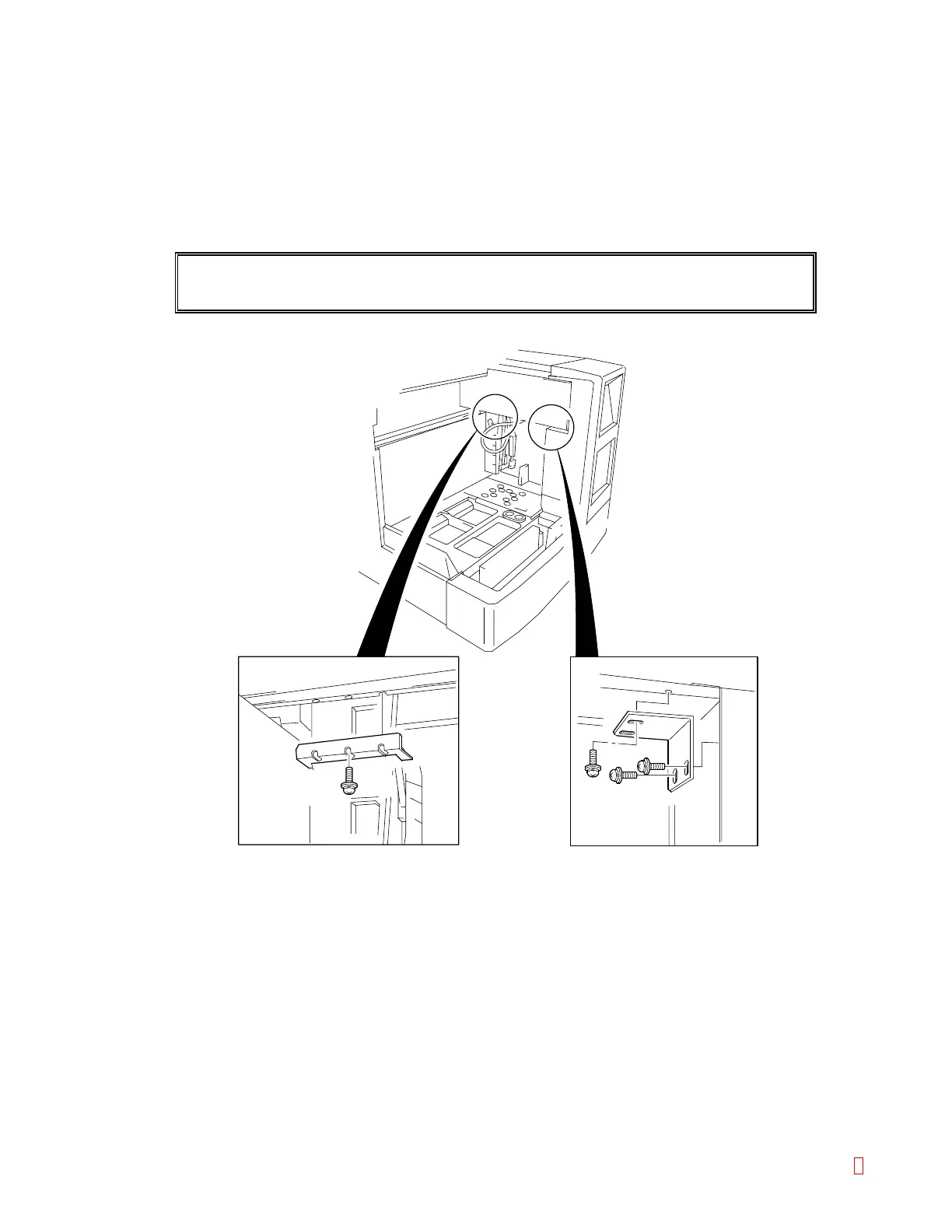
(2) Remove the X-Y mechanism fixing metals.
Two fixing metals are retained with screws as shown. Loosen the screws and remove the metals.
CAUTION: • Unless the fixing metals are removed, the instrument cannot operate.
Figure B-2: Removing the Fixing Metals
CA-500 Series S/M B-3 Revised December 2001 8



 To Next Page