B.7 Set Print Paper
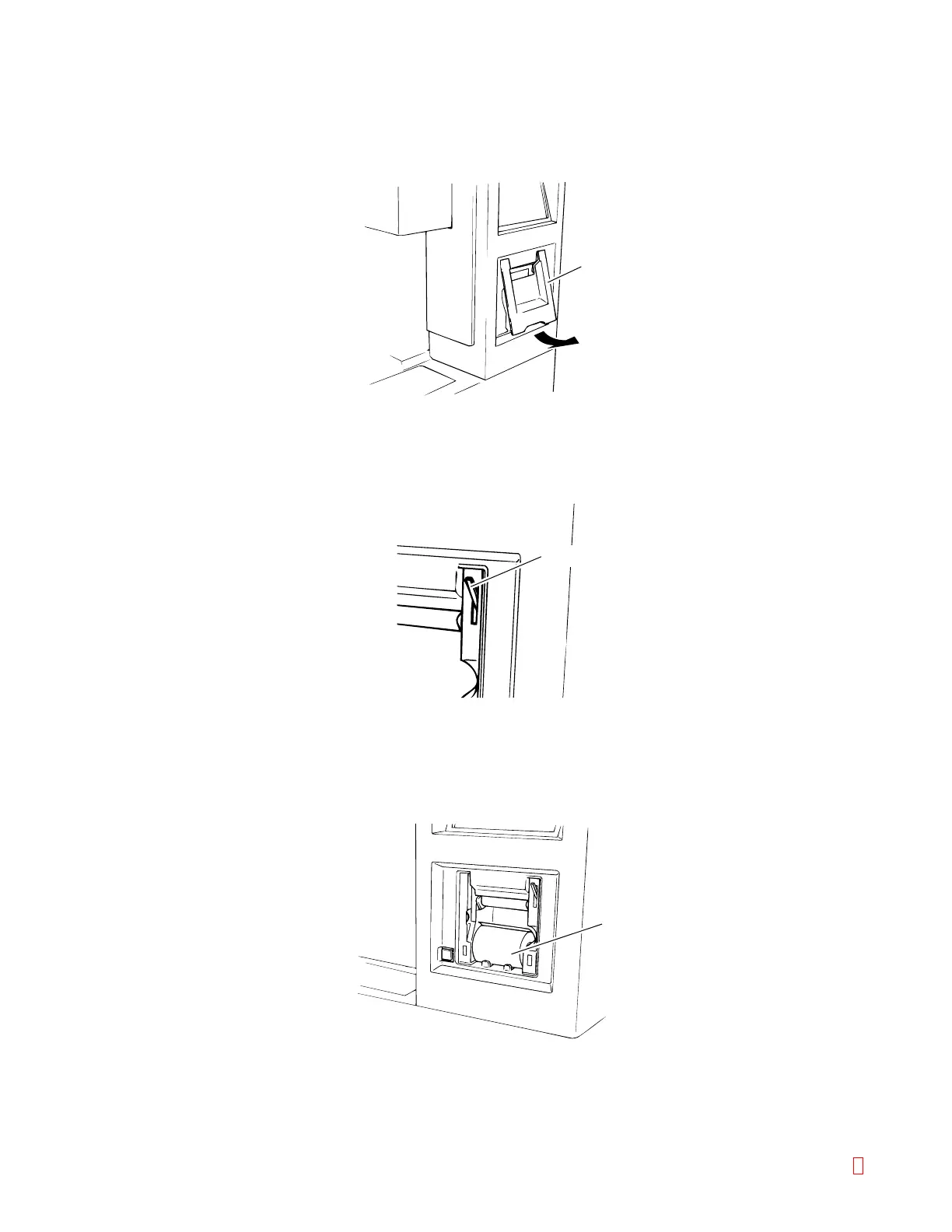
(1) Remove the printer cover.
It can be removed by raising the lower edge of the printer cover.
Printer Cover
Lock Lever
Print Paper
Figure B-9: Removing the Printer Cover
(2) Release the lock.
Raise the lock lever to unlock.
Figure B-10: Releasing the Lock
(3) Load a paper roll.
Load a new print paper roll.
Figure B-11: Loading the Paper Roll
CA-500 Series S/M B-8 Revised December 2001 8



 To Next Page