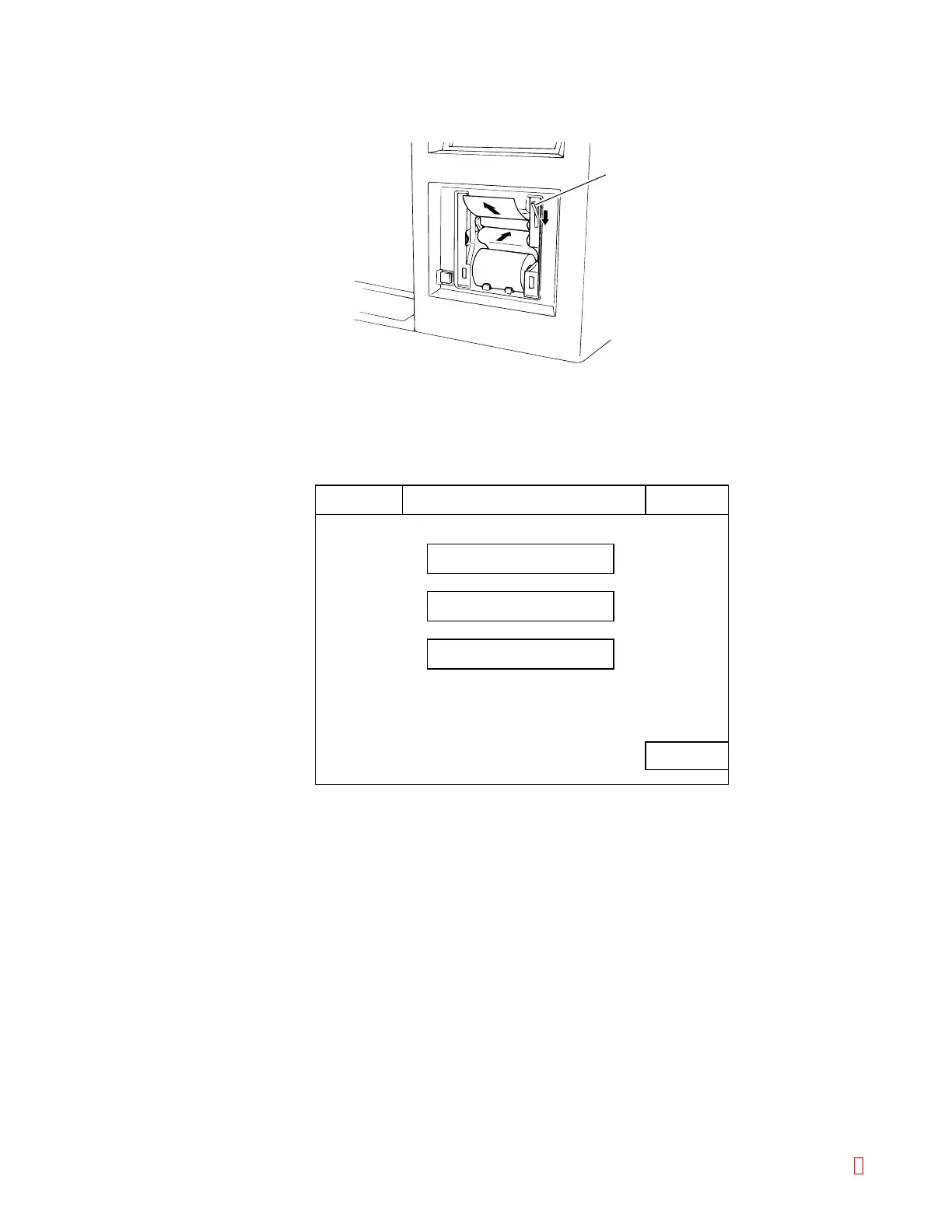
(4) Pass a print paper.
Pass the print paper as shown below and throw down the lock lever to lock.
Lock Lever
HC IP
Ready
Replace Rack? YES!
Sysmex
Error List
Temperature
P. FEED
Main
Menu
Figure B-12: Passing the Print Paper
(5) Feed a print paper.
If power is turned ON, press [Sysmex] key, then [P. FEED] on the Sysmex Menu screen.
Figure B-13: Sysmex Menu Screen
(6) Attach the printer cover.
CA-500 Series S/M B-9 Revised December 2001 8



 To Next Page