CA-500 Series S/M 4-17 Revised December 2001
4.3.6 Position Adjustment Procedure of Pipette (“[7]reag_rinse”) (“[8] buffer”)
Continuous Z position adjustment is possible on software version 00-14 or later. Refer to 4.3.6-2 11
(1) XY Adjustment
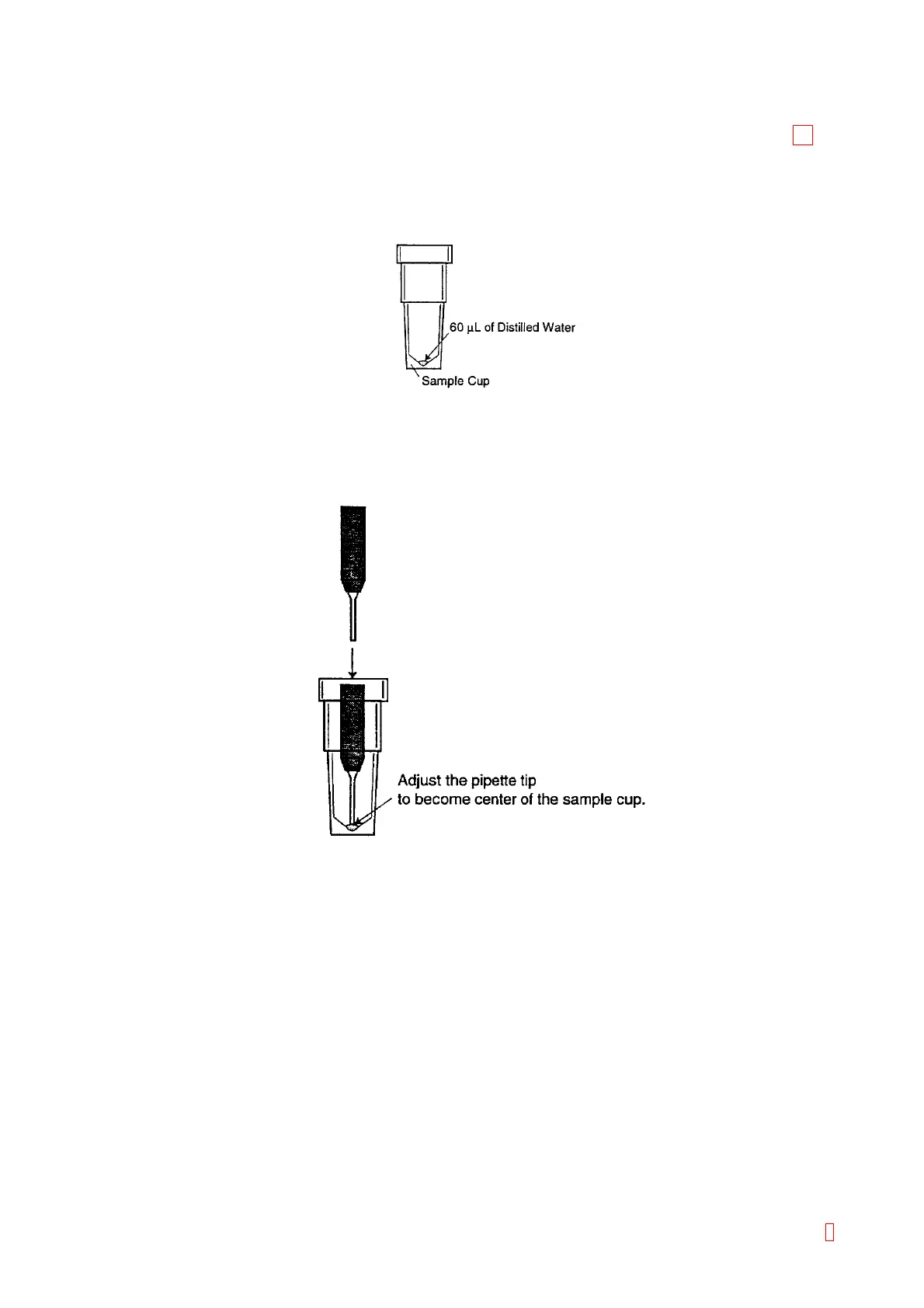
1) Set the sample cup holder to the CA CLEAN I Holder. Place 60 µL of distilled water into the 4 mL
sample cup.
Figure 4-3-10: Sample Cup with 60 µL Distilled Water
2) Verify that the “[7]reag_rinse” is shown on the left center of the screen. . If not, change to
“[7]reag_rinse” by using [Pos. -] and [Pos. +] keys.
3) Move the pipette to the setting position by using [XY TEST] key.
4) Use [n], [p], [m], and [Æ] keys to adjust the pipette tip to become the center of the sample cup.
Figure 4-3-11: Pipette Tip Position
5) Press [Z TEST] key to descent the pipette. The pipette detects the 60 µL of distilled water and stops.
6) Use [n], [p], [m], and [Æ] keys to adjust the pipette tip to become the center of the sample cup.
7) Press [Z TEST] key again to ascend and descend the pipette. Verify that the pipette is placed at the
center of the sample cup.
8) Press [XY ORG] key to return the pipette (head) to the home position.
9) Adjust “[8]buffer” in the same way
8



 To Next Page