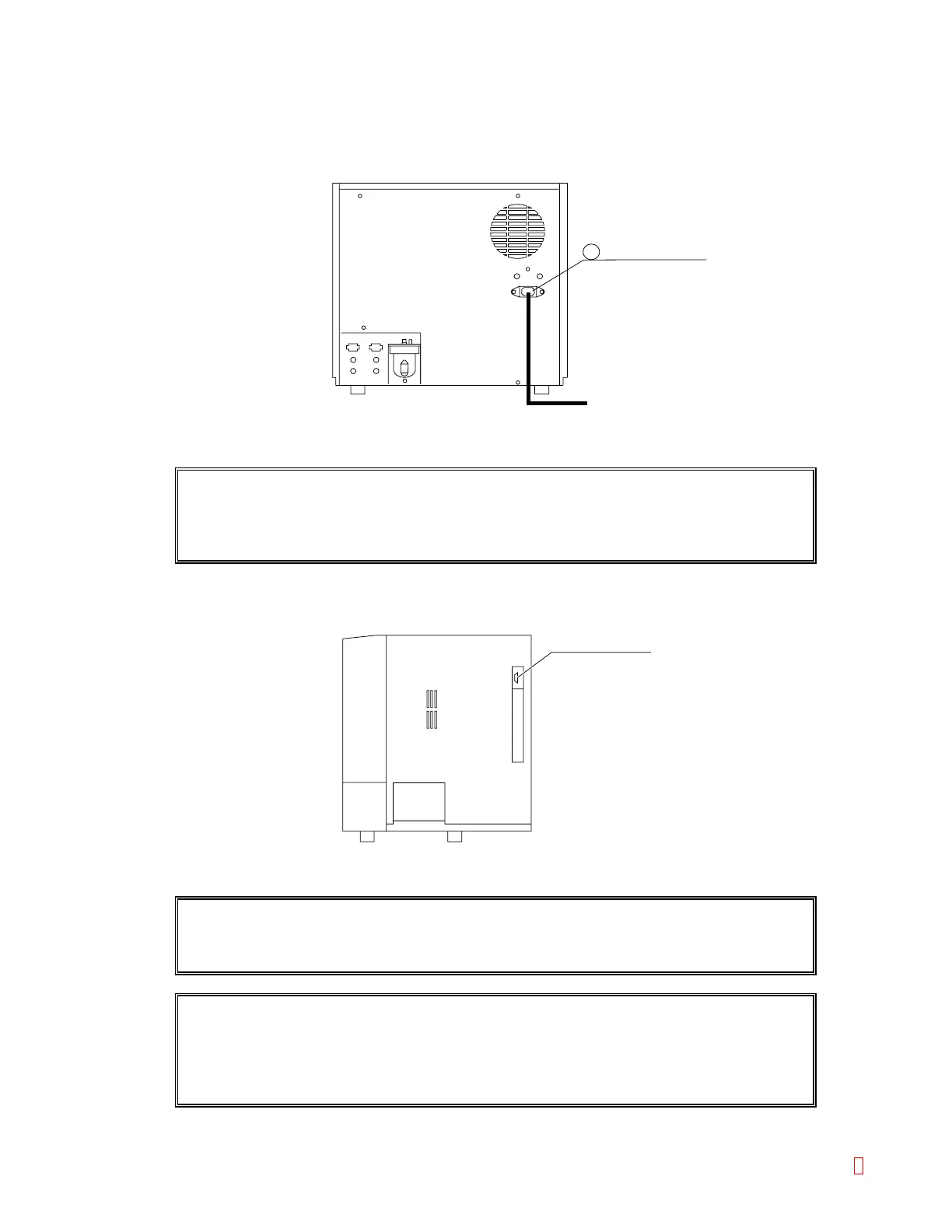
B.6 Connect Power Cord and Connection Cord
(1) Connect the furnished power cord.
1) Make sure the power switch is OFF, at "O."
Power Connector
7
AC outlet
Figure B-7: Connecting the Power Cord
HOST connector
CAUTION: Confirm the power switch is OFF, at "O," before routing the power cord.
Make sure to ground the AC outlet; otherwise, there is a hazard of electrical
shock.
(2) Connect the cable to link with the host computer.
1) Make sure the power switch is OFF, at "O."
2) Connect the connection cord to HOST on the right side panel and tighten the screw to fix it.
Figure B-8: Connecting to HOST Computer
CAUTION: Confirm the power switch is OFF, at "O," before routing the connection cord;
otherwise, there is a hazard of electrical shock.
NOTE: • For setting host computer interface parameters, refer to Operator’s Manual
Chapter 10: Section 5.1: Host Computer.
• The connection cord for the host computer is not included in the
accessories.
CA-500 Series S/M B-7 Revised December 2001 8



 To Next Page