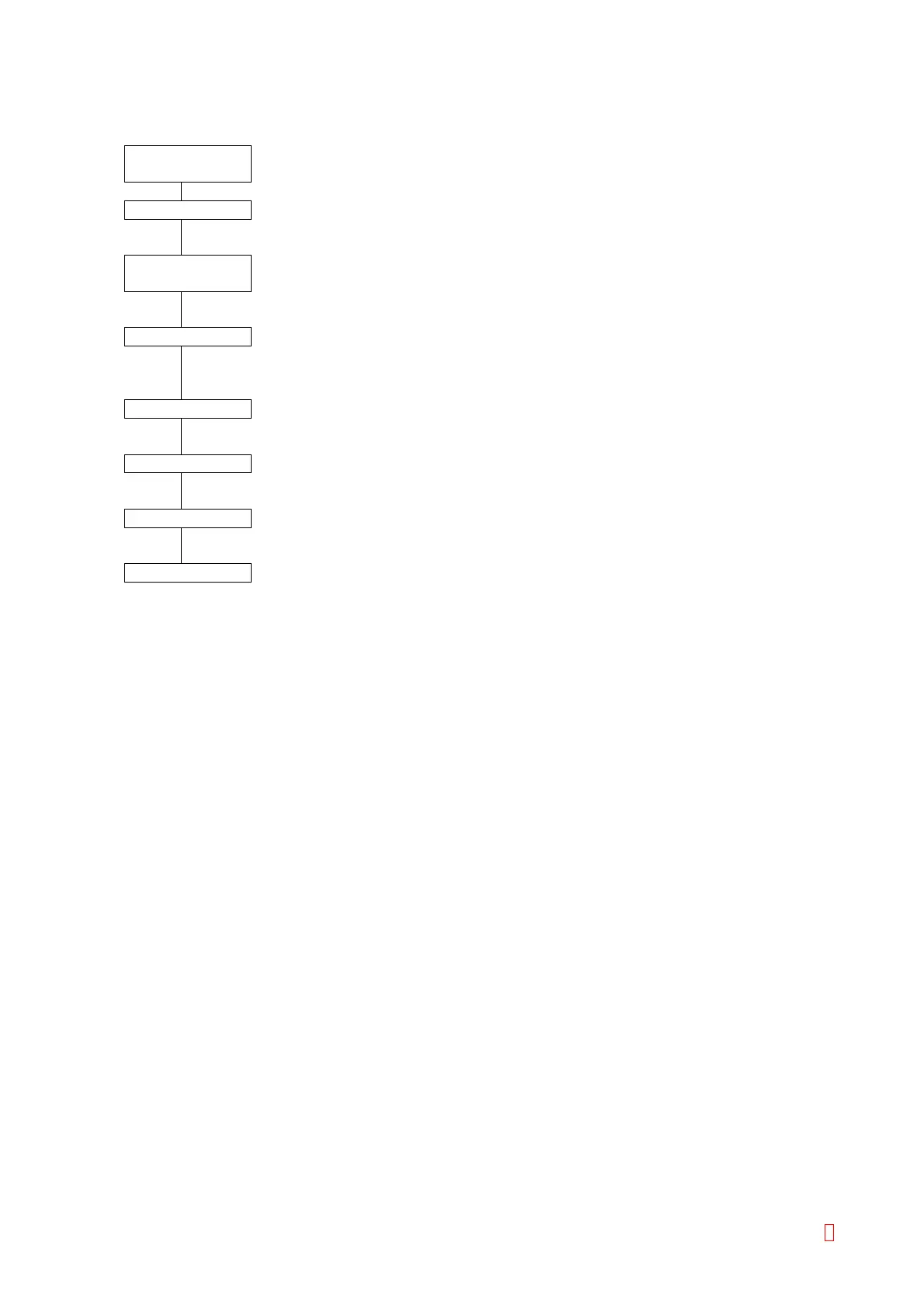
1.7 HOW TO OPERATE
Check
Instrument
• Check the rinse solution (distilled water) to make sure that the analyzer is ready
for operation.
Power ON
• Turn the instrument power ON 30 minutes before the analysis.
Analysis
Preparation
• Dissolve reagents 30 minutes before the analysis.
Set the reagents to the reagent holder.
Execute the quality control to check the instrument condition.
Start Analysis
• Set the sample to the sampler.
Enter sample orders to be analyzed.
Press the [Start] key to start analysis.
Result Output
• The analysis results will be displayed on LCD and printed out on printer paper.
End Analysis
• Remove the reagents and the sample.
Shutdown
• Execute the daily maintenance for the next analysis.
Power OFF • Rinse the pipette and turn the instrument power OFF.
CA-500 Series S/M 1-15 Revised December 2001 8



 To Next Page