CA-500 Series S/M 5-12 Revised February 2004
19 TB200408
5.5.4 Reagent Temp. 19
Verify the reagent pipette incubation operation.
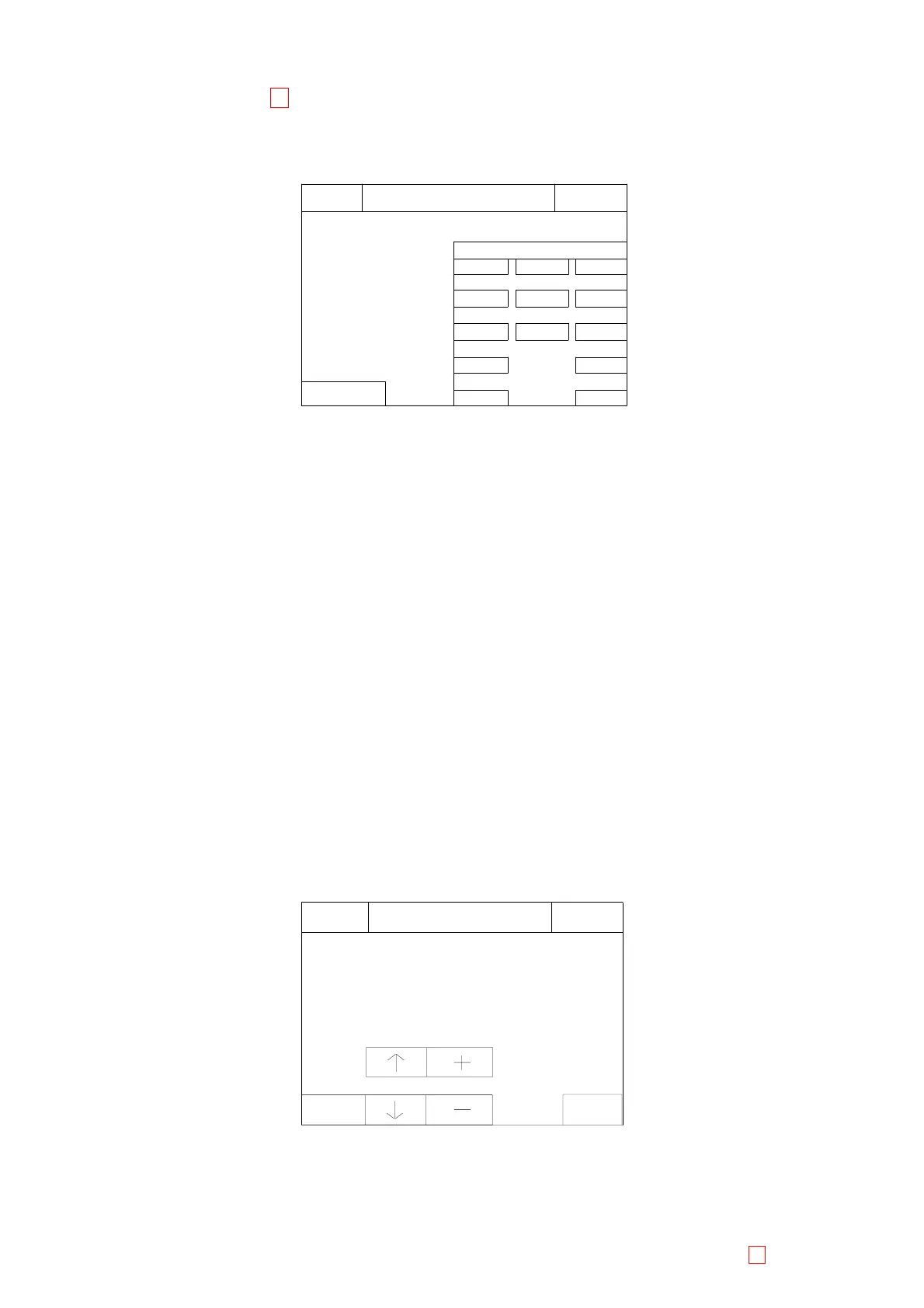
(1) Press [Special Operate] Æ [Service] Æ [Test Menu] Æ [Reagent Temp.] keys to start, then the following
screen will be displayed.
3
Quit
Enter
6
9
Reagent Temp.
Set
C
4
1
0
7
5
2
8
Volume
Ready
Replace Rack? YES!
Sysmex
IP
100 uL
TUBE 1
Figure 5-5-5: Reagent Temp. Screen
(2) To verify Reagent Incubation operation
1) Pour 50 µL of distilled water into a reaction tube. Set a thermometer into the water. Then put it into the
incubation well #6. Verify that the distilled water temperature in the reaction tube is 37±1°C.
2) Put the sample cup containing distilled water in reagent holder #1.
3) Set the dispensing volume using numeric keys at 100 µL (default value).
4) Press [Enter] key to set, eventually, the input volume to 100ul.
5) Remove the thermometer from reaction tube and press [Set] key to perform the heating operation.
6) After the reagent nozzle is dispensing 100 µL of water in incubation well #6 from reagent holder #1,
the reaction tube is moved to detection well. Confirm that the temperature of water at detection well is
within 37±1°C. It is recommended that the temperature of water at detection well is adjusted within
37±0.3°C
7) If the temperature value is not within the range, return to the Temperature adjustment procedure
section 4.4.3 input the new S-value as follows:
When the measured value is higher than the range 37±0.3°C use "+" key to add 5 to the current
Nozzle S-value.
When the measured value is smaller than the range 37±0.3°C, use "-" key to subtract 5 to from the
current Nozzle S-value.
After the S-value change, perform steps 1) – 6) again.
8) Press [Quit] key to finish the test. Then the screen will return to the Test Menu display.
5.5.5 Tube Transfer Test
Verify the reaction tube transfer operation.
(1) Press [Special Operate] Æ [Service] Æ [Test Menu] Æ [Tube Trans Test] keys to start, then the following
screen will be displayed.
Tube Trans Test
Tube No. = 1
Detect No. = 1
Warm No. = 1
Ready
Replace Rack? YES!
Sysmex
IP
ReturnSet
Figure 5-5-6: Tube Transfer Test Screen



 To Next Page