5.3 ADJUST
Use to adjust the hardware positions, sensitivities, etc.
Refer to Section 4 Adjustment for the adjustment procedures of each item.
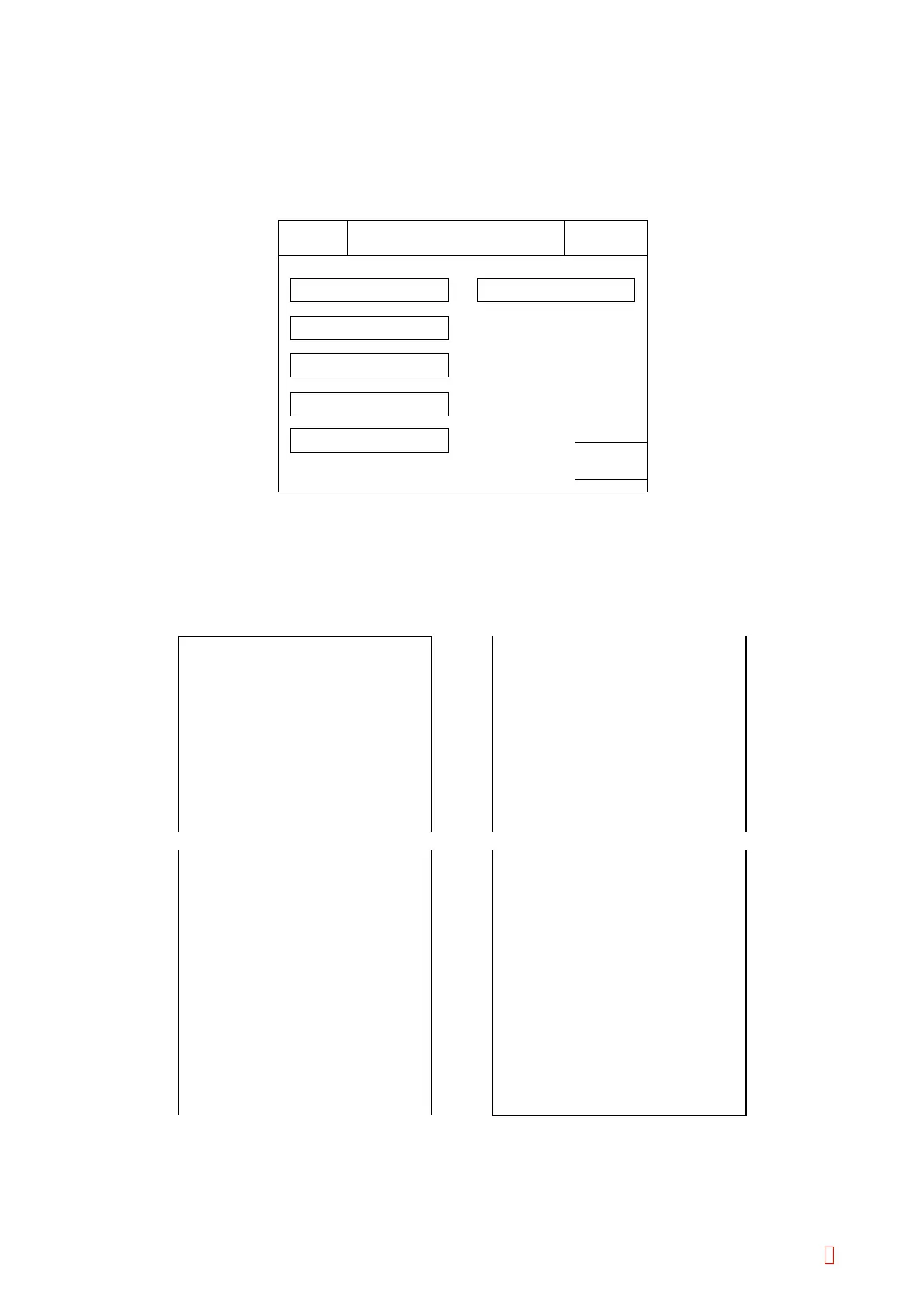
From the Main menu, press [Special Operate] Æ [Service] Æ [Adjust] keys.
Return
Adjust
IPReady
Replace Rack? YES!
Sysmex
Mecha Position
Detector Gain
Temp. Control
Adjust. of Pump
Trans. Light Calib.
Adjust Data Print
Figure 5-3-1: Adjust Menu Screen
5.3.1 Printing Adjustment Data
From Adjust menu, press [Adjust Data Print] key.
The adjustment setting values are printed to the built-in printer.
06/17/1999 11:22
Position PULSE
blood1 X 1839
Y 2265
Z 1246
blood10 X 4061
Y 2265
Z 1246
blood_stat X 1485
Y 2265
Z 1246
06/17/1999 11:22
DETECT
OFFSET GAIN
1 HIGH 128 128
LOW 139 128
PT 139 128
2 HIGH 114 159
LOW 134 232
PT 134 235
warm3 X 1469
Y80
Z-356
warm4 X 605
Y944
Z-356
comp X 722
Y512
Z-369
shake X 137
Y512
Z-29
dust X 154
Y203
Z-376
06/17/1999 11:22
TEMP
COOLER 128
Main 128
Sub 128
DETECT 128
Main 128
Sub 128
PIPETTE 128
Main 128
Sub 128
ROOM 128
Main 128
Sub 128
Figure 5-3-2: Example of Setting Data Print Out
CA-500 Series S/M 5-4 Revised December 2001 8



 To Next Page