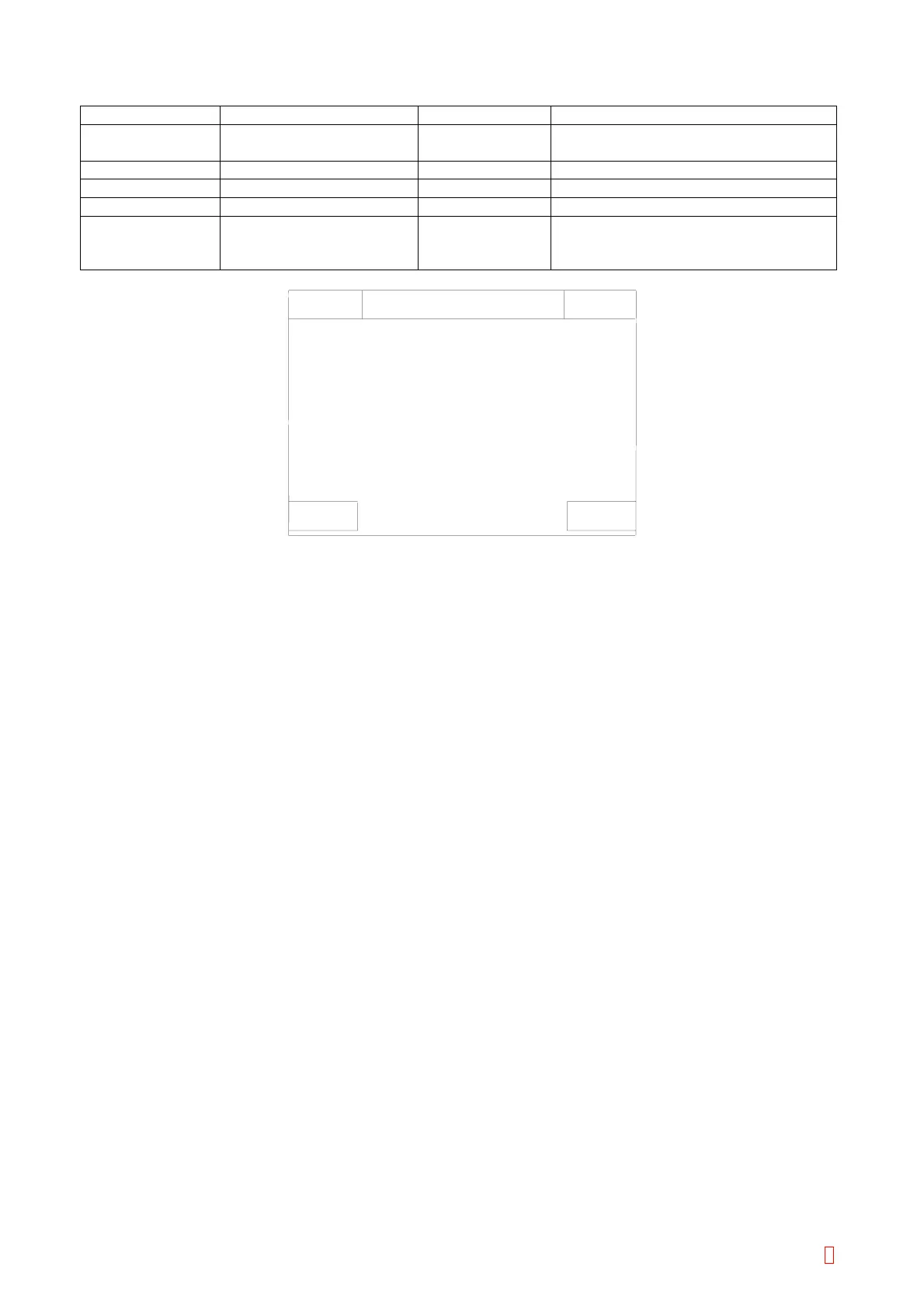
The changeable parameters are as follows:
Parameter Description Key to be Used Changeable Range
Vial Name Name of Reagent Vial Full Keyboard 9 characters maximum
(Alphabets and Numbers)
Std Normal Volume (mL) Numeric Keys 0.01 thru 99.99 (by 0.01 mL)
Dead Dead Volume (mL) Numeric Keys 0.00 thru 99.99 (by 0.01 mL)
Area [mm
2
] Section Area of Vial (mm
2
) Numeric Keys 0.000 thru 999.999 (by 0.001 mm
2
)
Offset Number of Offset Pulse
from Adjustment Position
to Dead Volume
Numeric Keys -999 thru 999 (by 1 pulse)
Sysmex
Ready
Replace Rack? YES!
IP
Cancel
Vial Name
Dead
Cup
4.00 mL
0.10 mL
105.683
0
Reag. Vial Settings
Std
Area [mm ]
Offset
Adjust Z pulse down
Set
2
Figure 5-7-3: Z Pulse Down Adjustment Screen
[Set] Key
Use to execute Descend Pulse Adjustment screen.
[Cancel] Key
Cancels the Z Pulse Down Adjustment and returns to the Reagent Vial Settings screen.
<Z Pulse Down Adjustment>
(1) Fill the dead volume of the reagent in the reagent vial and place at the reagent holder No. 9.
(2) Press [Set] key to execute Z Pulse Down Adjustment.
(3) The probe moves to the reagent holder No. 9 and detect a liquid surface for 5 times.
(4) The difference between the average of the descend pulse and the value of the reagent holder No. 9
position adjustment will be calculated as the pulse correction value.
CA-500 Series S/M 5-20 Revised December 2001 8



 To Next Page