Next
for TTO
for HpT
for F-Int
for F-Ext
for CLOT1
for CLOT2
for CLOT2
for PT
for PT TPC+
for PT THS
for APTT
for PTT ACT
for PTT FS
for PTT PSL
for Fbg
Bioactivity Method
FIX
IP
Return
Sysmex
Flag Threshold Settings
Ready
Replace Rack? YES!
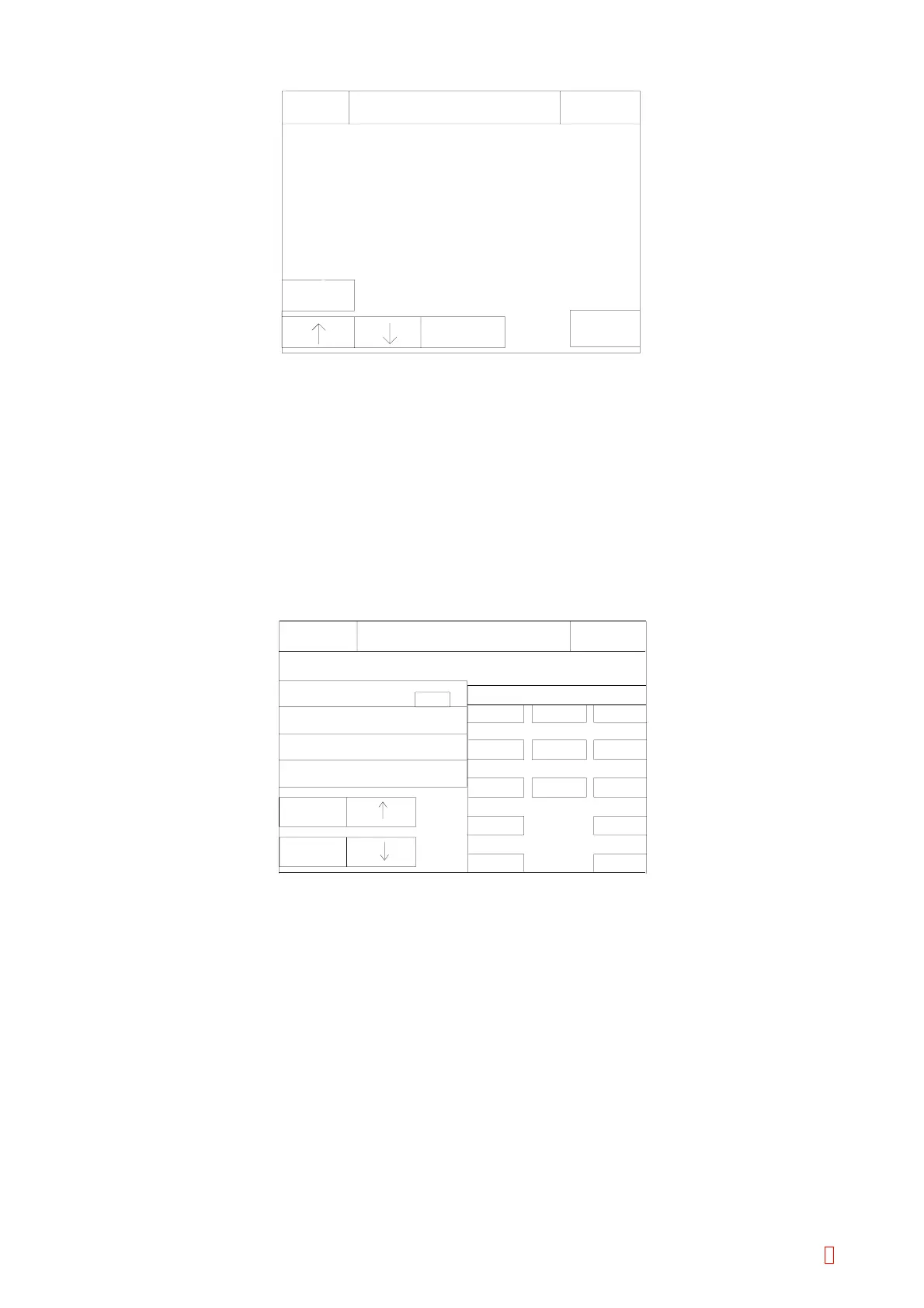
Figure 5-6-2: Detection Method Selection Screen
[Next] Key
Use to switch detection methods of Bioactivity Method, Chromogenic Method and Immunoassy Method.
[n] [p] Key
Use to move cursor to the desired item.
[FIX] Key
Use to set the selected method and returns to Flag Threshold Setting screen.
[Return] Key
Use to quit selecting method and returns to Flag Threshold Setting screen.
9
6
Enter
3
Quit
IP
8
7
5
2
4
0
1
15
7.0
5.0
25
Ready
Replace Rack? YES!
Clot (PT)
Sysmex
Minimum reportable time
Flag Threshold Settings
SC threshold
Masking time
NC threshold
C
Next
Factory
Default
Figure 5-6-3: Numeric Keys
[Next] Key
Use to display next four parameters.
[Factory Default] Key
Use to initialize selected detection method.
[n] [p] Key
Use to move cursor to the desired parameter.
[Return] or [Quit] Key
Press this key to quit the flag threshold settings. Then the setting renew confirmation display will appear.
Select the appropriate key.
[Cancel]: Cancels the renewed setting and returns to the Service Menu screen.
[FIX]: Changes to the renewed setting and returns to the Service Menu screen.
[Continue]: Returns to the Service Setting screen and allows continuous operation.
CA-500 Series S/M 5-16 Revised December 2001 8



 To Next Page