Quadra 4 Operator Manual
Tomtec
100
Simulation Mode
The application can be set to either run as simulation on the screen only or run on the
Quadra.
Prompt For Shuttle Position Data
When disabled, the operator has to "right" click on the shuttle position to add any
additional data about the position. If enabled, the operator will be prompted for
additional data every time there is a change.
Log File Directory
Designates where the log files are created and saved.
Recent File History Size
Sets the number(0 - 4) of program files to save to the recent file history list.
Tip Depth Trackbar
When enabled, a track bar is displayed between the edit box and the tip in well graphic
for editing stage heights. This provides an additional tool for scrolling quickly through
the stage heights. Without the track bar, scrolling can be accomplished by directly
scrolling the tip in the well or using the up/down buttons in the edit box.
System Defaults
The default slow tip withdraw speed, 1 to 4, for all functions that have this option. Note
that a speed of 0(zero) will turn off this option.
When checked, the default mode for shucking tips on pinch tube equipped pumps will
be to open the pinch tubes before shucking, and closing after. If the "DMV" head is
selected, the default tip volume can be set to 20, 50, or 250 µL. If the "Target Method"
function is checked, the default target volume can be set.
Auto-Pinch Tubes Open On Disconnect
This option is enabled by default every time a pinch tube equipped head is selected.
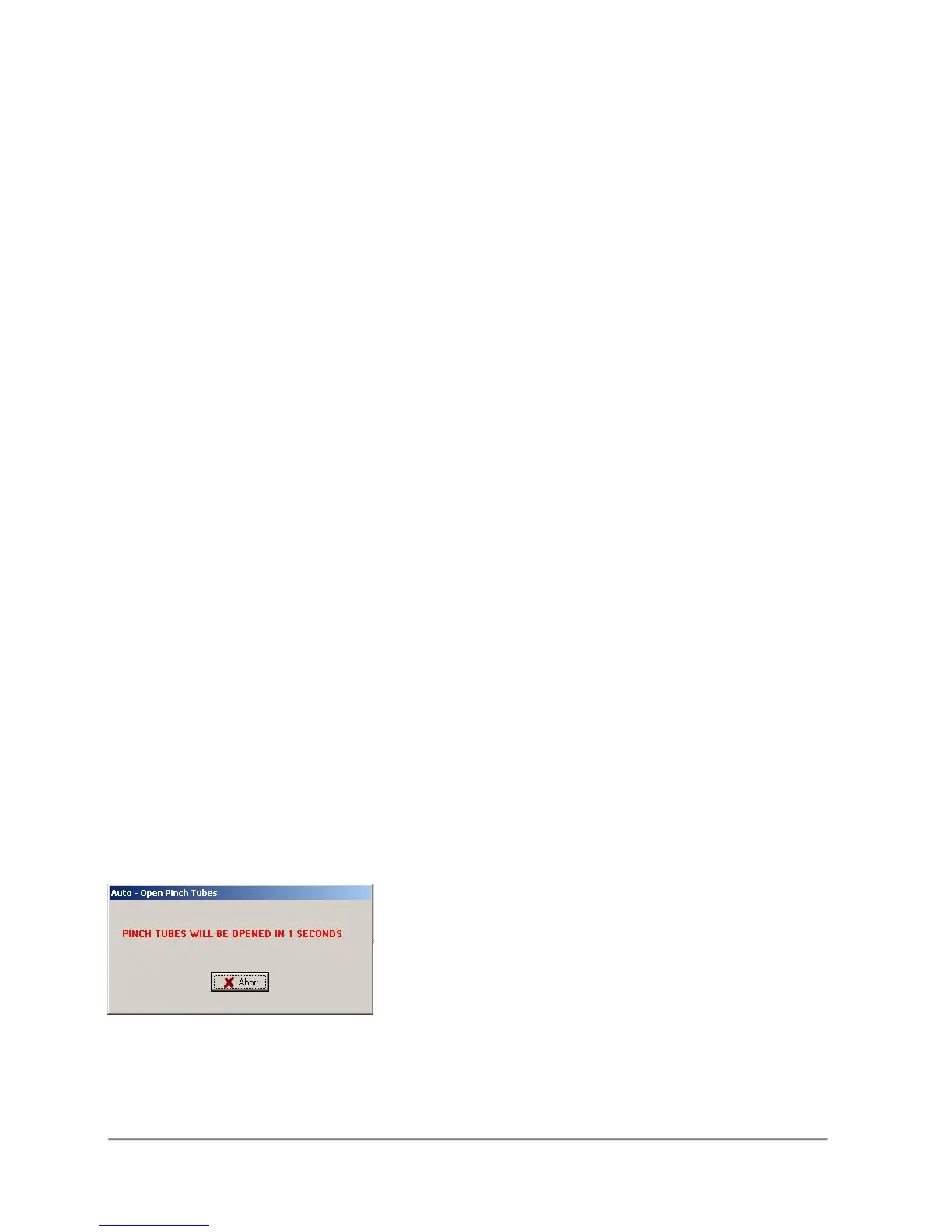
When enabled it will open the pinch tubes after a ten second count down:
The operator has the option to abort the operation anytime during the countdown.
When this option is disabled, the operator will be prompted to open the pinch tubes.



 To Next Page