Quadra 4 Operator Manual
Tomtec
205
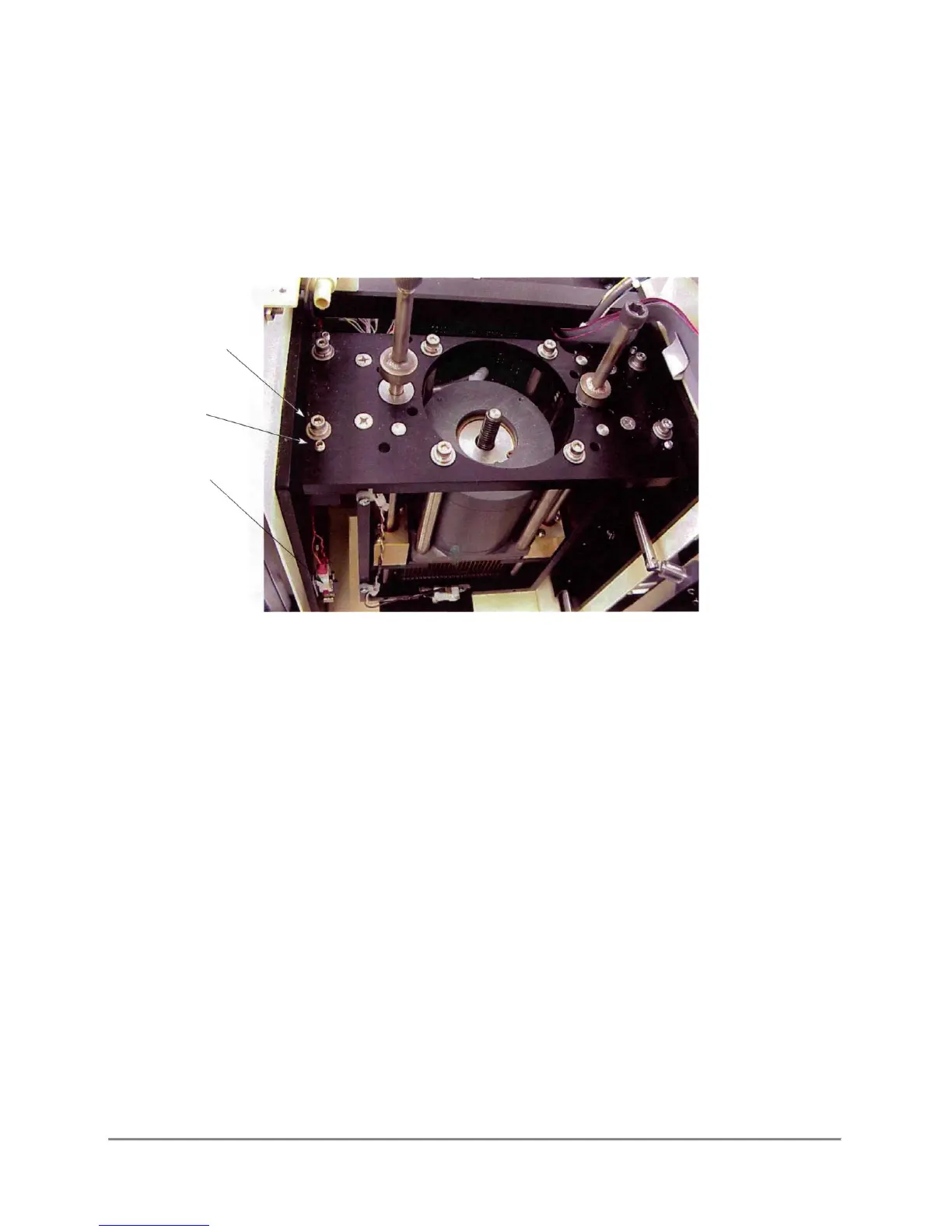
2.0 Top Front View (Open Panel)
Install the desired head, holding it while putting on the two connectors, then set it in
its proper location. If it's the backfill head, connect the hose.
Screw in the four Allen hold down bolts part way. Now it is necessary to align the
head to the stage.
Close the front panel and turn on the power. The stage needs 24VDC to work and
the front door interlock shuts it off.
Initialize the Quadra 4.
Put a nest with a 384 well plate on the station over the stage. The 384 well plate is
used for the alignment of either 96 or 384 well heads.
Using the utility screen, raise the stage to a height so that the tips are just slightly
over the wells. Be careful in setting the height so that you avoid damaging the tips.
Back out all four jack screws.
If the tips are not level across the plate, use the jack screws to adjust the head. If
any adjustment is made with the jacking screws, be sure that all jacking screws
make contact before completing the adjustment. Tighten the hold down bolts and
confirm that the tips are still level with reference to the stage. Loosen the hold down
bolts and continue.
For a 96 SV or 450jal head, move the head laterally to align the tips the center of the
cross hairs on a 384 well plate. The cross hairs are the plastic between four wells of
(4)Jack
Screws
24VDC
Interlock
(4) Hold Down
Bolts



 To Next Page