Quadra 4 Operator Manual
Tomtec
40
2.6 Menu Bar
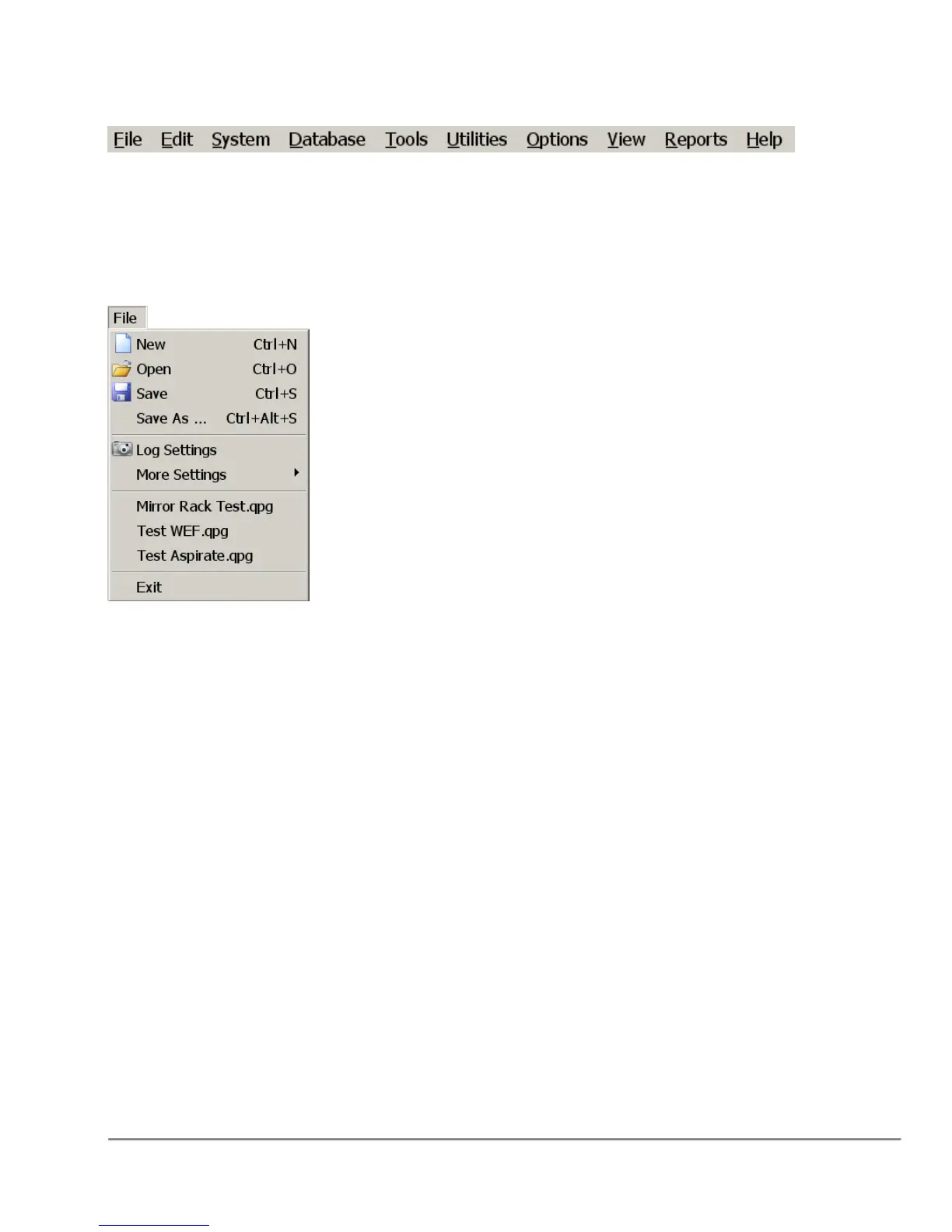
The Quadra 4 Menu Bar (shown above) allows you to access many of the Quadra 4
functions. Each menu is described below.
2.6.1 File Menu
New - Clears the program window for new program entry.
Open - Opens an existing program.
Save, Save As - Saves any changes made to the program, and the "Save As" will allow
the program to be saved with a different name.
Log Settings – Refer to the Section “5.9.1 Logging Options” on page 108.
More Settings - Refer to the Section “5.9.2 Runtime Database Usage Options” on
page 109.
Recent Files - A list of the last used programs. Clicking on the entry will open the
program for you.
Exit - Exits the application.



 To Next Page