Quadra 4 Operator Manual
Tomtec
89
3.37 Program Operations Common Options
Several Functions above have the same Options. Instead of repeating the same
descriptions within each of the Functions, the Common Options are all discussed in this
section.
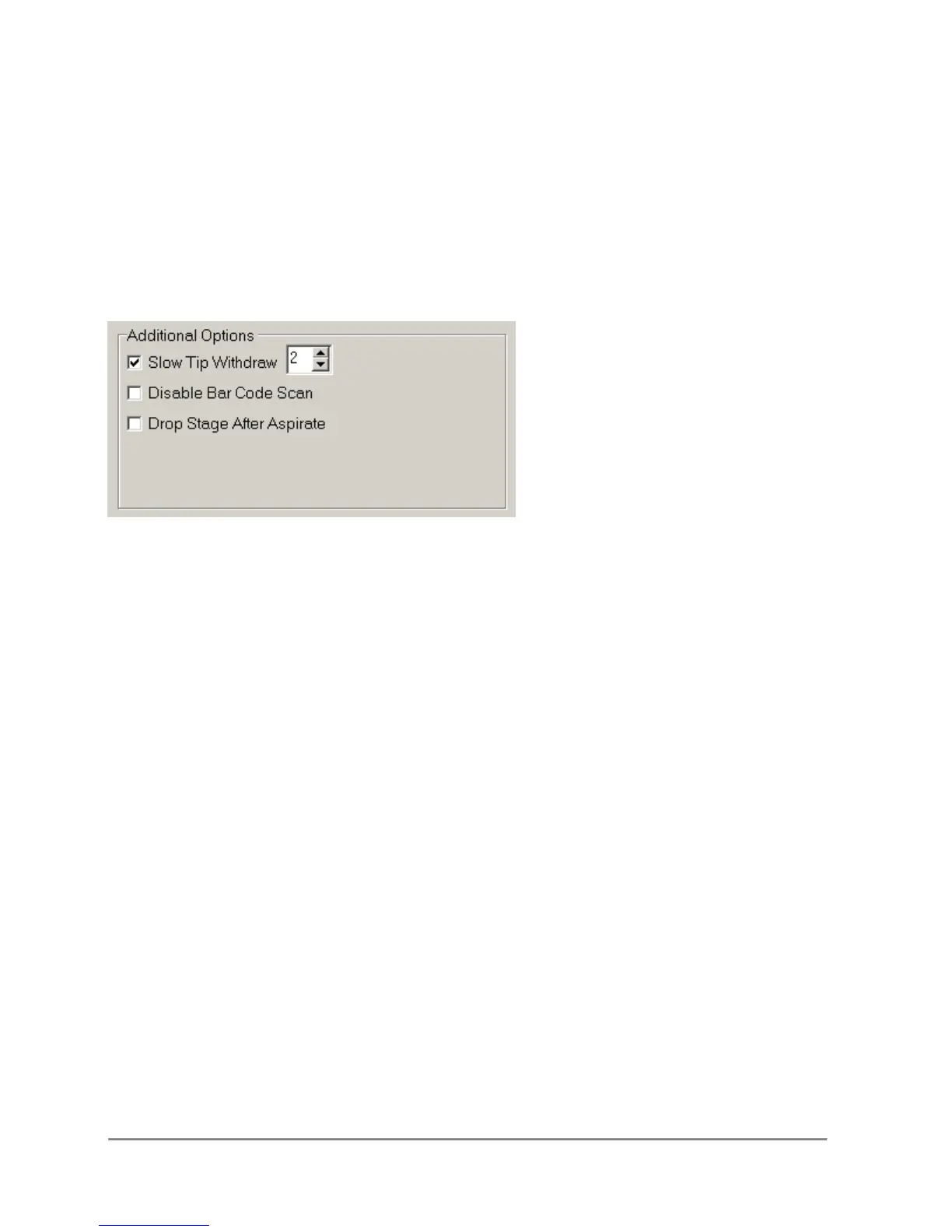
3.37.1 Additional Options
Slow Tip Withdraw
This options will extract the tip from the liquid at a slower speed to help reduce residual
liquid on the exterior of the tip. The tip withdraw speed can be set from 1 to 4, a speed
of 0 turns off the slow withdraw function.
Drop Stage After ...
This option brings the stage to a zero height after the function has concluded.
Disable Bar Code Scan
If the bar code scanner is enabled in the logging options section, this option allows the
user to disable reading the bar code for the current step.
Enable Liquid Following
Allows the user to minimize tip submersion during an aspirate or dispense function.
Once the initial aspirate or dispense height is programmed, the software automatically
adjusts the tip position in a well deeper or higher, respectively, as the liquid level in a
reservoir or micro-plates changes. This rate of adjustment is based on the Well Rate
parameters assigned in the micro-plate and reservoir database.



 To Next Page