Quadra 4 Operator Manual
Tomtec
106
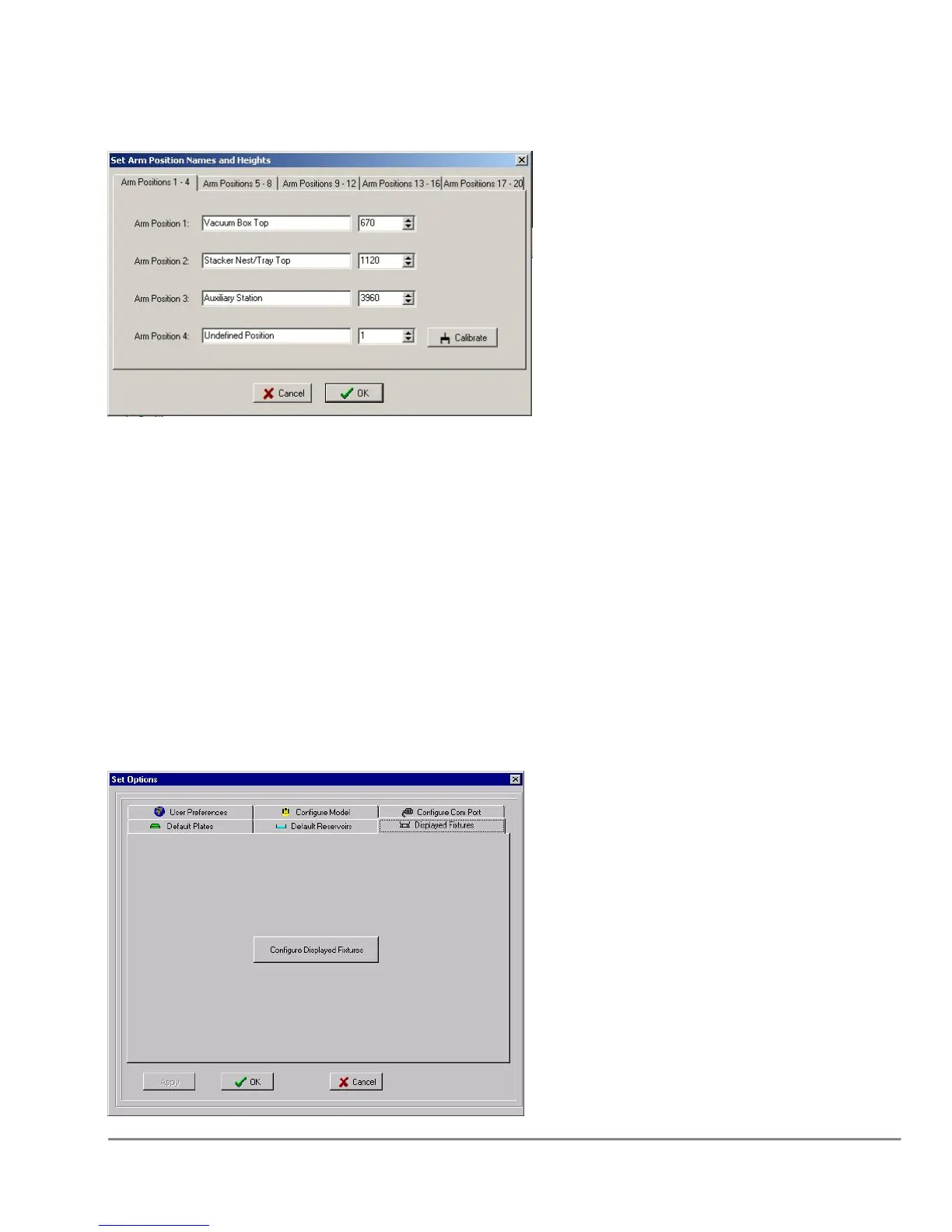
5.7 Set Arm Position Names and Heights
This dialog allows the user to define commonly used heights for the arm. They will be
made available when setting up an Arm Plate Transfer Operation.
Calibrate becomes visible when enter a position number’s edit box. Selecting Calibrate
will bring up the Utility on the arm page.
Open the hand and position it as desired. Upon exiting the Utility dialog a prompt will
occur to automatically set the value to the current arm position.
Upon exiting the user defined arm heights dialog a prompt will occur to retract the arm if
it is extended.
5.8 Displayed Fixtures



 To Next Page