Quadra 4 Operator Manual
Tomtec
90
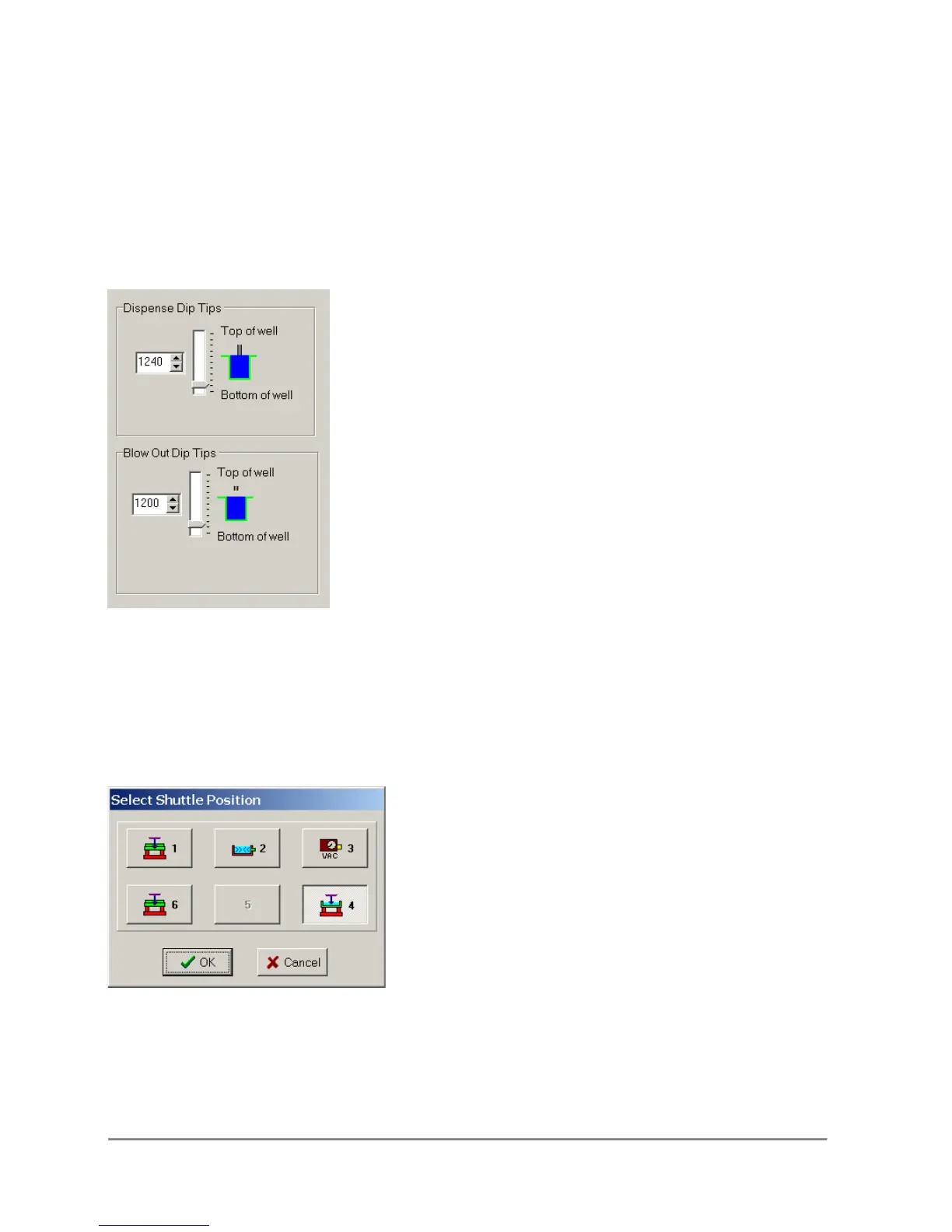
3.37.2 Dip Tips
The Dip Tips operation is available for the Dispense, Mix, and Empty Sample Functions.
Conditions
The operation is used to remove excess liquid from the tips after executing the function.
Remarks
The Dip Tip setting is a Delta from the Dispense/Blow Out/Empty height. For example if
the dispense height was set to 1000, the stage will move 19 steps to 1019 and then
back to 1000.
3.37.3 Select Shuttle Position
This function allows the user to change the shuttle position of a step without having to
recreate the step. Grayed positions are unavailable for the current function.



 To Next Page