Quadra 4 Operator Manual
Tomtec
35
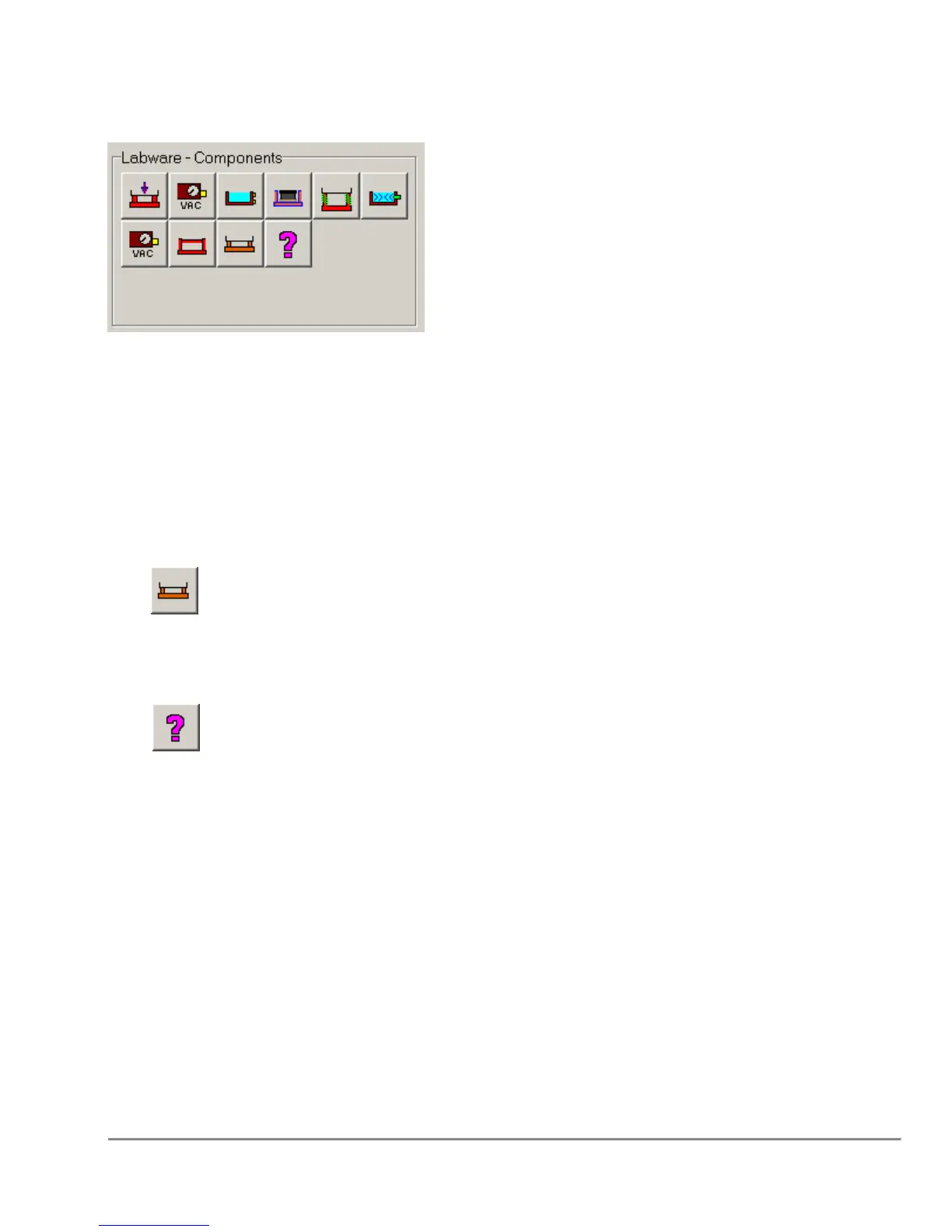
2.1 Labware - Components Area
Icons in this section represent the various plates and fixtures available. To assign labware
or a component to a shuttle position, first Click on the appropriate shuttle position in the
Shuttle Layout Area and then click on the desired Labware icon. This will update the
Shuttle Layout Area. The fixtures should be placed first. Plates, reservoirs, and tips are
then added in a similar fashion to fixtures already present at the desired shuttle position.
The fixtures which are displayed in this area can be modified using the Database ->
“Configure Displayed Fixtures” dialog (Refer to Section “5.8.1 Edit Display and Order of
Fixtures” on page 107). A maximum of 13 fixtures can be displayed in this area.
The, , icon in this section represents “Other Plate Capable Fixtures”. When this is
selected, a list will be displayed showing all of the defined fixtures which are NOT already
displayed in the “Labware – Components” area, AND which allow plates to be used with
them.
The, , icon in this section represents “Other Non-Plate Capable Fixtures”. When
this is selected, a list will be displayed showing all of the defined fixtures which are NOT
already displayed in the “Labware – Components” area, AND do not allow plates to be
used with them.
Additionally, the icons in this area can be displayed as Icons, Text Descriptions, or both
based on the settings in the “Options” → “User Preferences” Dialog under the “View
Preferences” Tab. Setting the icons to have the Text Descriptions may be useful for
users who are unfamiliar with all of the icons.



 To Next Page