Quadra 4 Operator Manual
Tomtec
46
Print/View Protocol – Views the currently loaded protocol.
Print/View Logs – Views the Standard Log, and Barcode Logs.
Print/View End of Run Report - The "End of Run" report contains all information
needed to run the program. The Protocol with Sub Routines, Go To's, and Calibration
Tables, Run Time Log, Environmental Settings, and the System Parameters.
Print/View User Preferences – Views to current settings of all User Preferences.
Print/View Pump Calibration Tables – View the Pump Calibration tables.
Print/View Databases – View the Plate Database or Fixture Database.
Print/View System Parameters – Displays the current settings of all of the System
Parameters.
When viewing any of the above items, the following common controls are available:
Open File - The "Open File" allows the user to select a specific "End of Run Report" or
a System Parameter File. See File Manager for file descriptions.
Print To File - The "Print To File" saves the viewed report to an ascii text file.
Print - Prints the viewed report to either an attached printer or a network printer.
Printer Setup - The windows printer select/setup function is called.
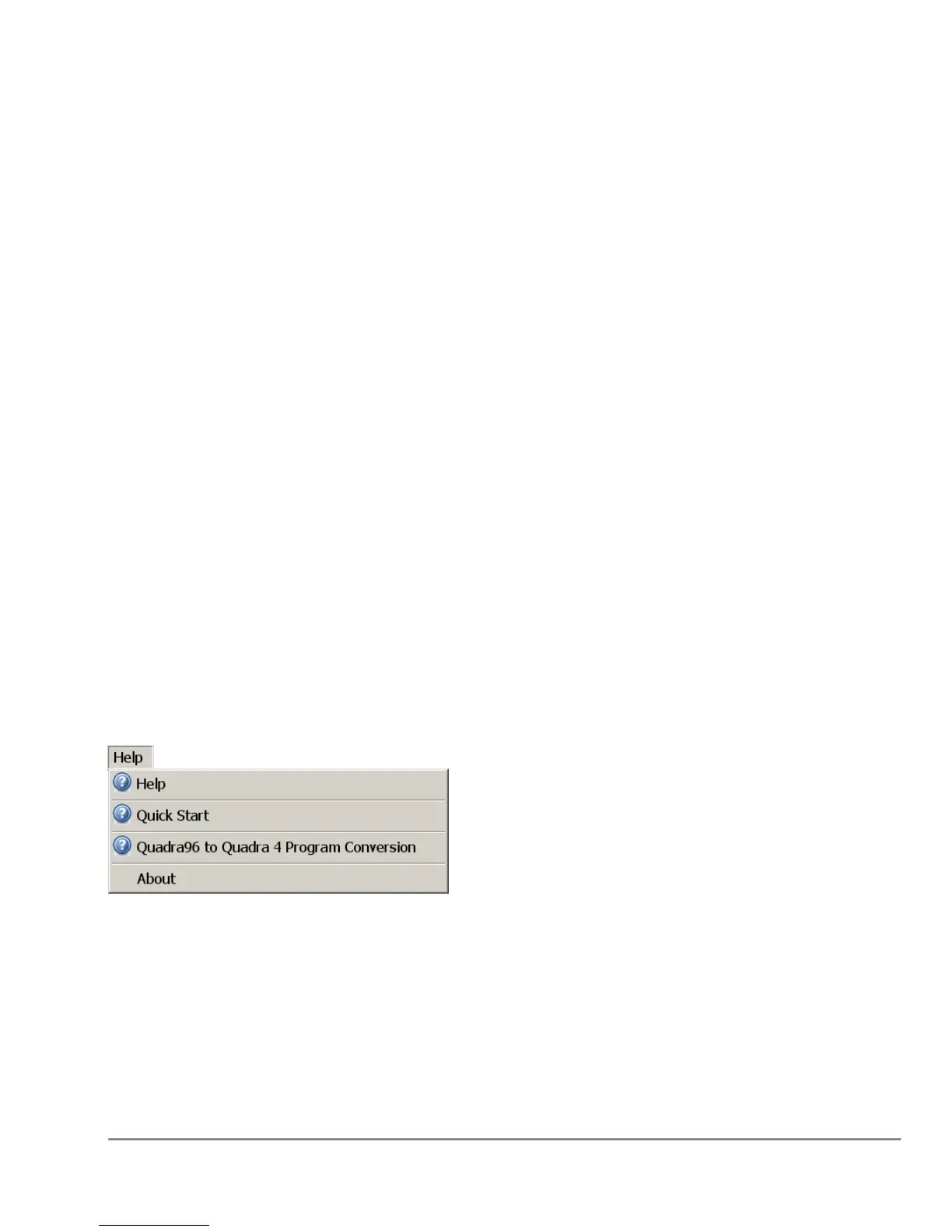
2.6.10 Help Menu
Help - The "Help" menu brings up the Quadra's online help and product information.
The online help is the standard windows help engine.
Note: The online Help can be brought up at anytime by hitting the F1 key.
Quick Start - This invokes the Quadra 4's Quick Start Guide. Getting Started - Quick
Start Guide



 To Next Page