Quadra 4 Operator Manual
Tomtec
61
3.11 Load Tips
To Load Tips is to attach disposable tips to the tip pins, or attach a fixed tip assembly to
the tip head assembly.
Conditions
To Load Tips, select a shuttle position that has a tip capable fixture.
Remarks
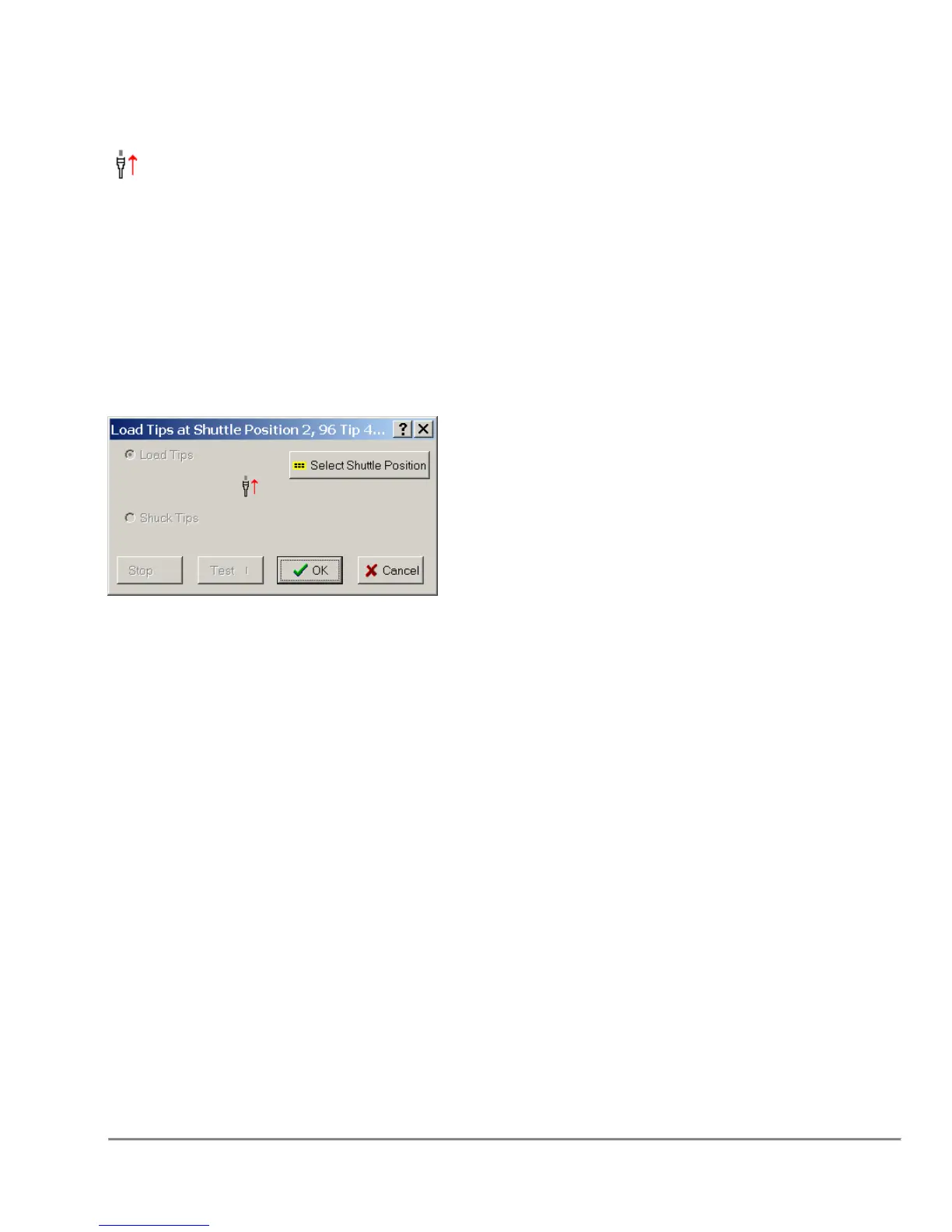
Load Tips
Sets the function to load tips from the selected shuttle position.
Pre-Wet Tips (DSV Head Only)
Sets indicator to pre-wet tips on next Aspirate step. Pre-wet will not be
performed until start of Aspirate function. Indicator will persist between user
program runs. This options is only available for certain pumps.
The Load Tips function can also be used to Load an SPE Pressure block if there is an
SPE Block at the specified shuttle position. In this case “Load Tips” will be replaced by
“Load SPE”.
Note: On models equipped with the DMV head, the tip volume is set by the selected tip
fixture. That is if a 50ul tip fixture is selected, all liquid handling functions after the tip
load will set their maximum volume to 50ul. The firmware will set its maximum volume
to 50ul. This is done to prevent any pump range errors.



 To Next Page