Quadra 4 Operator Manual
Tomtec
45
Current File Settings – This sub-menu shows options available elsewhere on the
menubar.
Database – This sub-menu shows some of the options available on the “Database”
Menu.
Screen - Saves the current screen size and position.
Define User Outputs – Refer to Section “5.6 Set User Defined Output Names” On
Page 105
File Manager – Configuration DB – Refer to Section “10.2 File Management –
Configuration Database” On Page 145
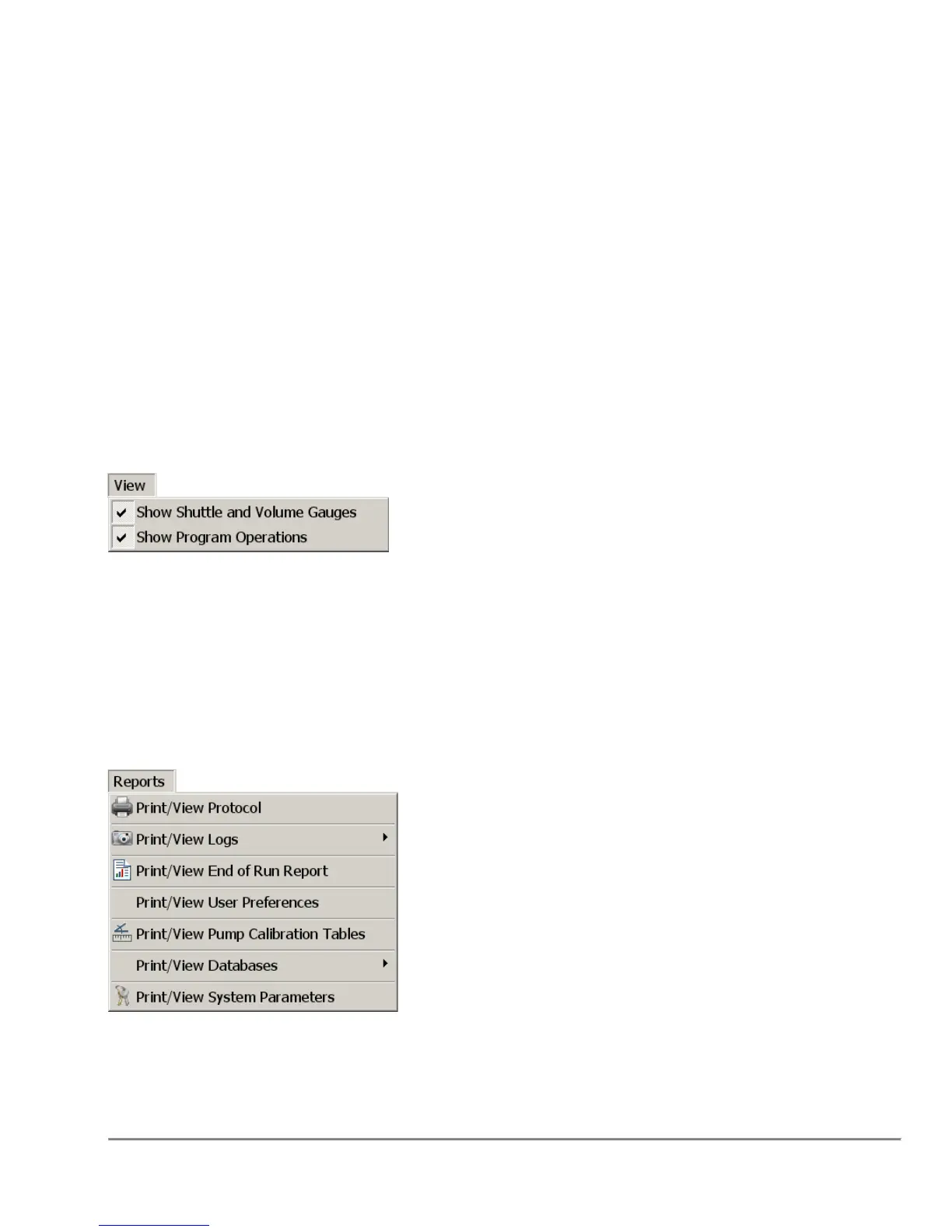
2.6.8 View Menu
Show Shuttle and Volume Gauges - When checked the top portion of the application
will be visible. The default is to show (checked).
Show Program Operations - When checked the Functions and Program will be visible.
The default is to show (checked).
2.6.9 Reports Menu
The "Reports" menu allows the user to view/print Programs, Logs, Databases, and
System Parameters.



 To Next Page