Quadra 4 Operator Manual
Tomtec
36
2.2 Shuttle Layout Area
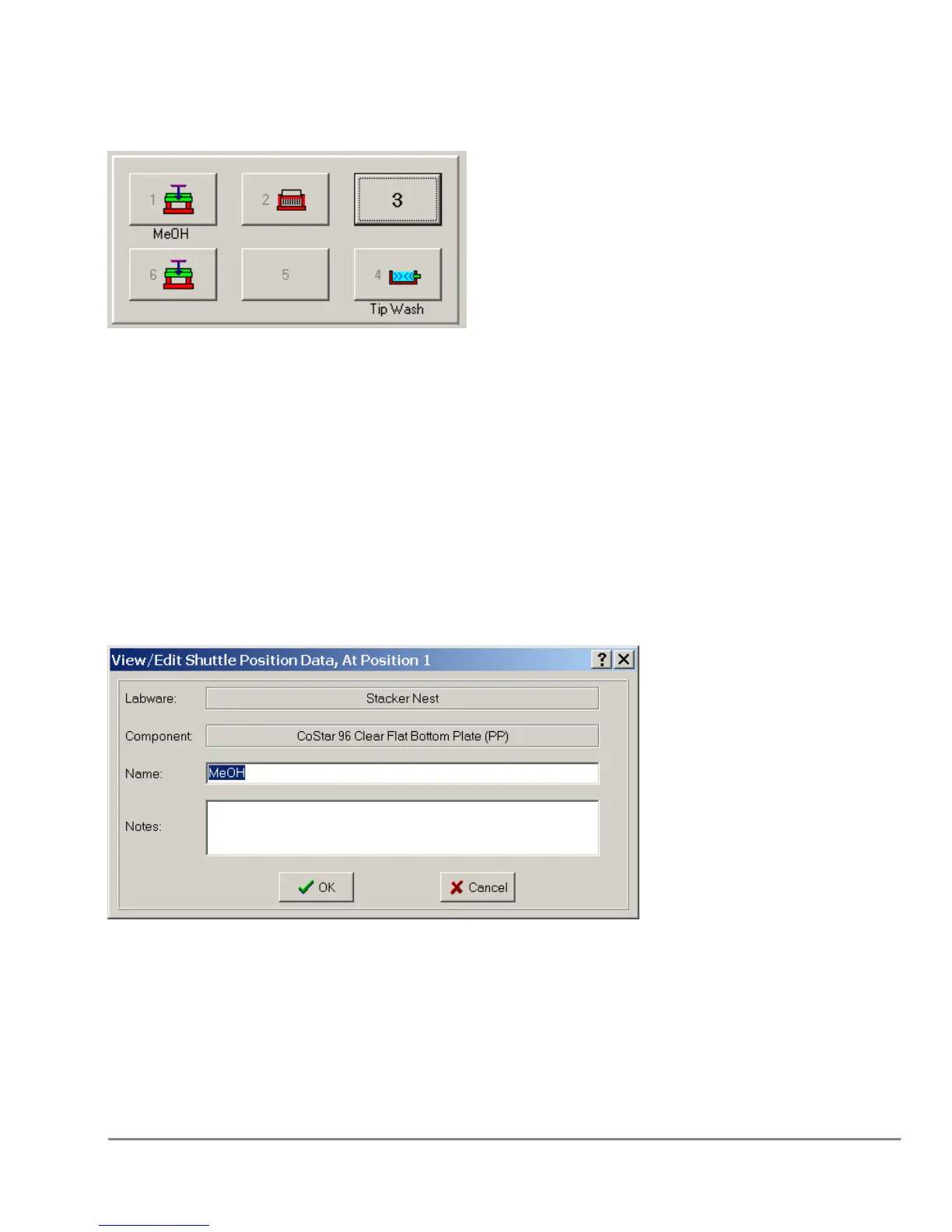
This area displays the current shuttle layout. The images display either an empty fixture
or a fixture with a plate on top. To add a fixture, click on the shuttle location and then click
on the fixture to add. Plates and reservoirs are added in the same way. If a Name was
specified through the Shuttle Position Data dialog, it will be displayed under the
appropriate shuttle location.
2.2.1 Shuttle Position Data Dialog
This dialog box is accessible through a right mouse button click on the shuttle
position. Additionally user preferences can be modified to make this screen appear
whenever a fixture or plate/reservoir is placed on the shuttle on the main screen.
Labware - indicates the current fixture on the shuttle position.
Component - indicates the current plate or reservoir on the fixture.



 To Next Page