Quadra 4 Operator Manual
Tomtec
70
3.20 Pause
Stops the program and will not continue until the user intervenes.
Conditions
There are no physical requirements for this function.
Remarks
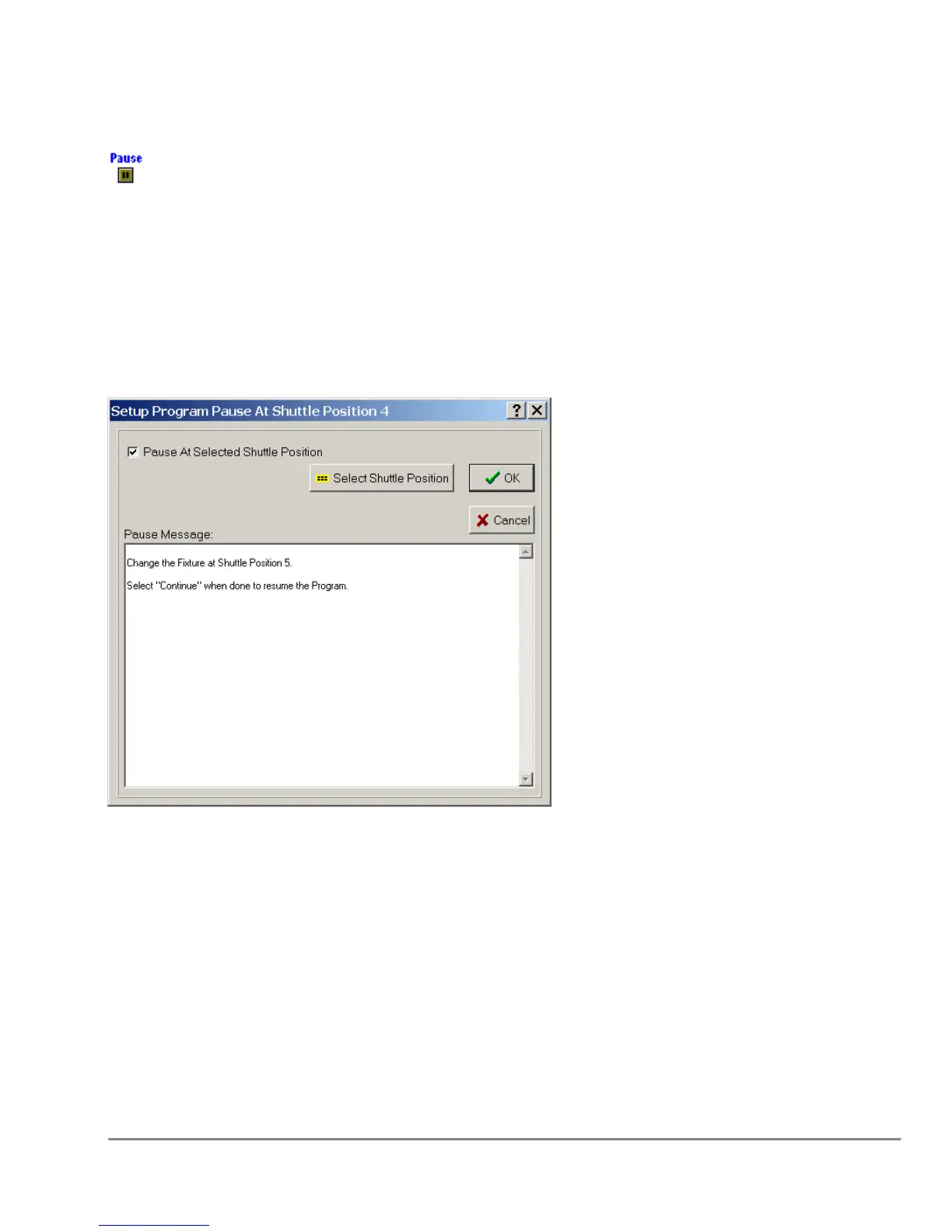
Shuttle Position
By selecting a shuttle position, the program pauses at the specified shuttle position and
waits for user intervention.
Message
In the Text Box below, the user has an opportunity to generate a message that
will appear on the screen when the system pauses.



 To Next Page