Quadra 4 Operator Manual
Tomtec
28
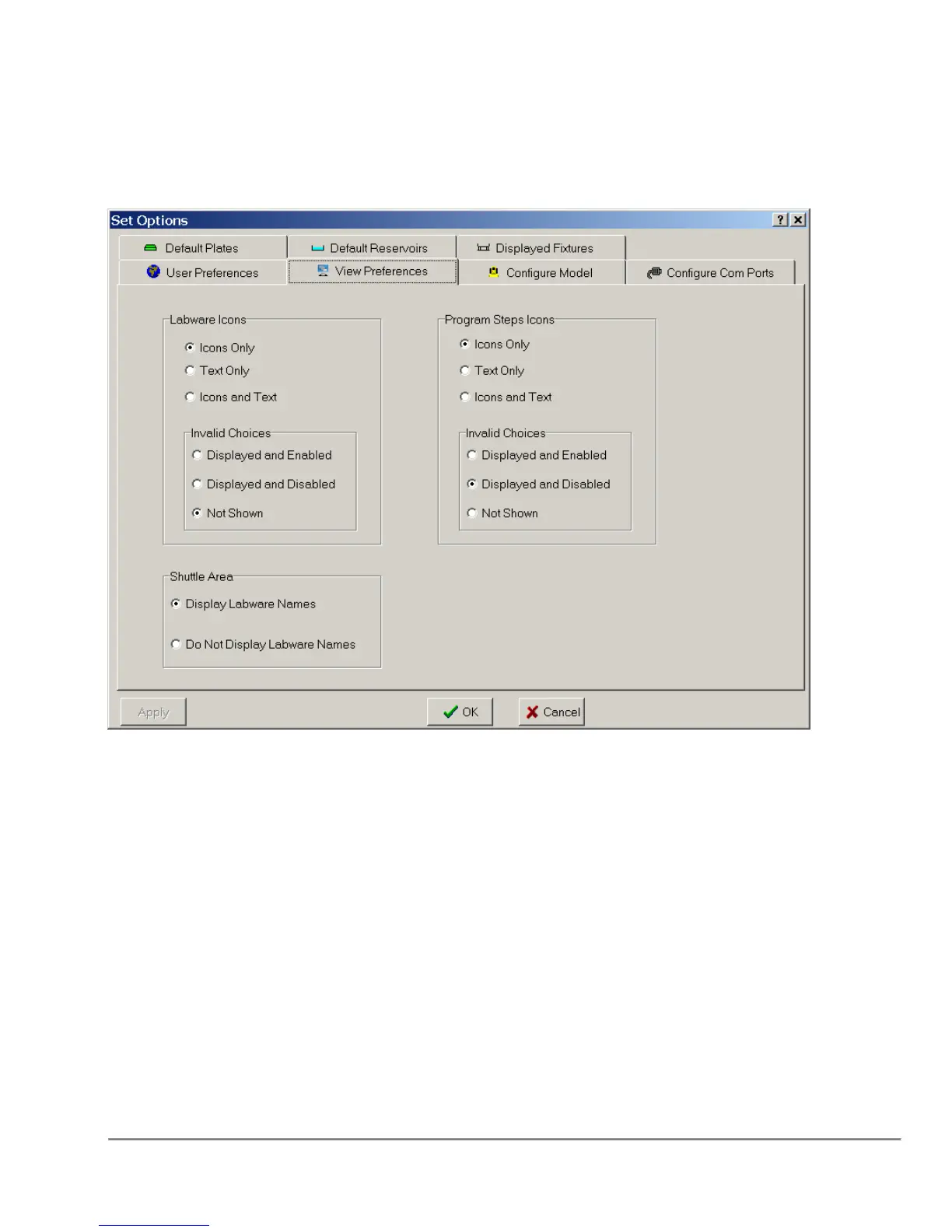
1.2.4 Labware and Program Function Icon Changes
The way which the Labware and Program Function Icons are displayed can now be
selected thought the System Parameters -> View Preferences Dialog as shown below:
The Labware icons and the Program Step icons can be displayed as:
Text Only
Icons Only
Text and Icons
In addition, if there are choices which are not currently valid for the Currently Selected
Shuttle position, those choices can be:
Displayed, but grayed out and non-selectable
Displayed and selectable
Not Shown
When using the "Not Shown" option, it is important to note that the Labware Icon area
will be completely EMPTY when the program is started. The appropriate icons will only
be displayed with a Shuttle Position is highlighted.



 To Next Page