Quadra 4 Operator Manual
Tomtec
99
5.0 Options
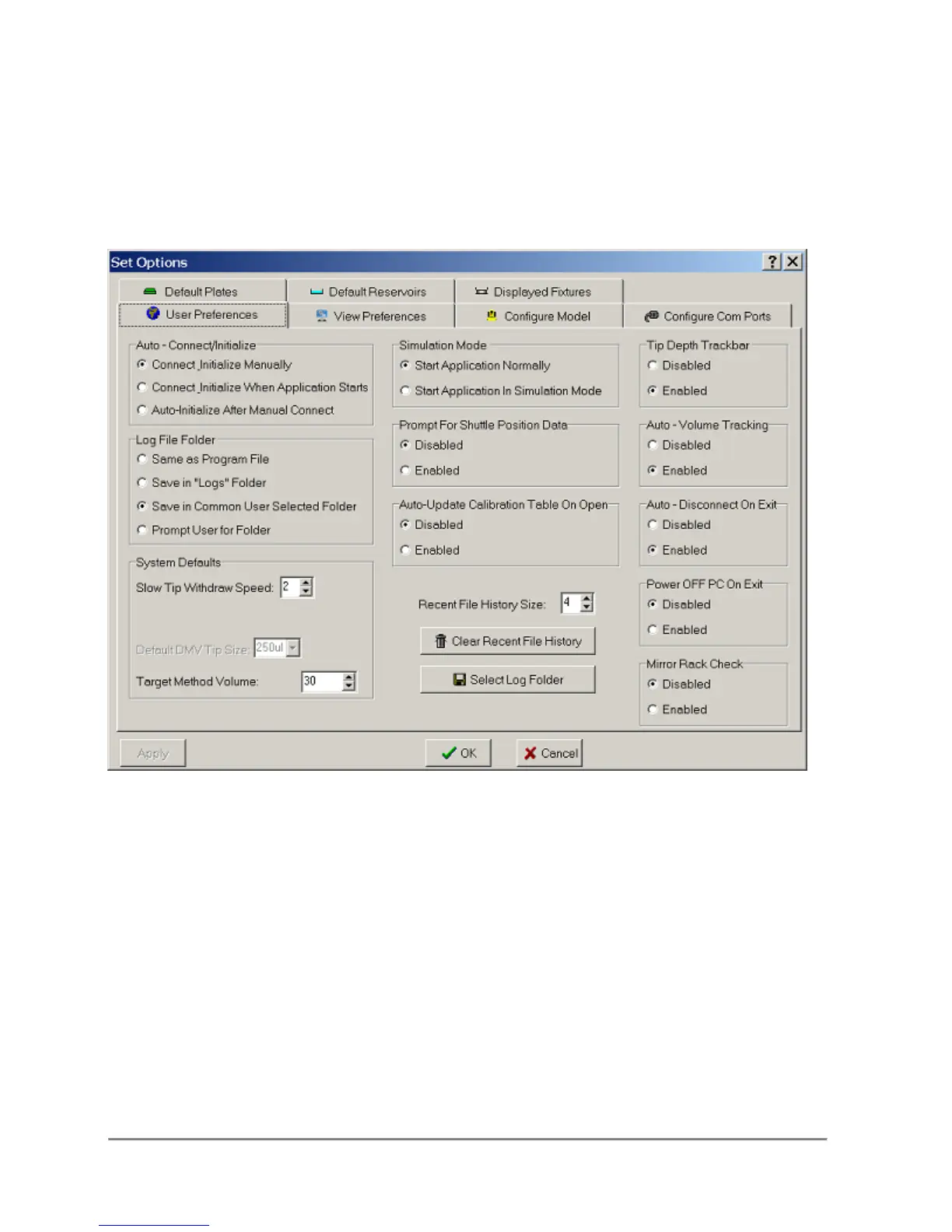
5.1 User Preferences
Auto - Connect/Initialize
The operator can set the application to:
1. Manually connect and Initialize the Quadra
2. Connect to and then initialize the Quadra when the application starts.
3. Auto-Initialize the Quadra after connecting.
Auto - Disconnect On Exit
When disabled, the operator has to use the "Disconnect" tool bar or menu item to
shut down the Quadra. When enabled, the application will automatically call the
"Disconnect" function when the application is exited.



 To Next Page