Quadra 4 Operator Manual
Tomtec
42
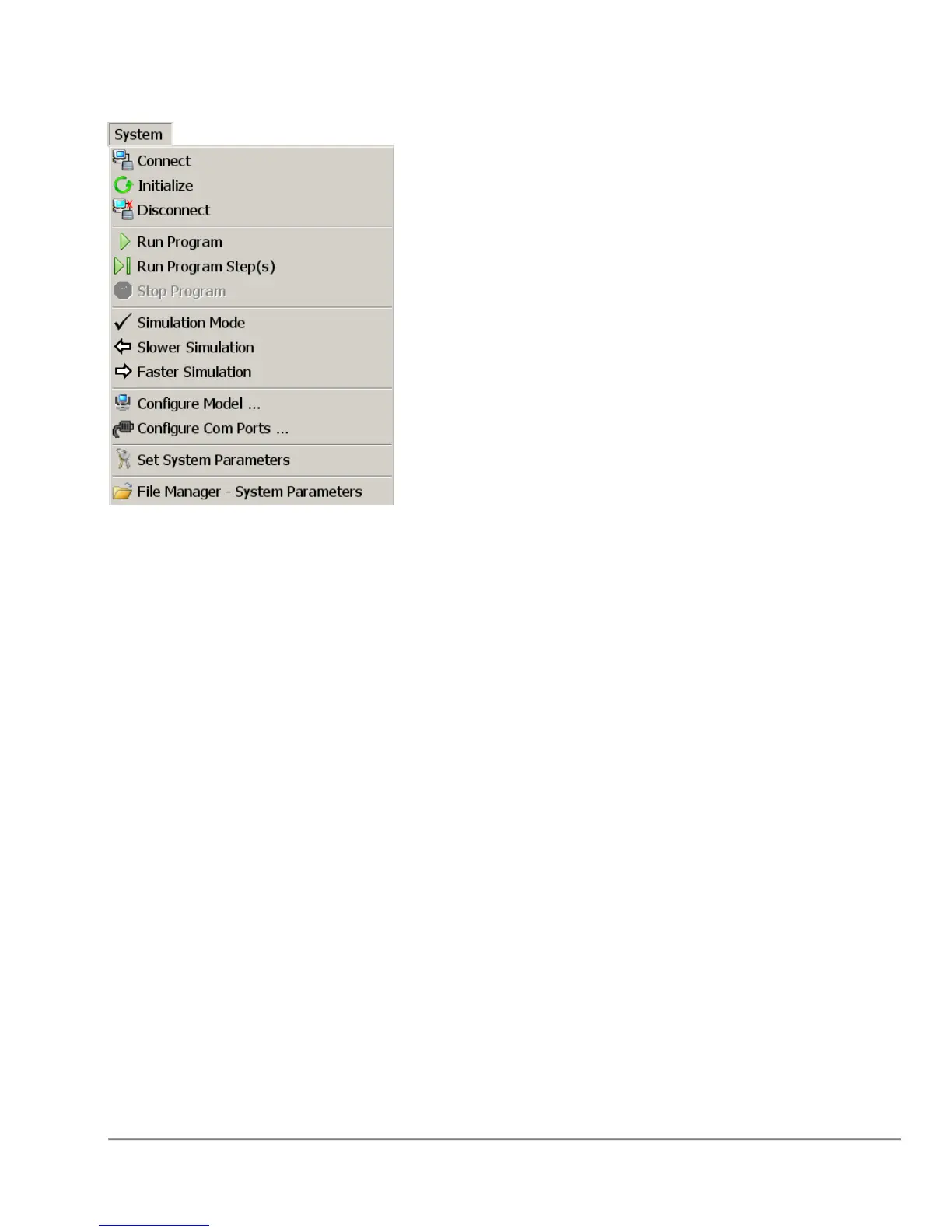
2.6.3 System Menu
Connect - Connects to the Quadra verifying and setting runtime parameters.
Initialize - Initializes the Quadra to a known state.
Disconnect - Disconnects from the Quadra.
Run Program, Run Program Step(s) - Runs the displayed program or runs selected
steps in the displayed program.
Stop Program - Stops/Aborts the program. note that the program may have to
complete the current action before aborting.
Simulation Mode - Simulation Mode is used to verify that the pump volumes are
correct.
Configure Model – Refer to the Section “5.4 Configure Model”on page 103.
Configure Com Ports – Refer to the Section “5.5 Configure Com Port” On Page 104
Set System Parameters - Refer to the Section “9.0 System Parameters” on page 132.



 To Next Page