Quadra 4 Operator Manual
Tomtec
27
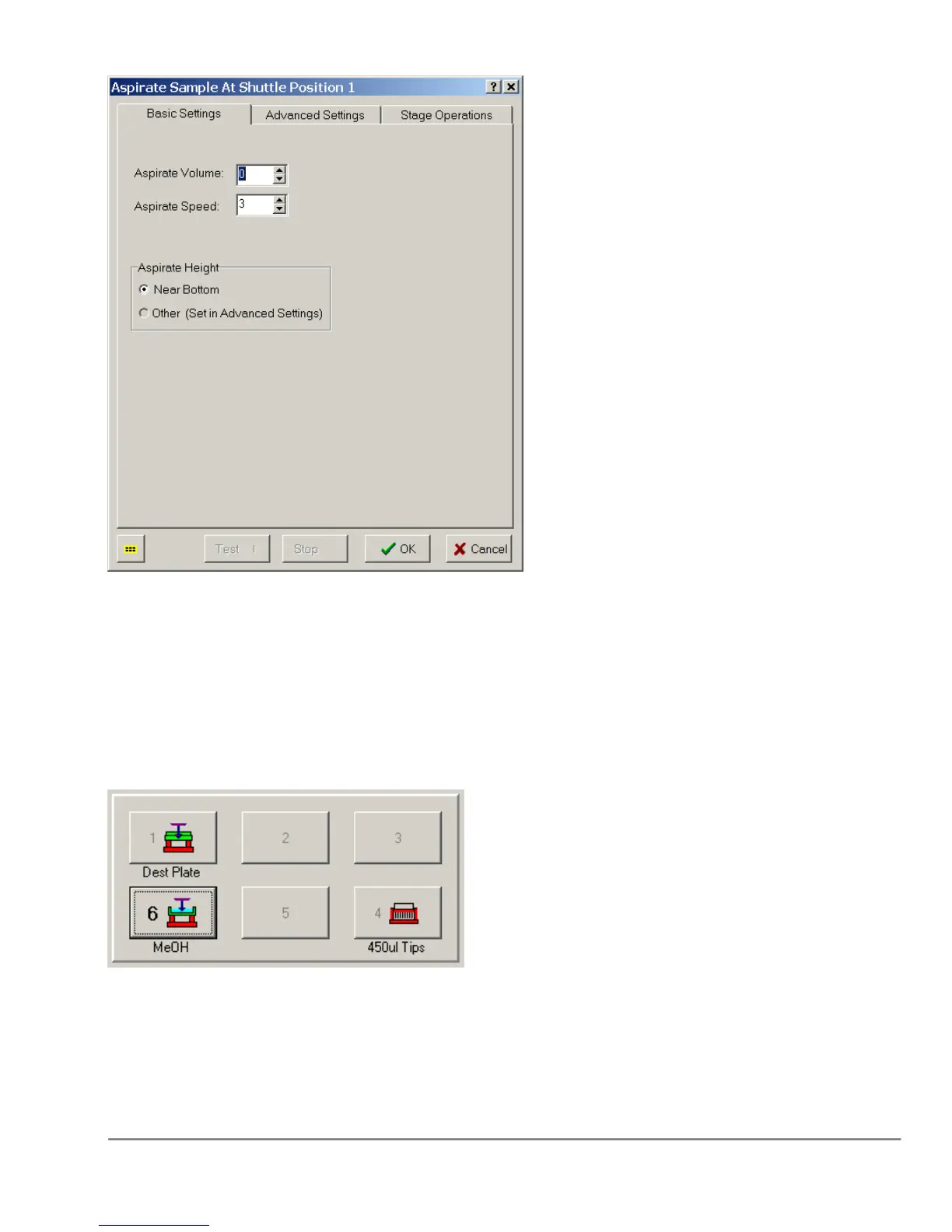
Only the most basic information, the Volume, Speed, and Height are displayed on the
first tab. All of the other information is available on the other two tabs.
1.2.3 Shuttle Labware Labels
The names associated with the Labware assigned to each Shuttle Position can now be
displayed in the Shuttle Area of the Main Screen as shown below.
These names can be assigned when the Labware is added to the Shuttle Position, or
can be added or changed by Right Clicking on the Shuttle Position icon and selecting
the "View/Edit Labware" option.
This option can be enabled or disabled through the System Parameters → View
Preferences Dialog.



 To Next Page