Quadra 4 Operator Manual
Tomtec
112
6.2 Stage
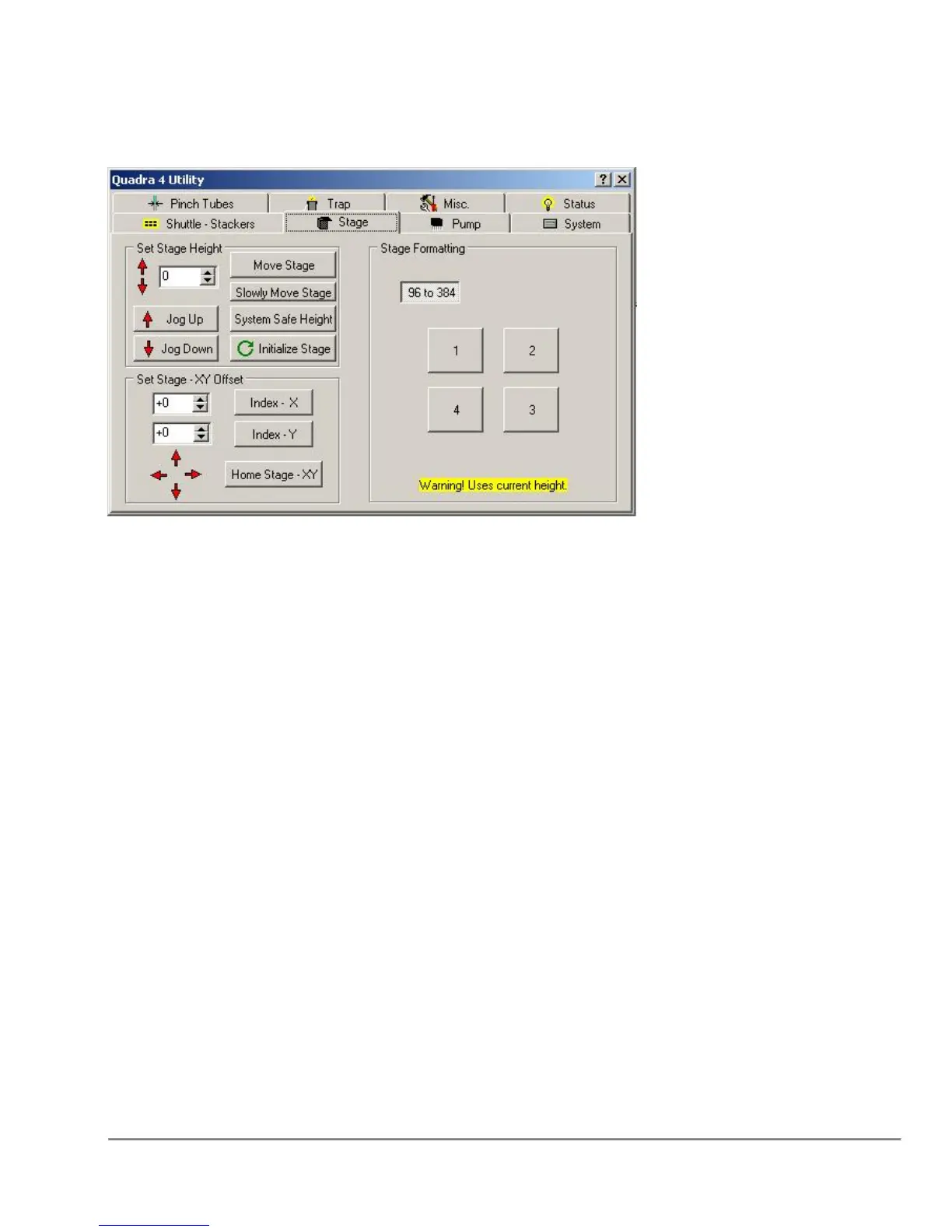
Set Stage Height
Move Stage will move the stage to the specified height in the adjacent edit box.
Holding down the shift key while selecting Move Stage will move stage to the 0
position.
System Safe Height will move the stage to height where the stage can
safely clear the shuttle in both the x and y direction. Warning: This height will
be sufficient to index most nest/plate combinations, but certain deep well plates
must be indexed below the safe height to prevent tip-well collision.
Jog Up will move the stage up 20 steps.
Jog Down will move the stage down 20 steps.
Single Red Up Arrow will move the stage up 1 step.
Single Red Down Arrow will move the stage down 1 step.
Initialize Stage will reset the stage top at the center position and then move the
stage down to the zero position. This would be useful in the event a stage position
or safety error has occurred.
Note: If a stage safety occurred, the stage override UP/DOWN can be enabled by
holding down the "Alt" key when clicking on the stage up/down arrows. The Stage
MUST be reinitialized after clearing the safety error.



 To Next Page