Quadra 4 Operator Manual
Tomtec
38
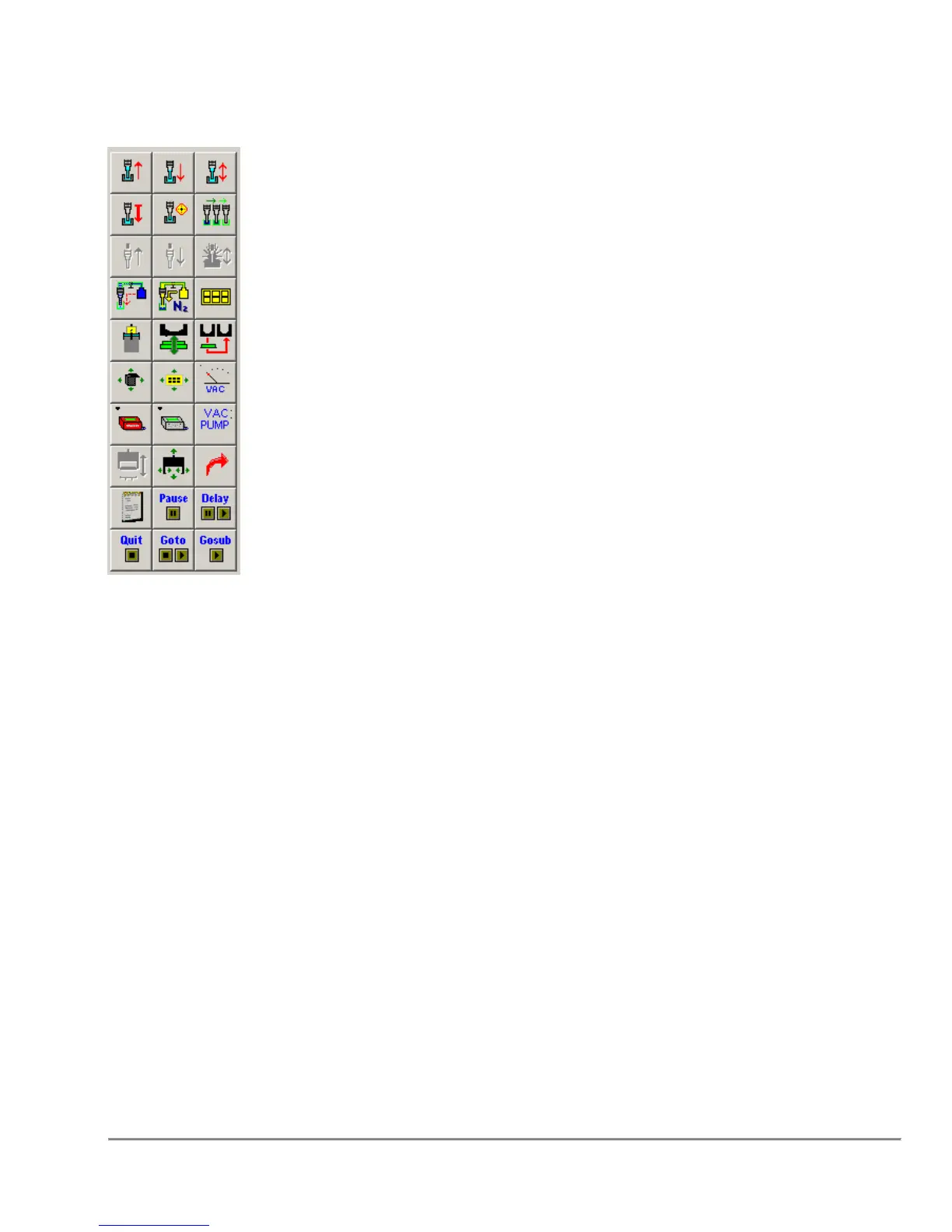
2.4 Program Operations Box
Icons in this section represent the various available functions for the current model
configuration. For example, if the configuration specifies that the Quadra does not
have stackers, then the stacker functions will not be displayed in this area.
Additionally, by default, functions which are not valid for the currently highlighted Shuttle
location will be grayed out and disabled.
These icons are used to generate the program steps in the adjacent Program Steps
Area. Typically to generate a program step:
1. Select the shuttle position by clicking on the shuttle graphic in the Shuttle Area.
2. Click on the icon for the desired function in this area. This will display the dialog
associated with the selected function.
3. Enter information into the dialog boxes and select OK.
For more information on manipulating the Program in the Program Steps Area, refer to
the next section.
All of the icons in this area can be displayed as Icons, Text Descriptions, or both based
on the settings in the “Options” → “User Preferences” Dialog under the “View
Preferences” Tab. Setting the icons to have text descriptions may be useful for users
who are unfamiliar with all of the icons.



 To Next Page