Quadra 4 Operator Manual
Tomtec
86
Lower Tray performs vacuum off and then lowers the tray. If Run Raw is checked then
the tray will just lower (Warning: It is not recommended to lower the tray while vacuum
is on).
Run Raw when check will circumvent implied action for the selected operation (not
recommended). See each operation for the effect of checking this option.
3.35 Vacuum Control
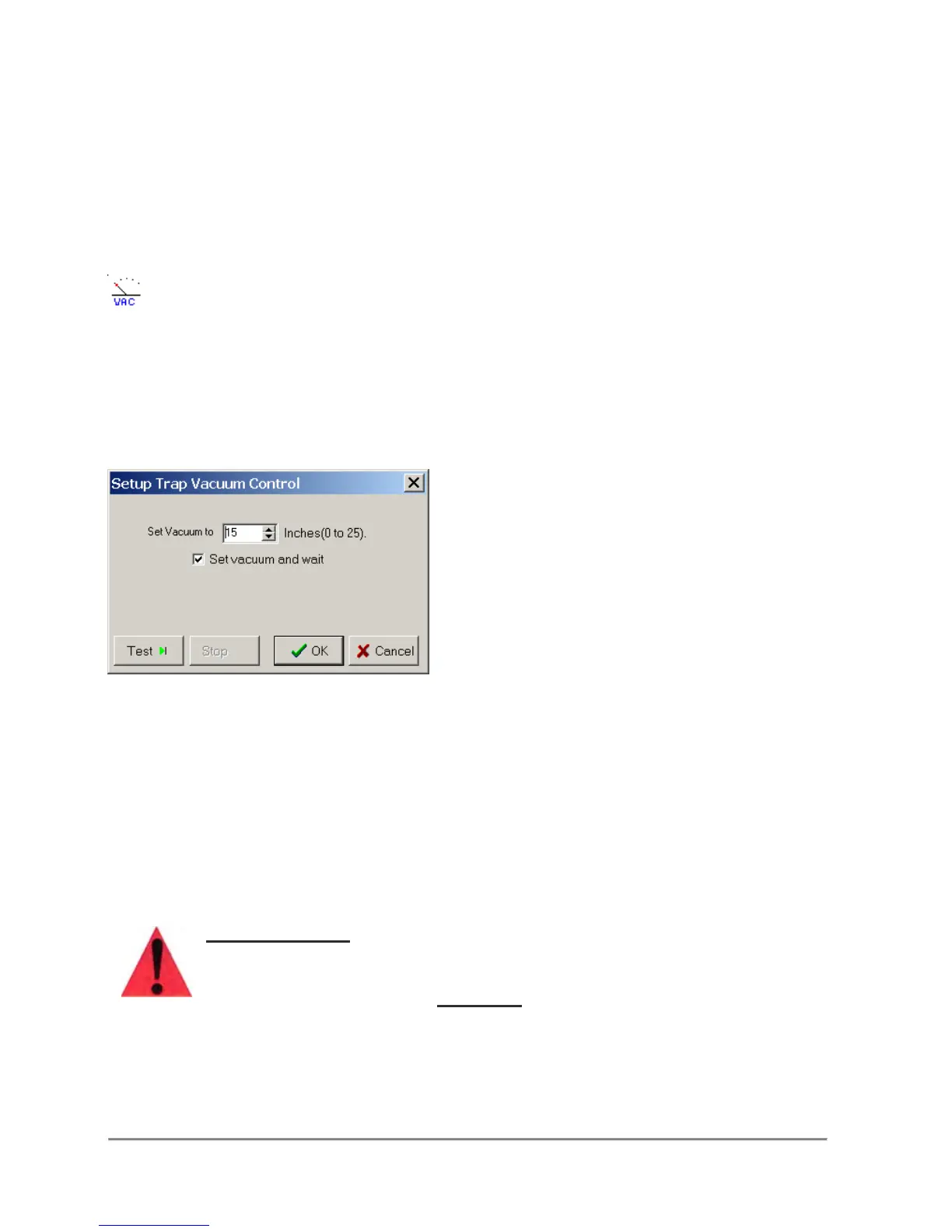
This function allows the user to set the trap vacuum.
Conditions
The software controlled Mini-Trap feature must be installed.
Remarks
Set Vacuum - Sets the desired vacuum to 0 to 25 inches of mercury. Note that a 0
setting turns the vacuum off.
Set Vacuum and Wait/No Wait - When the "wait" feature is selected, the program will
pause until the trap reaches the desired vacuum. This usually takes from 10 to 20
seconds, depending on the vacuum source. when the "No Wait" feature is selected, the
trap vacuum is set, but the program will not pause.
Important Note:
Powered accessories such as Vacuum Traps, Autotraps and Shaker
Nests, should not be connected with the Quadra 4 powered on.
Please turn off AC power
BEFORE
connecting these accessories.



 To Next Page