Quadra 4 Operator Manual
Tomtec
81
Load Plate Message
When checked, a custom message will be displayed to instruct the operator. If not
checked, a generic message will be displayed.
Cycles
The function can have up to four vacuum cycles. Each cycle will set the inches (0->25)
of vacuum to use and the duration. When the "Wait for Vacuum" box is checked, the
function will delay until the vacuum reaches the desired setting.
Remove Plate Message
When checked, a custom message will be displayed to instruct the operator. If not
checked, a generic message will be displayed.
Note: This operation requires that special hardware be installed.
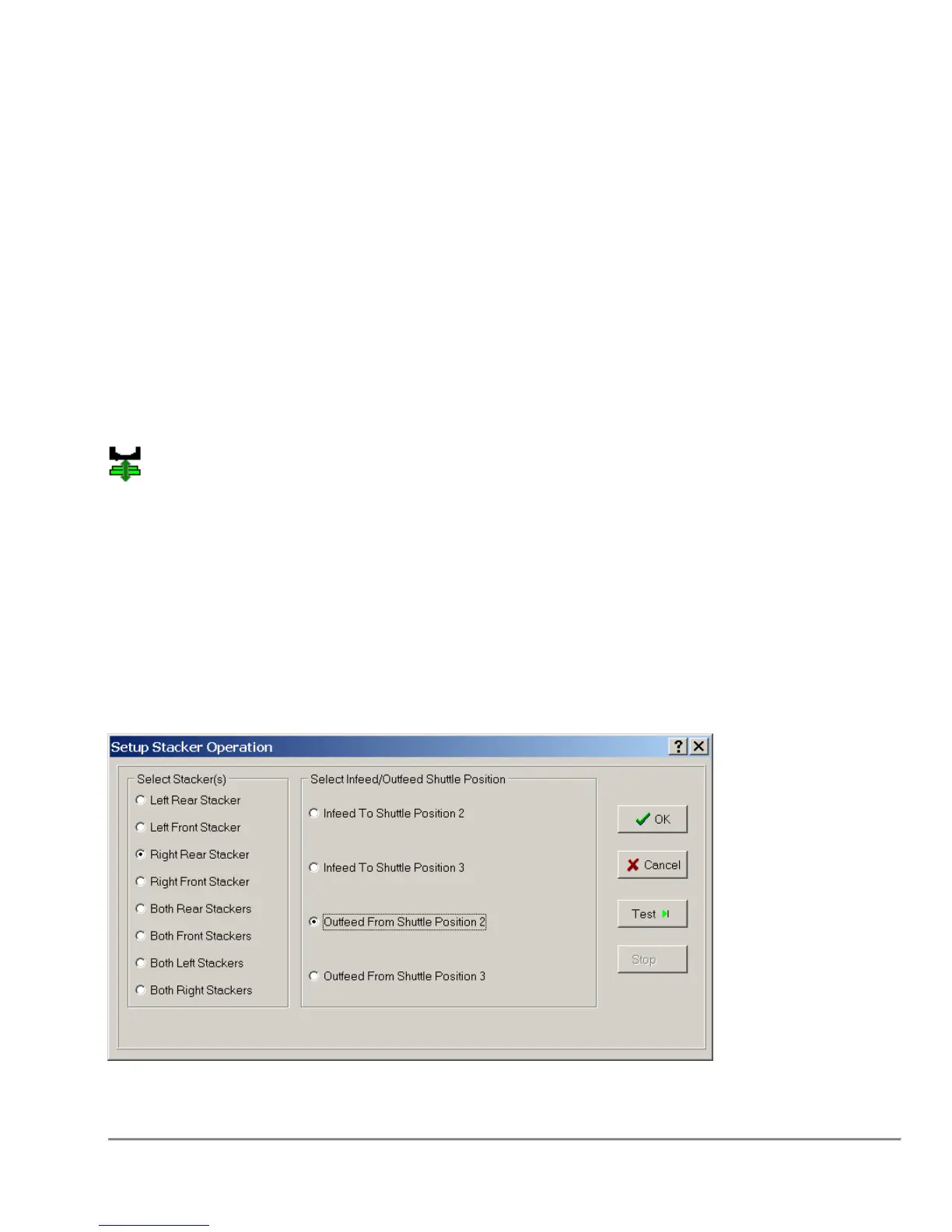
3.31 Stacker Operations
The Stacker Operations Function allows the user to Infeed and Outfeed plates from the
stackers at various times throughout the length of the program.
Conditions
The Stacker Operations Function requires you to select a shuttle position that has a
plate capable fixture. The fixture also has to allow stacker related functions.
Remarks



 To Next Page