Quadra 4 Operator Manual
Tomtec
101
Mirror Rack Check When enabled, the Mirror Rack Checking Logic will be used. See
Section “1.2.6 PSID2 Mirror Rack Checking” on page 35.
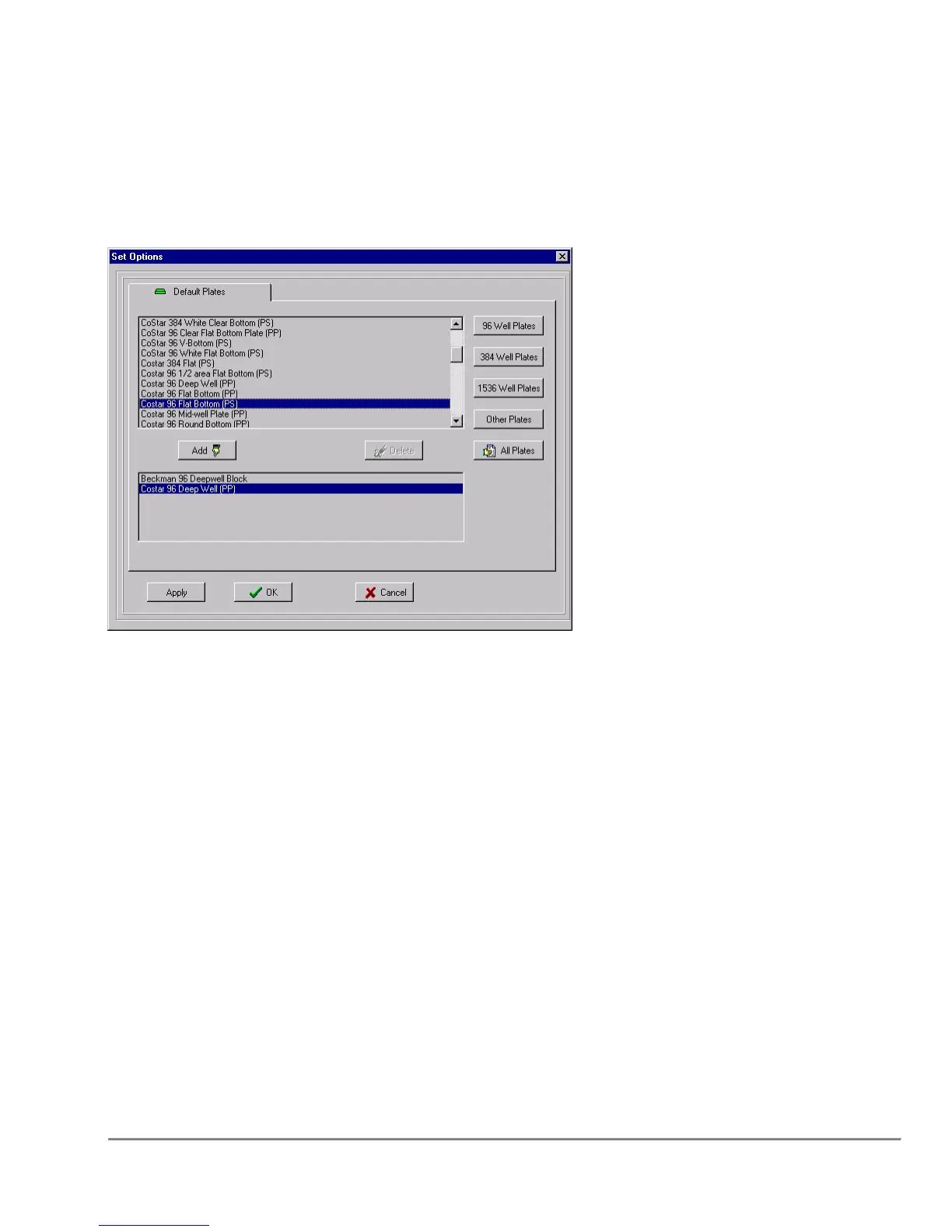
5.2 Default Plates
96 Well Plates
When this button is pressed, all 96 well plates that are in the database will be displayed.
384 Well Plates
When this button is pressed, at 384 well plates that are in the database will be displayed.
1536 Well Plates
When this button is pressed, all 1536 well plates that are in the database will be displayed.
Other Plates
When this button is pressed, all non-standard plates that are in the database will be
displayed.
All Plates
When this button is pressed, all plates that are in the database will be displayed.
Add
When this button is pressed, the selected plate will be moved to the default list.



 To Next Page