Quadra 4 Operator Manual
Tomtec
103
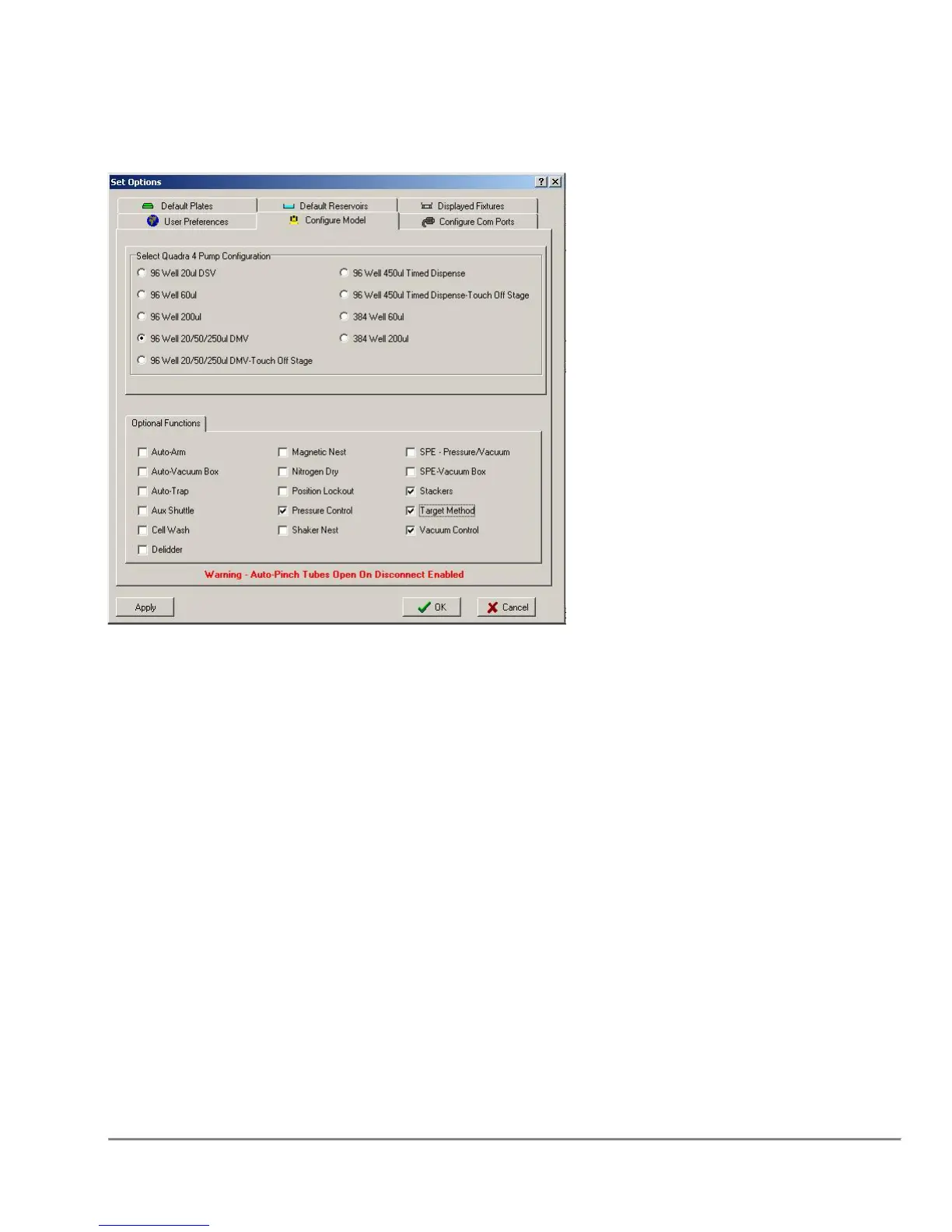
5.4 Configure Model
Select Quadra Configuration
The operator can set the model configuration by selecting the pump type.
Functions Palette
The operator can select or deselect which optional functions to display. Note that only
the functions buttons are affected. Editing of functions not displayed on the buttons, but
in the program is allowed.



 To Next Page