Quadra 4 Operator Manual
Tomtec
107
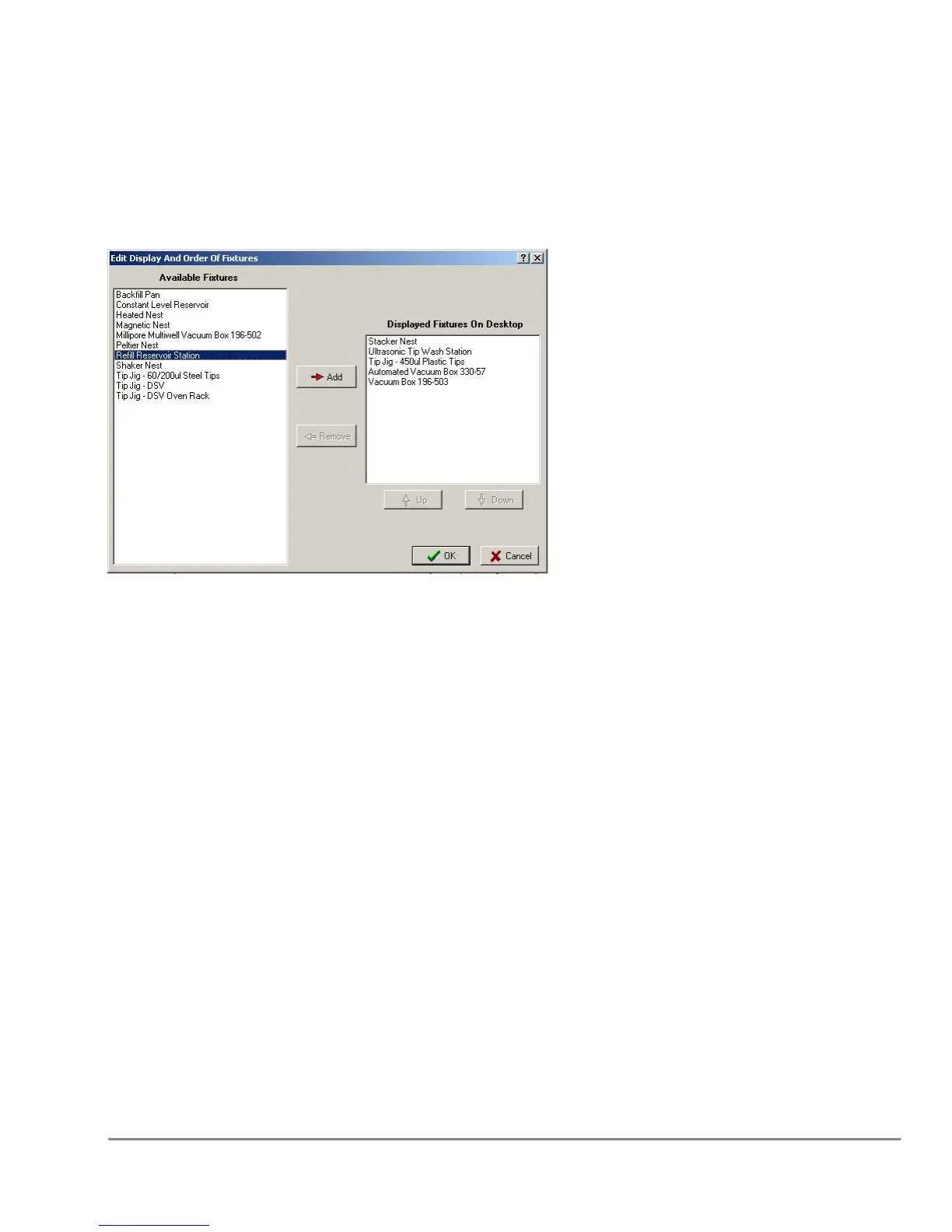
Configure Displayed Fixtures
This function allows the user to customize the Labware - Components group on the
application main window (see below).
5.8.1 Edit Display and Order of Fixtures
Add
This function will add the selected fixture to the display list.
Remove
This function will remove the selected fixture from the display list.
Up
This function will move the selected fixture up in the display list order.
Down
This function will move the selected fixture down in the display list order.



 To Next Page