Quadra 4 Operator Manual
Tomtec
39
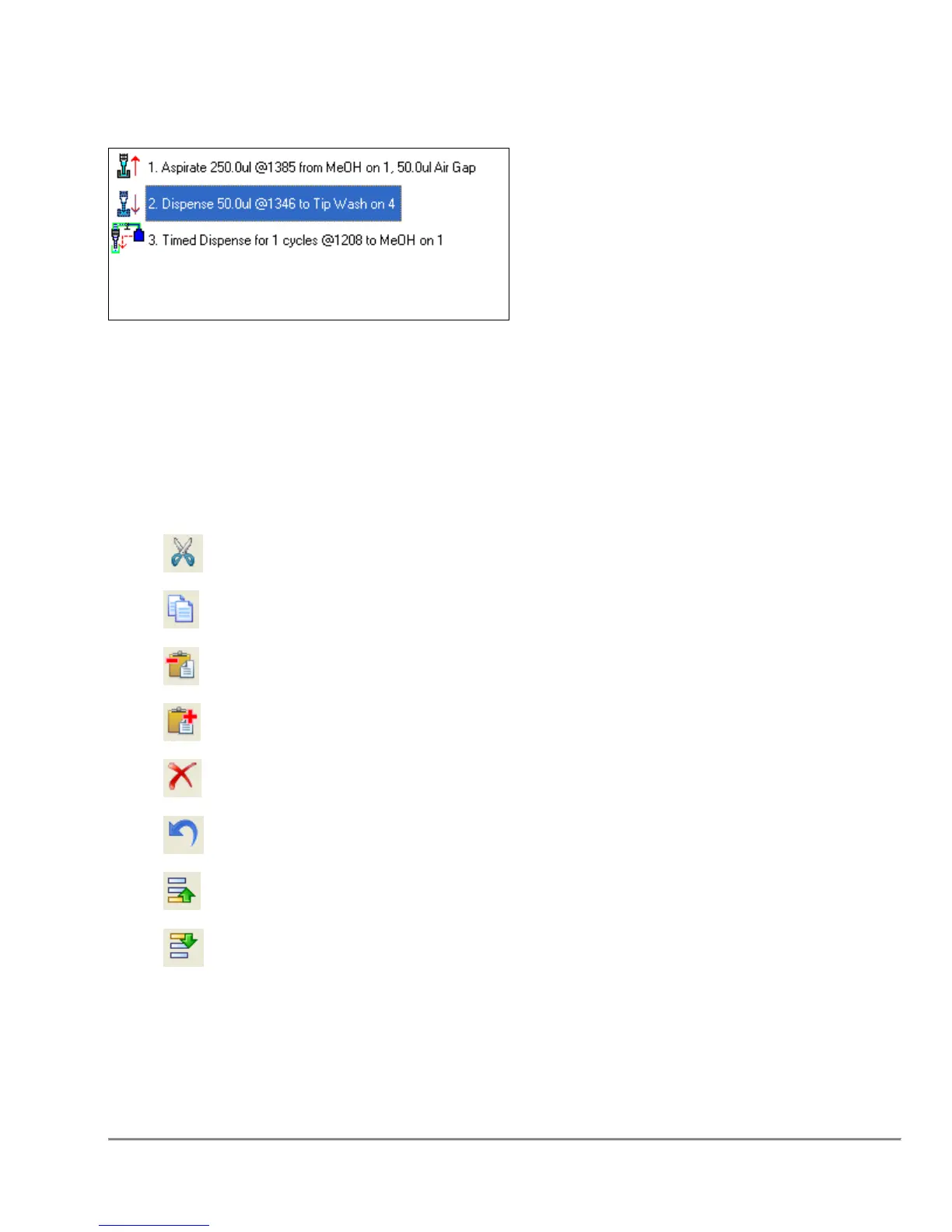
2.5 Program Steps Area
This area contains the steps of the current Quadra program. Each line represents a
single step in the Program. The icon on the left of each line represents the function
which is to be executed. This is followed by the Program Step Number, and a brief
description of the step.
Program steps can be manipulated by highlighting one or more lines in the program and
selecting one of the icons on the toolbar.
Cut the selected line(s)
Copy the selected line(s)
Paste the copied (or cut) lines before the current line.
Paste the copied (or cut) lines after the current line.
Delete the current line(s)
Undelete the most recently deleted line(s)
Move the selected line(s) UP in the Program
Move the selected line(s) DOWN in the Program
Program steps can be edited by double clicking on them, or by selecting the Edit →
“Edit Step” menu function.



 To Next Page