Quadra 4 Operator Manual
Tomtec
37
Name - indicates a user specified description of a shuttle position. Typically this is used
for describing the liquid contents of a plate or reservoir. If Name is not blank then it will be
used in place of the labware/components to describe the shuttle position on the main
screen and in the users program.
Notes - allows for any addition comments regarding the shuttle position. It is only
displayed in this dialog box.
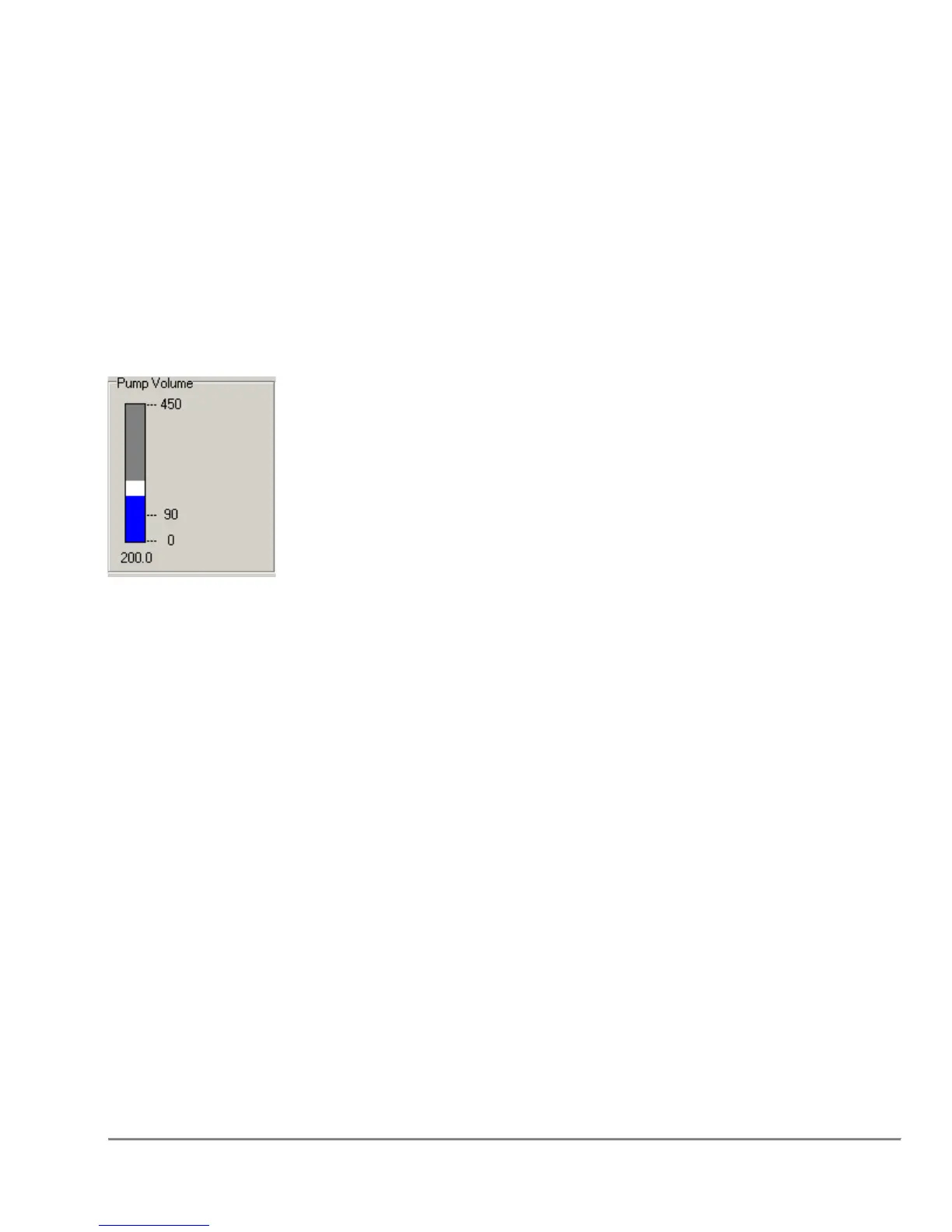
2.3 Pump Volume Box
The vertical progress bar indicates the volume in the tips.
When designing a program, it will show the current volume in the tips as if the program
has run to the currently highlighted step (volume is assumed zero at the start of
the program).
When running a program it will show the actual volume in the tips. White sections
represent volumes designed to be air-gaps. Blue and light blue sections represent liquid
volumes, aspirated separately.
The example above shows 50uL air gap with 150uL of liquid.
If "ERROR" is displayed, then either an over and under volume condition has occurred.



 To Next Page