Quadra 4 Operator Manual
Tomtec
171
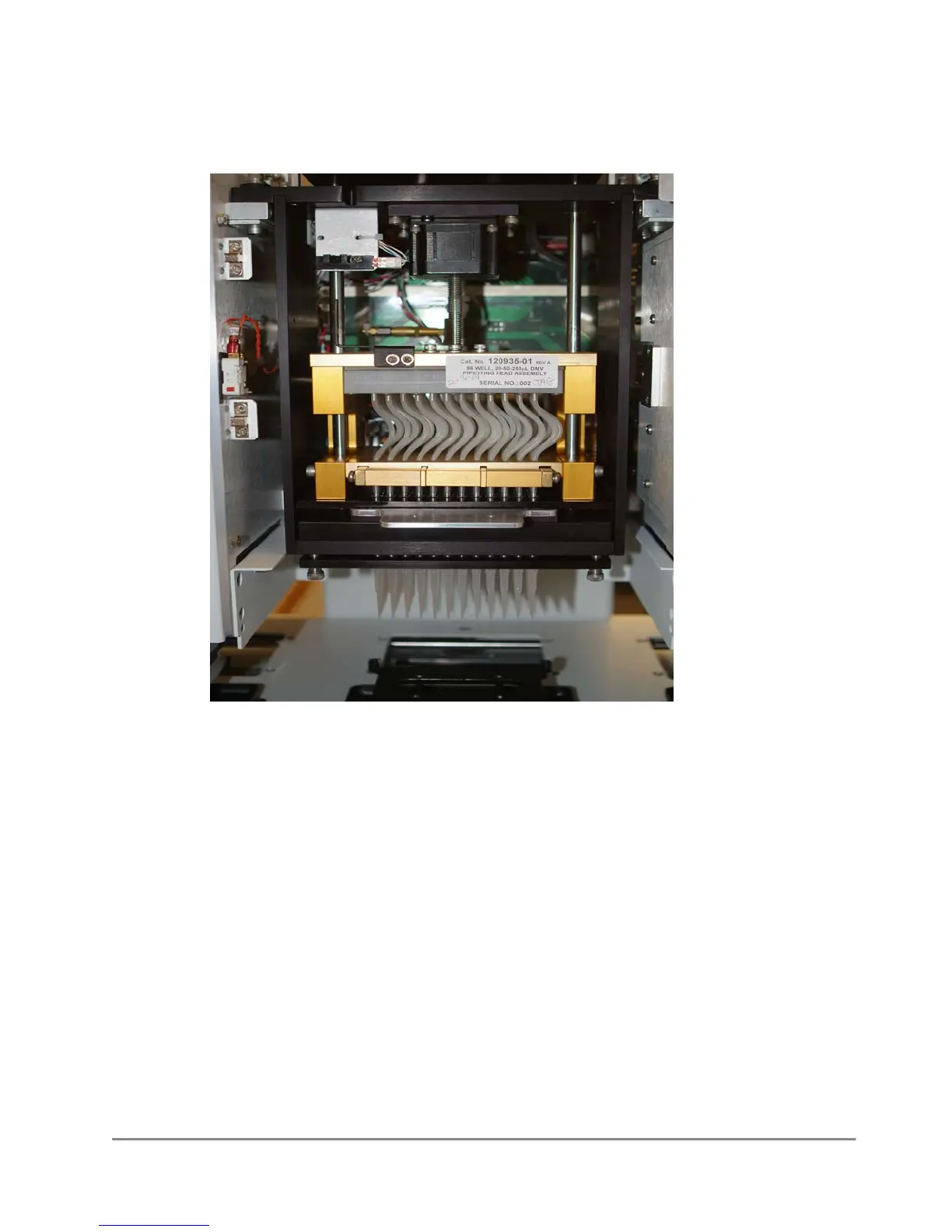
(2) Place the proper Adjustment Gauge between the tip plates, as shown below:
(3.) In the “Calibrate Pump Zero Volume Position screen –
Jog down until the head plates just touch the gauge.
(4) When head plates are just touching –approximately 0.015” (0.381mm) clearance,
select, “Record Max Travel” button – the number of steps traveled will be displayed.
(5) Select “Record Max Travel” button. Same number of steps, as #4, will be
Displayed.
(6) Select “Set Parameter” button.
(7) Select “Initialize Pump” button to re-initialize pump.
(8) Select “OK” button. Pump Zero Setting is now set into factory settings.



 To Next Page