Surveying with the HiPer+
1-866-4TOPCON www.topconpositioning.com
3-13
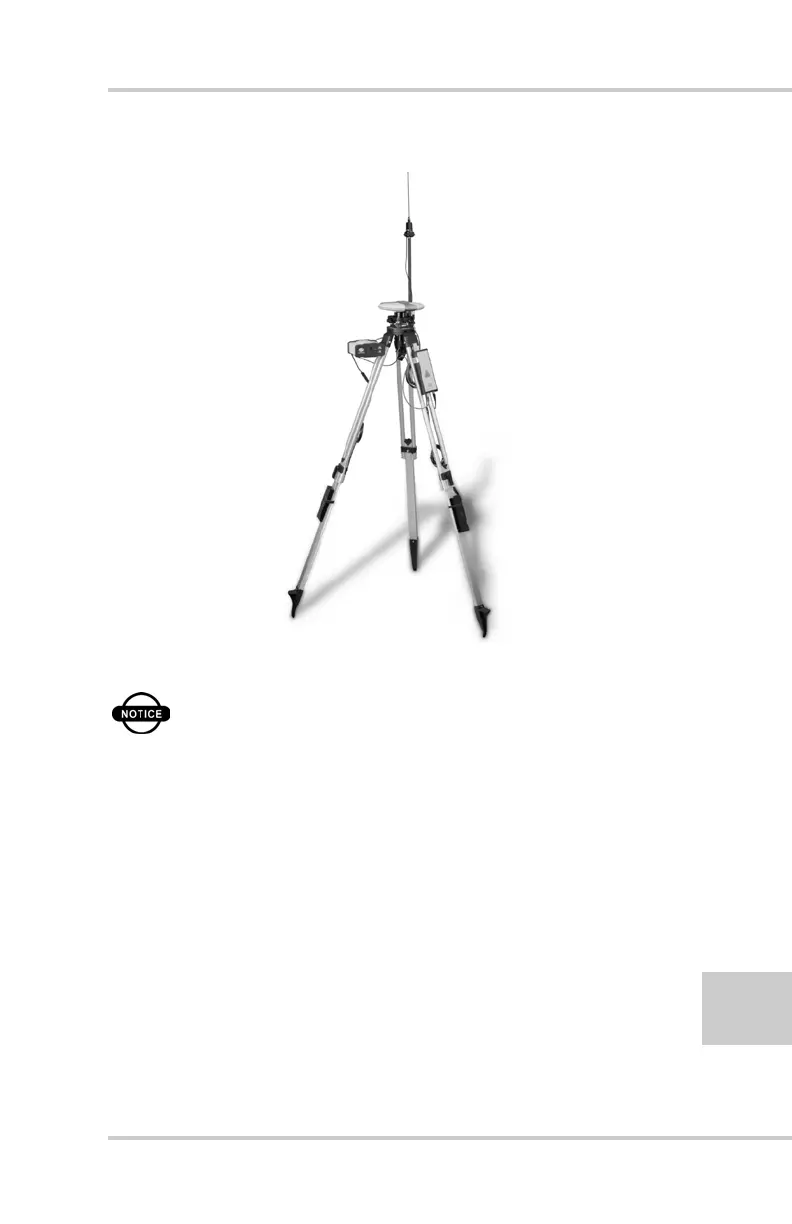
Figure 3-6. Legacy-E Base Station Setup
NOTICE
Connect the radio antenna before switching
the modem to the transmitting mode.
4. Press the power key on the receiver.
5. Check the STAT light for tracked satellites.
6. Connect your receiver and computer. See
“Connecting the HiPer+ and a Computer”on
page 2-5 for this procedure.
7. Using PC-CDU click Configuration->Receiver.



 To Next Page