Configuration
Topcon HiPer+ Operator’s Manual
2-14
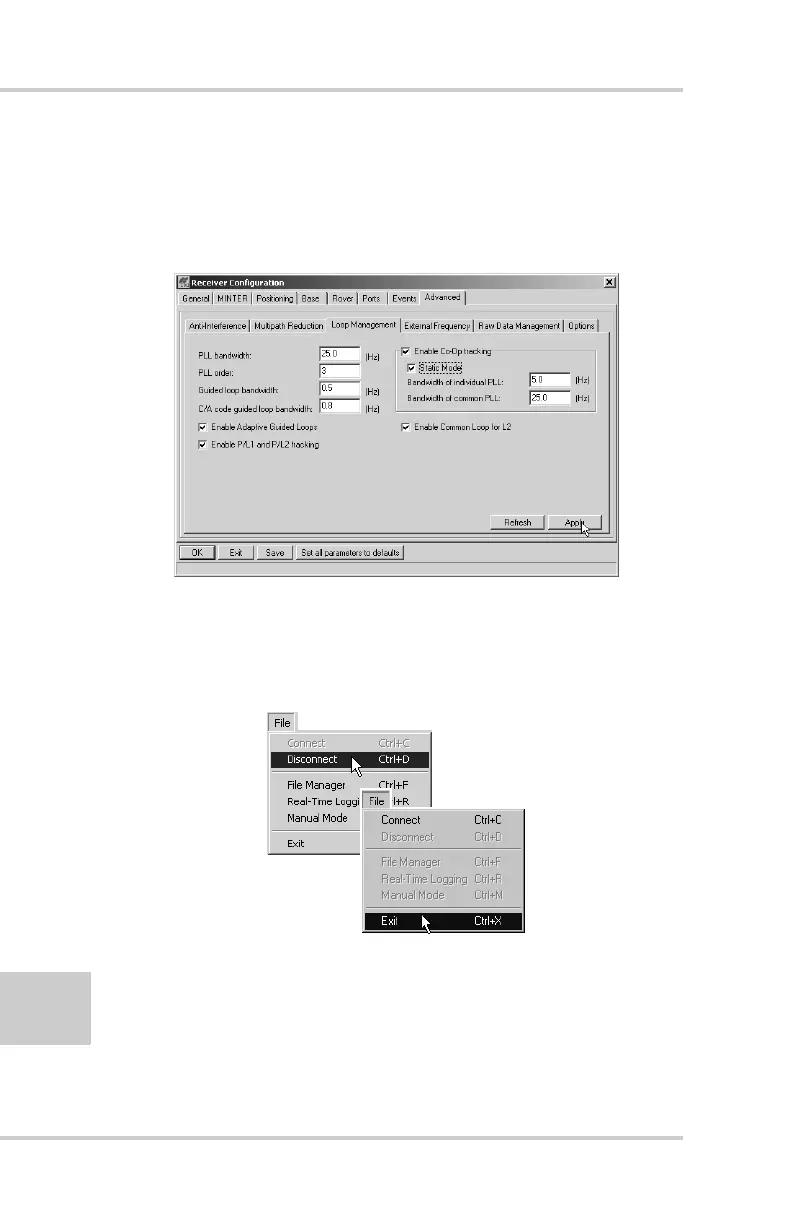
6. Click the Loop Management tab, enable the following
boxes, and click Apply (Figure 2-11).
• Enable Co-Op tracking
• Static Mode
Figure 2-11. Advanced Configuration – Loop Management
7. Click OK to close the Receiver Configuration screen.
8. Click on File->Disconnect, then File->Exit to quit PC-CDU
(Figure 2-12).
Figure 2-12. Click Disconnect then Exit



 To Next Page