HiPer+ Configuration
1-866-4TOPCON www.topconpositioning.com
2-13
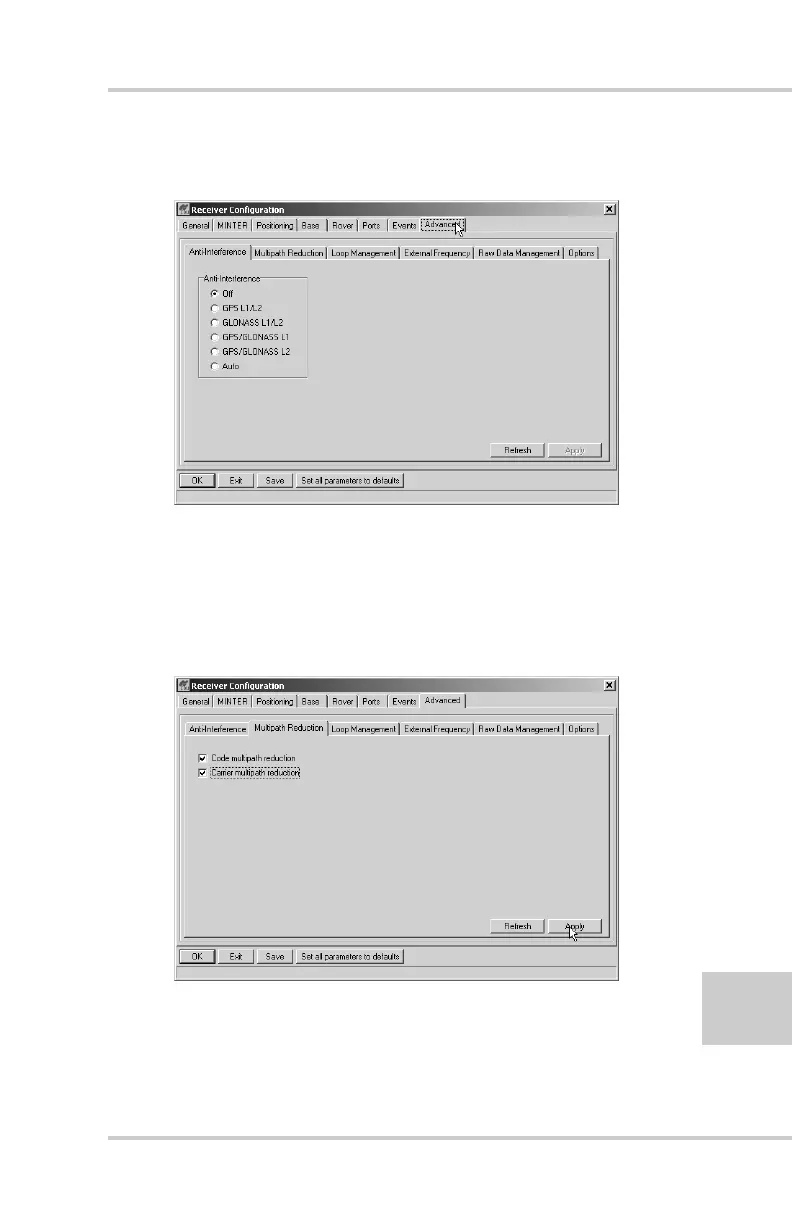
4. Click the Advanced tab on the Receiver Configuration
screen (Figure 2-9).
Figure 2-9. Receiver Configuration – Advanced Tab
5. Click the Multipath Reduction tab, enable the following
boxes, and click Apply (Figure 2-10).
• Code multipath reduction
• Carrier multipath reduction
Figure 2-10. Advanced Configuration – Multipath Reduction



 To Next Page