Introduction
Topcon HiPer+ Operator’s Manual
1-16
NOTICE
Changing the receiver’s Port B default settings
will affect the Bluetooth link. The default
settings for Port B are: 115200 bps, 8 data bits,
1 stop bit, no parity, and no handshaking.
–Port C used internally to connect the modem and
receiver boards.
–Port D used for communication between the
receiver and an external device.
• PWR – The power input port to which an external
power source (+6 to +28 V DC) is connected and
where the unit is charged.
• USB – Used for high-speed data transfer and
communication between the receiver and an external
device.
• Slant height measure mark (SHMM)
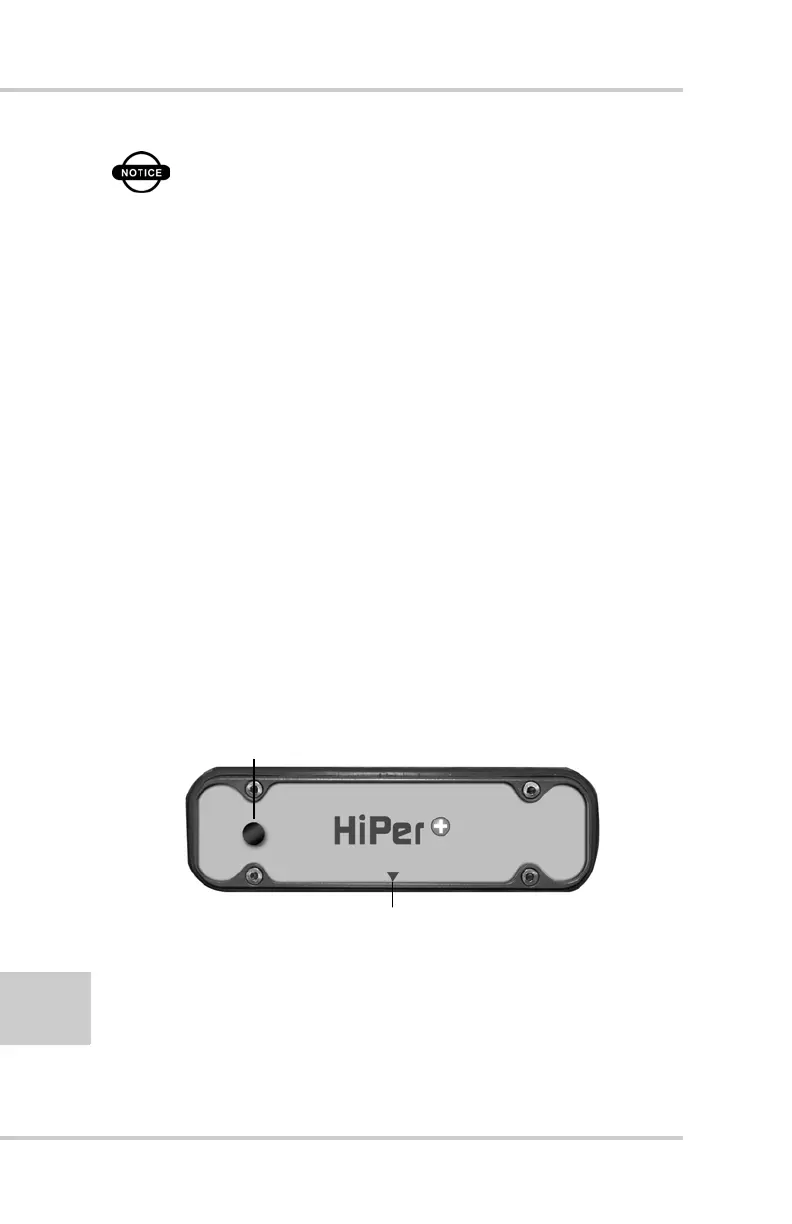
Back Panel
Figure 1-4 shows the back panel components.
Figure 1-4. HiPer+ Back Panel
• Vent plug – Equalizes the pressure between the
inside of the receiver and the outside environment.
• Slant height measure mark (SHMM)
Slant Height Measure Mark
Vent Plug



 To Next Page